18 Chapter 2: Getting Started
Getting Started
General Interaction
Touchpad
The touchpad is used to select, adjust, and move objects on the screen. For example, it controls the
caliper position, CPD/DCPD/Color box position and size, floating cursor, and more.
Note: The arrow keys control much of the same functionality as the touchpad.
Context Menus
The context menu, located at the bottom of the screen, provides controls that can be adjusted based
on the system state. For example, in 2D with a C60 transducer attached, the following options are
available:
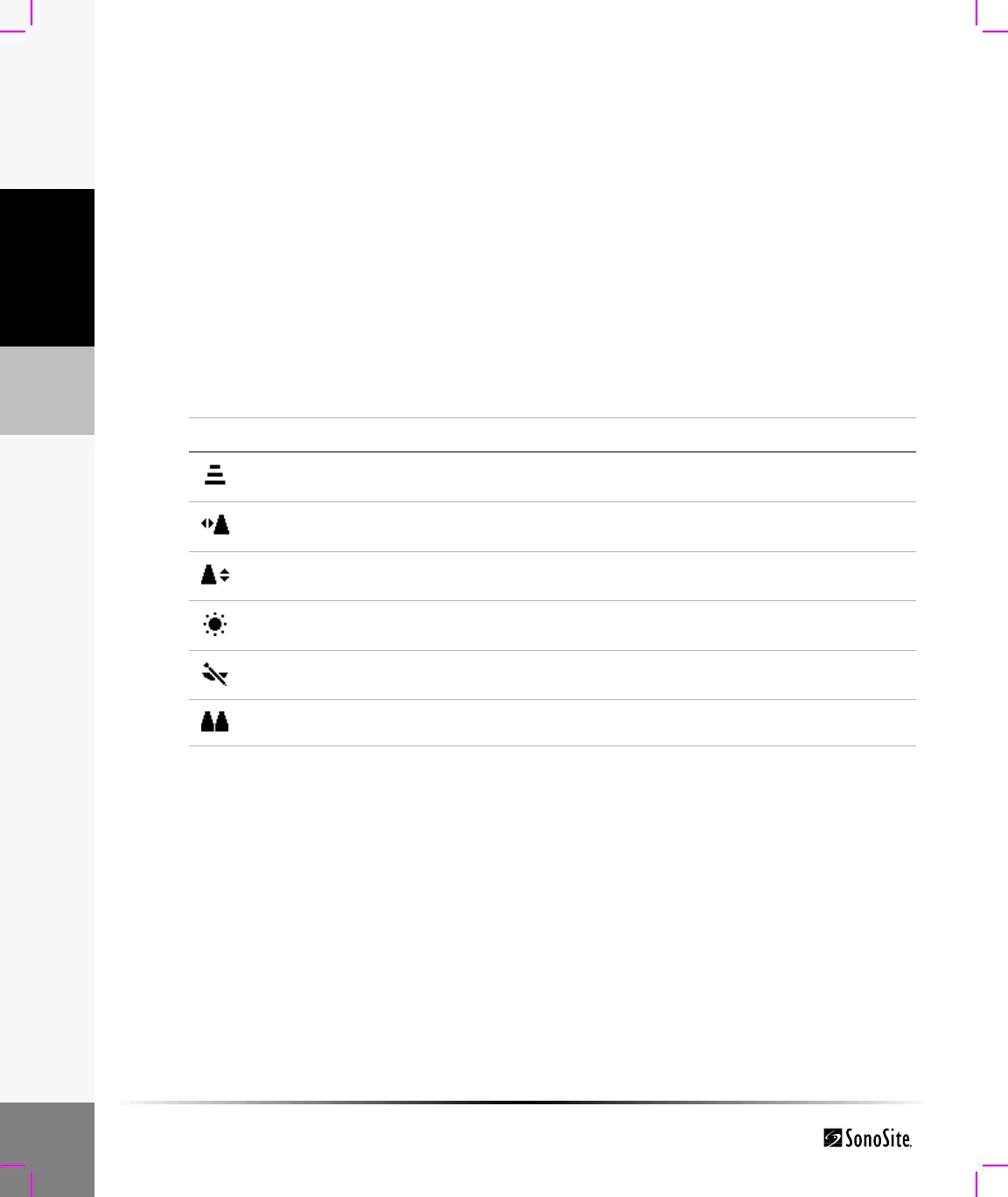
Table 3: Context Menus
Icon Description Values Types
Gen Controls 2D image optimization Res, Gen, Pen Cycle
L/R Flips the image left or right Action
U/D Flips the image up or down Action
Brightness Controls display brightness 1-10 Up-Down
Biopsy Turns biopsy guidelines on or off On-Off
Dual Displays side-by-side images. On-Off



 To Next Page