Chapter 7: Troubleshooting and Maintenance 167
Troubleshooting
To upgrade transducer software:
1 Turn the system off and remove the CompactFlash card from the back slot.
2 Connect the transducer for the upgrade.
3 Turn the system on.
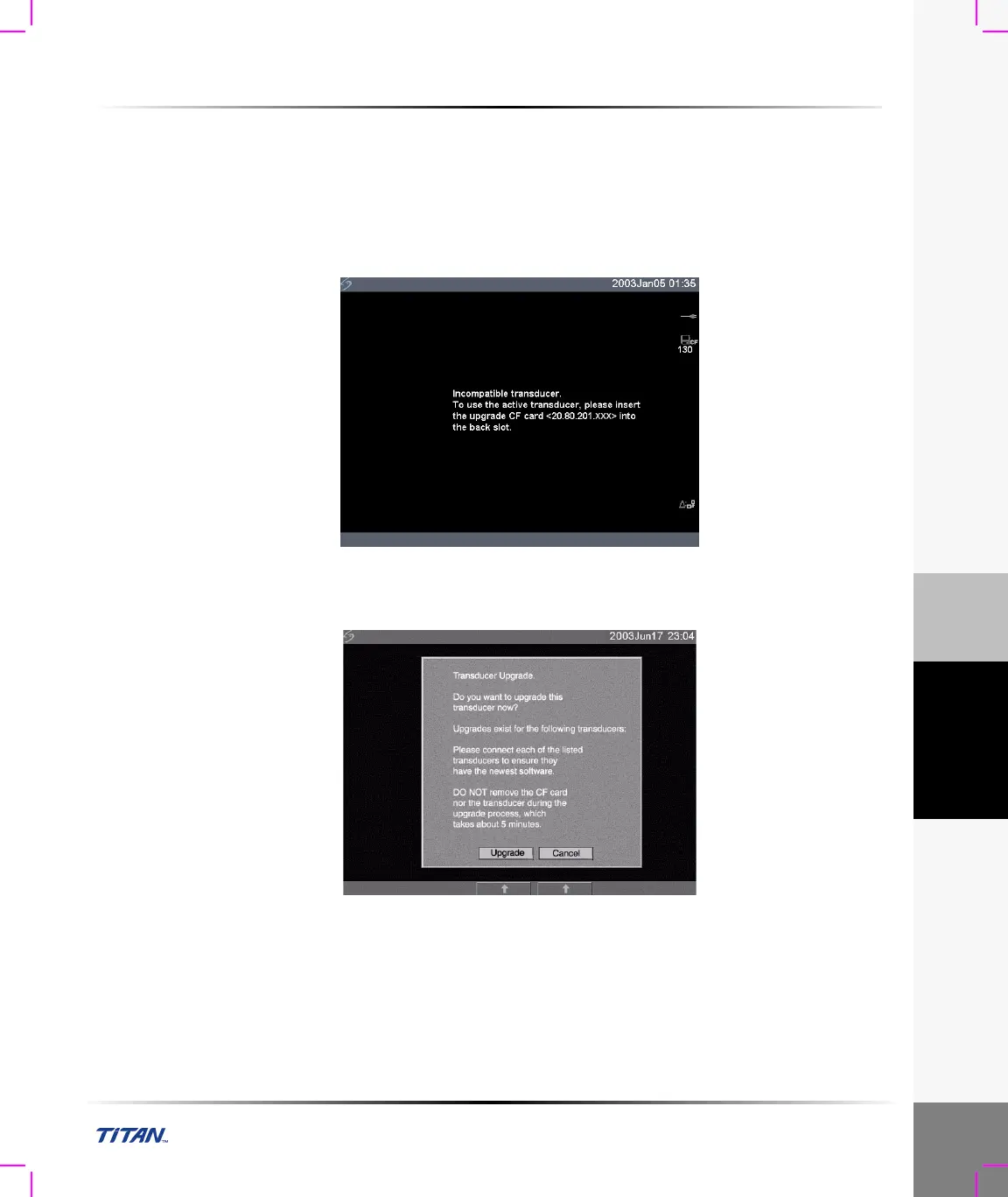
4 Wait approximately 10 seconds and then insert the upgrade CompactFlash card.
Note: XXX identifies the current software version.
Figure 7 Incompatible Transducer Update
This screen is not displayed for compatible transducers.
Figure 8 Upgrade Transducer Software
5 Select Yes to accept or No to cancel the upgrade.
When you accept the transducer software upgrade, the system loads the new software and
displays the following message:



 To Next Page