20 Chapter 2: Getting Started
Getting Started
Symbols
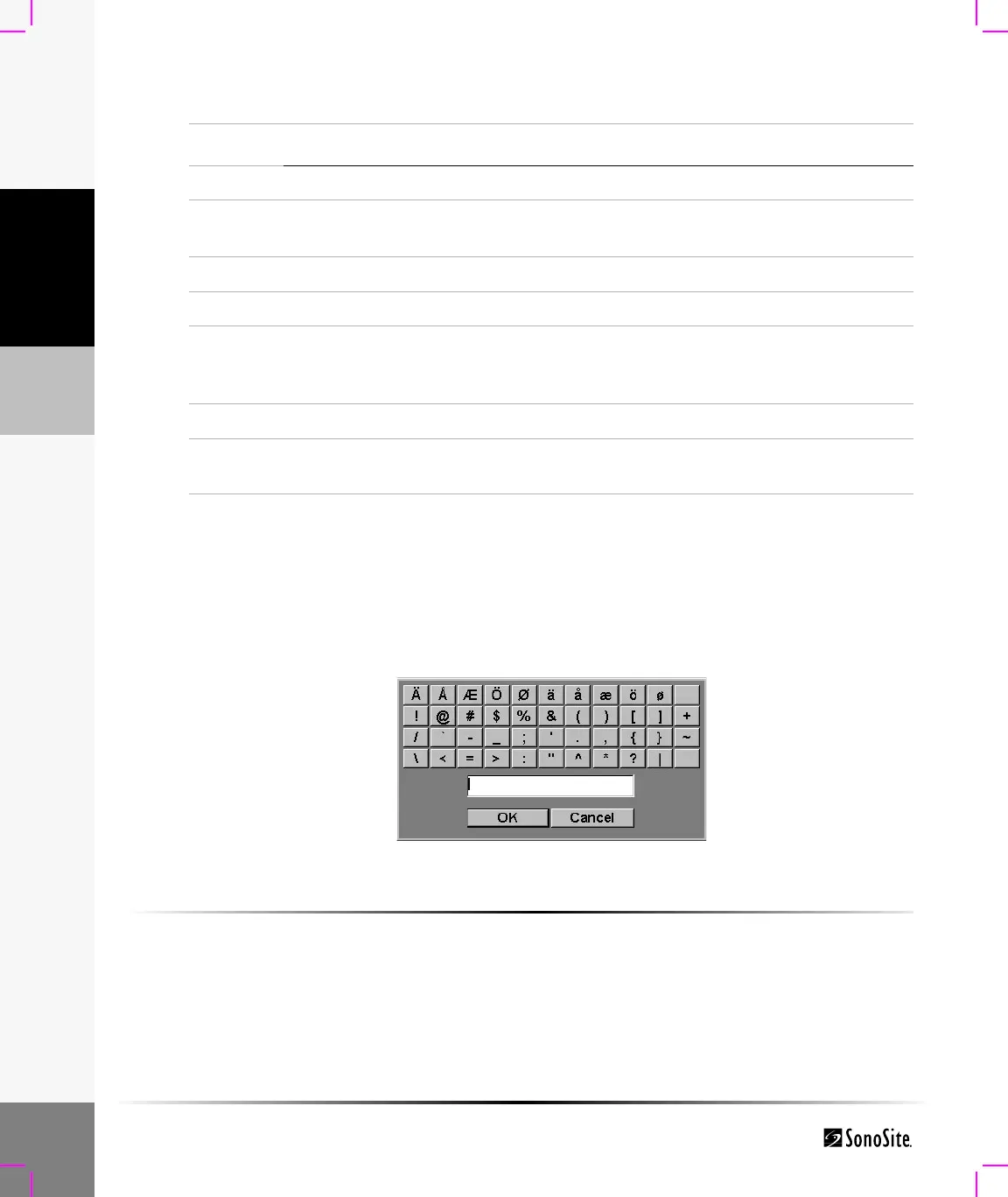
Symbols/special characters can be entered in selected fields and forms:
• Patient Information: Last, First, Middle, ID, Accession, Indications, Procedure ID, Sonographer,
Reading Dr., Referring Dr., and Institution.
• Connectivity (DICOM) Configure: Alias, AE Title.
• Delta Key, F Keys: f1—f0.
• Text mode (Imaging): Annotation field.
Figure 6 Symbols/Special Characters
To enter a symbol/special character:
1 Select the desired field and then select Symbols.
2 Click the desired symbol/character.
In the Symbols dialog box, the keyboard controls may also be used.
3 Click OK.
6 Picto Turns pictographs on and off.
7 Arrow Displays an arrow that can be moved and rotated within the image
area.
8 Spacebar Turns the keyboard on for text entry or adds a space.
9 Delete Removes one character to the right of the cursor during text entry.
10 Arrow keys Moves highlighted selection in calculations menus, moves cursor
one space when entering text, moves caliper position, and moves
among pages in image review and reports.
11 Backspace Removes one character to the left of the cursor in text entry mode.
12 Enter Moves cursor among fields in forms and saves calculations to
report.
Table 5: Keyboard Controls (Continued)
Number Key Description



 To Next Page