Chapter 4: Measurements and Calculations 67
Meas. & Calcs
Heart Rate (HR)
Fetal Heart Rate
(FHR)
1 On a frozen M Mode trace, press the Caliper key or press the Calcs
key for FHR (OB exam only).
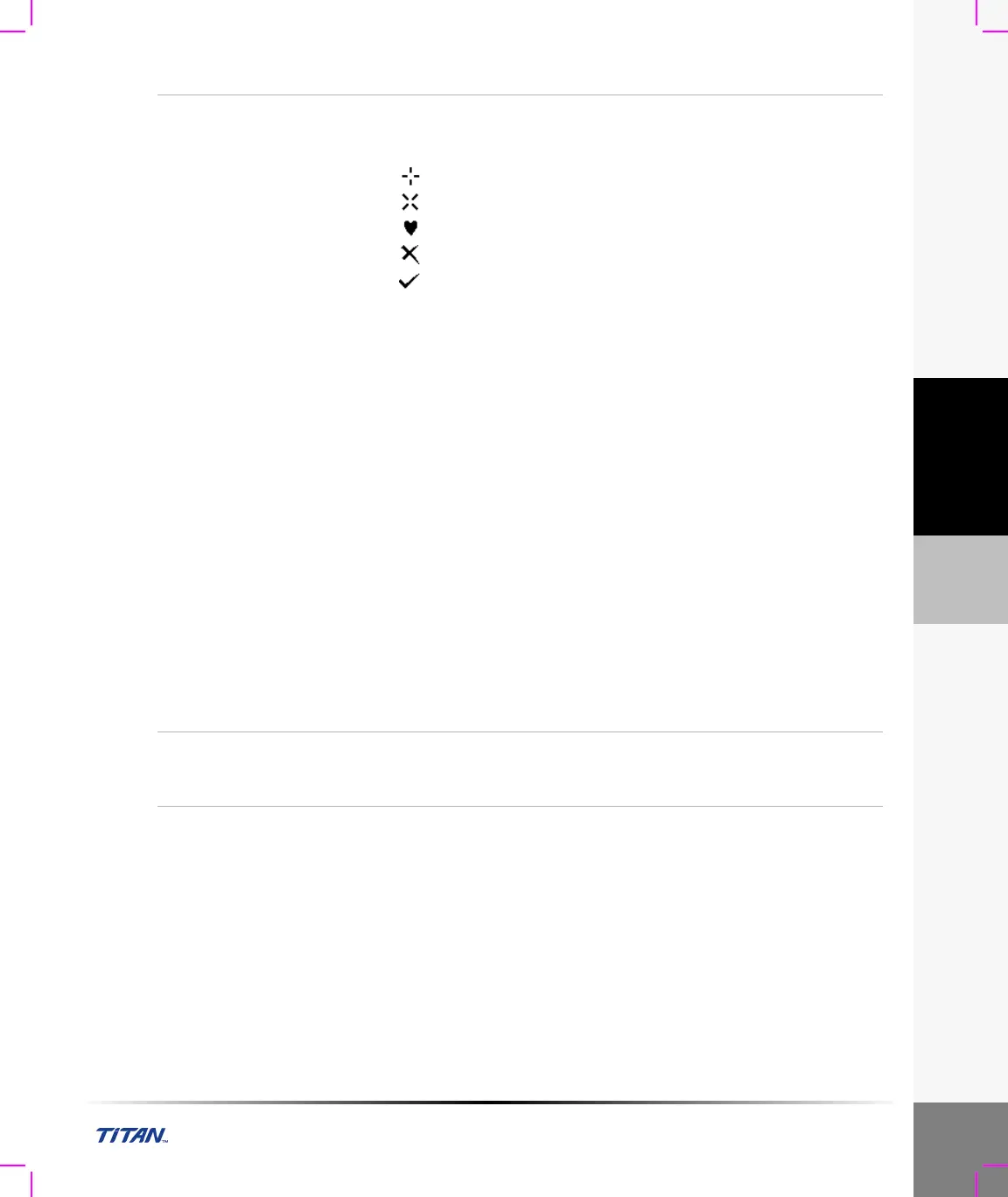
The following on-screen menu options are available:
First caliper set
Second caliper set
Heart rate
Delete
Save (only available when heart rate measurement can be
saved to report)
2 Select HR from the on-screen menu or select FHR from the calculation
menu.
A vertical caliper is displayed on the screen.
3 Use the touchpad to position the first vertical caliper at the peak of the
heart beat.
4 Press the Select key.
A second vertical caliper is displayed on the screen. The active caliper
is highlighted green.
5 Use the touchpad to position the second vertical caliper at the peak of
the next heart beat.
The result is displayed in the measurement and calculation data area
and is updated as the caliper moves. The measurement is complete
when you finish moving the calipers.
6 Select Save from the on-screen menu to save the heart rate
measurement to the patient report.
Note: This will overwrite the previous heart rate value entered under
exam/patient information.
Note: In OB exam, only the fetal heart rate can be saved to the report.
7 If desired, press the Save key to save the image with the
measurements displayed.
Delete
Measurement
1 Select the first or second caliper set from the on-screen menu.
2 Select Delete from the on-screen menu.
This will remove the active set of calipers from the screen.



 To Next Page