Related Topic
Error/Warning Messages
Checking the PTZ Auto Framing Status Remotely
Connecting a Tally Signal
[Tally]
[Tally]
TP1001804455
When set to [PTZ AFR] (PTZ auto framing), the tally lamp lights up or blinks blue according to the auto framing operation
status.
For details, see “Checking the PTZ Auto Framing Status Remotely.”
POWER lamp3.
NETWORK lamp
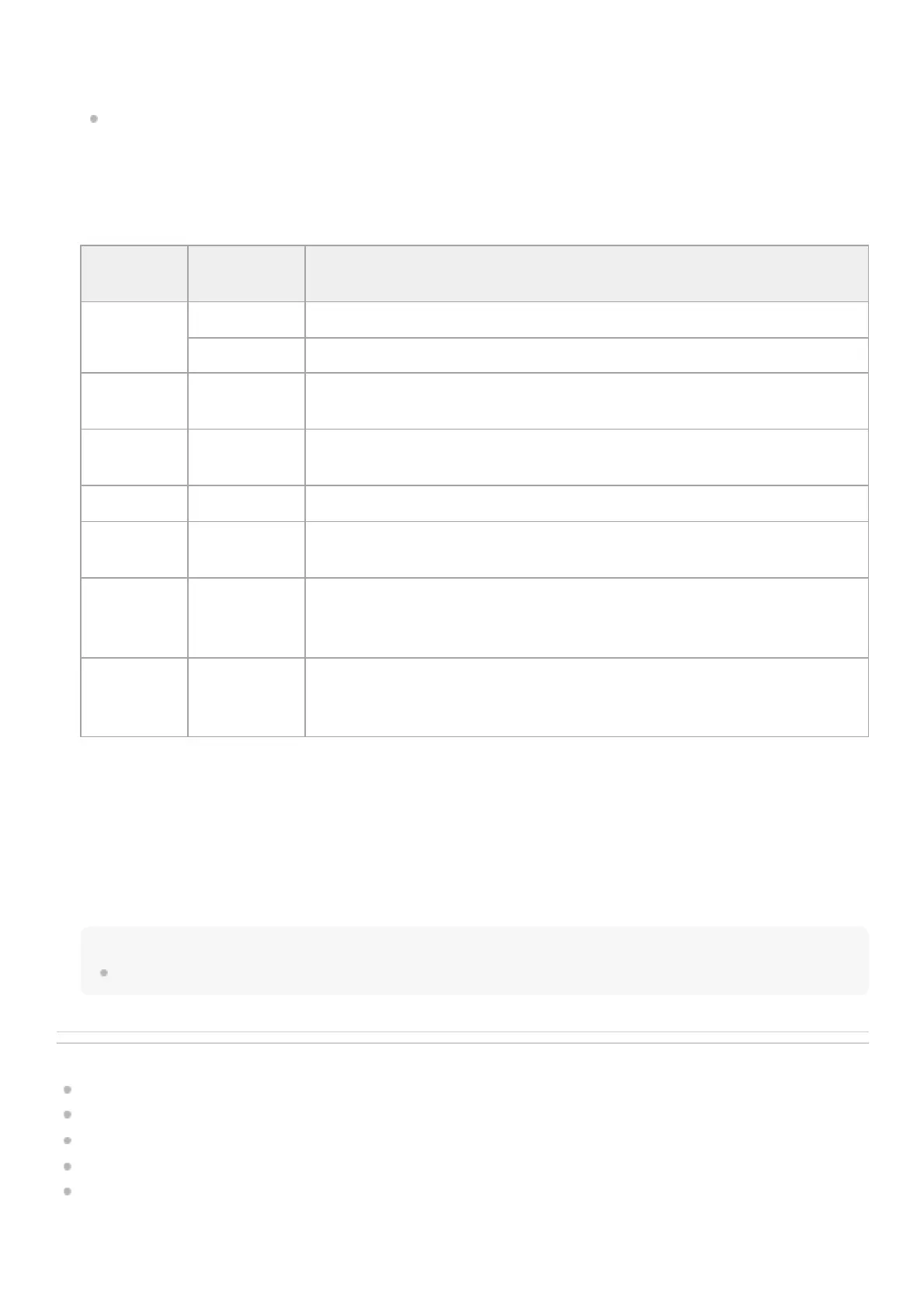
The state of the unit is indicated by the combination of display color and lit status (lit, blinking, not lit) of the POWER lamp
and NETWORK lamp.
4.
POWER
lamp
NETWORK
lamp
Unit status
Lit green
*1
Lit green Power-on (network connected)
Not lit Power-on (network not connected)
Blinking
green
Not lit Power-on process in progress
Blinking
orange
Not lit Power supply standby process in progress
Lit orange Not lit Power standby state
Blinking
yellow
Not lit Software update in progress
Blinking
orange
slowly
*2
Blinking green
slowly
*2
The unit cannot operate normally. For details, view the system log. If the problem
persists even after putting the unit in standby mode or turning the power off and then
on again, contact your Sony service representative.
Blinking
orange
rapidly
*3
Blinking green
rapidly
*3
A malfunction occurred in the unit. Contact your Sony service representative.
Blinks green when a command is received from the supplied infrared remote control.
*1
Blinking slowly: Blinking once per second
*2
Blinking rapidly: Blinking four times per second
*3
Infrared remote control sensor
Infrared sensor for the supplied infrared remote control.
5.
Air inlet
Note
Do not block the air flow. Doing so may cause a malfunction.
6.



 To Next Page