Help Guide
Color Video Camera
BRC-AM7
Connecting to the Unit using a Remote Controller (Option) via RS-422
This topic describes how to connect a remote controller to the unit using the RS-422 connector. An RS-422 connection
supports connections of up to 1.2 km (max).
You can also daisy-chain up to seven cameras using the VISCA OUT connector.
To configure the initial settings of the unit, a PC or tablet must be connected to the LAN connector.
Note
Perform the following procedure before connecting the power supply to the unit.
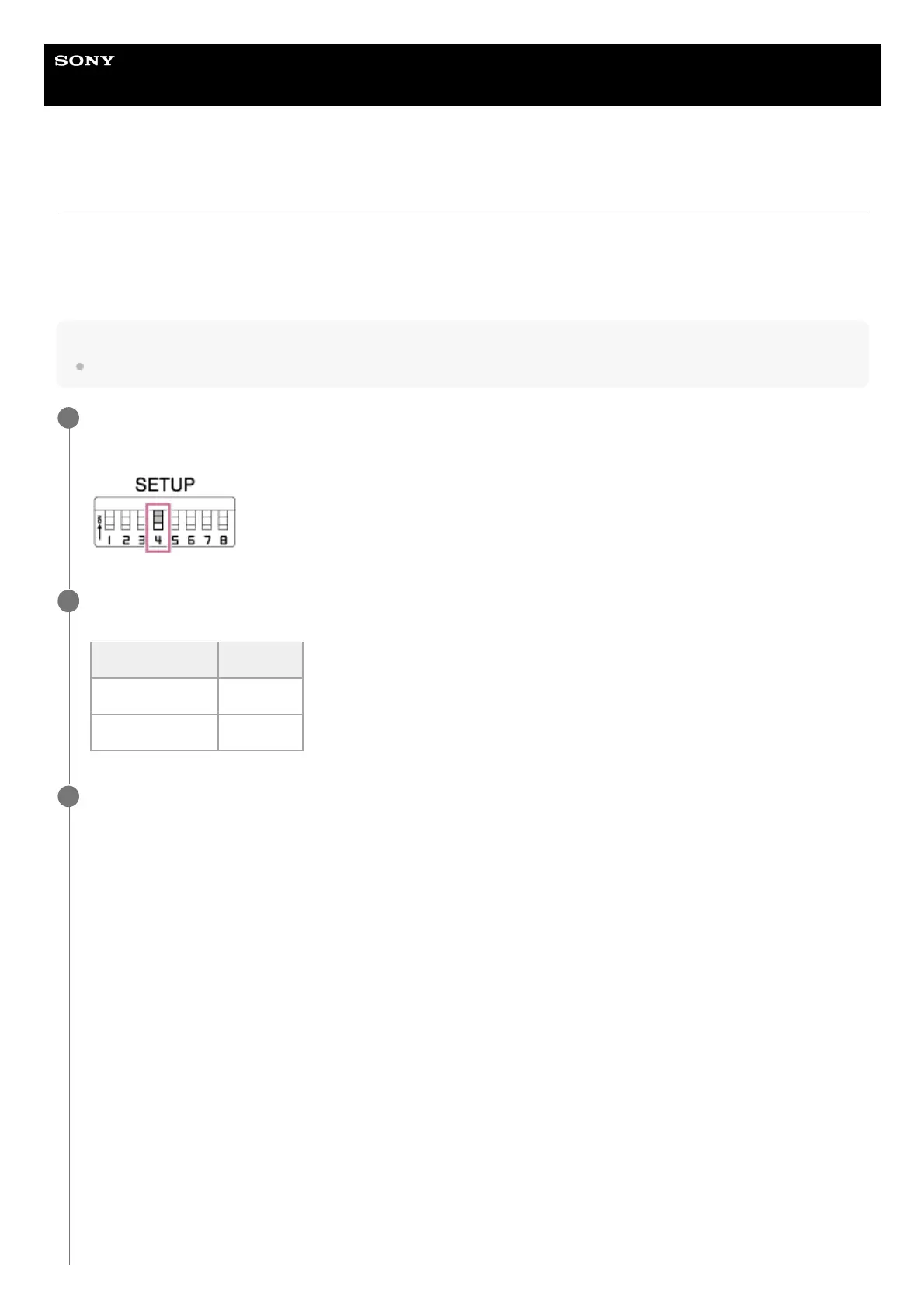
Set SETUP switch 4 to the ON position on the connector block of the unit.
VISCA communication is enabled.
1
Set the baud rate using SETUP switch 5 on the connector block of the unit to the same baud rate as the remote
controller.
2
Switch 5 setting Baud rate
ON 38400 bps
OFF 9600 bps
Connect the VISCA IN connector of the unit to the VISCA connector of the remote controller using a
commercially available network cable.
The following shows an RM-IP500 connection example.
3



 To Next Page