24
GB
4
Tap the image you want to print on the screen.
The cursor moves to the tapped image. You can also tap the arrows [B/b/
V/v] to move the cursor (page 13).
To display another page
When multiple pages exist, you can switch pages. To display the next page, tap the
lower part of the scroll bar or tap [v] repeatedly. To display the previous page, tap
the upper part of the scroll bar or tap [V] repeatedly.
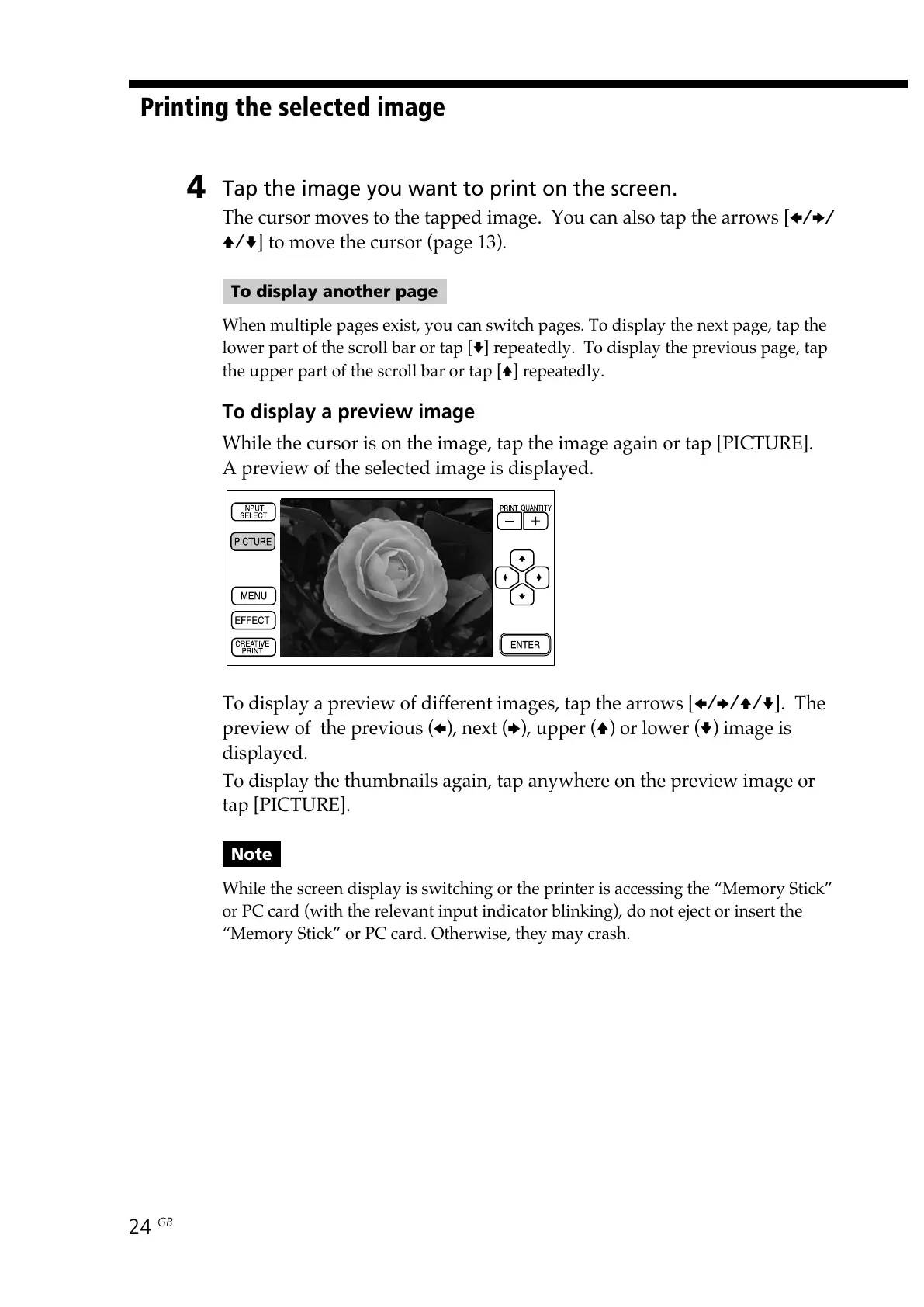
To display a preview image
While the cursor is on the image, tap the image again or tap [PICTURE].
A preview of the selected image is displayed.
To display a preview of different images, tap the arrows [B/b/V/v]. The
preview of the previous (B), next (b), upper (V) or lower (v) image is
displayed.
To display the thumbnails again, tap anywhere on the preview image or
tap [PICTURE].
Note
While the screen display is switching or the printer is accessing the “Memory Stick”
or PC card (with the relevant input indicator blinking), do not eject or insert the
“Memory Stick” or PC card. Otherwise, they may crash.
Printing the selected image



 To Next Page