49
GB
Advanced printing operations
x Entering characters
When you choose a template with characters, you can enter your own
characters. Tap the character input area to display the character input
screen. For how to input characters, see “Typing characters” on page 42.
x Selecting image(s)
1 Insert a “Memory Stick” or PC card into the printer and tap an
image area.
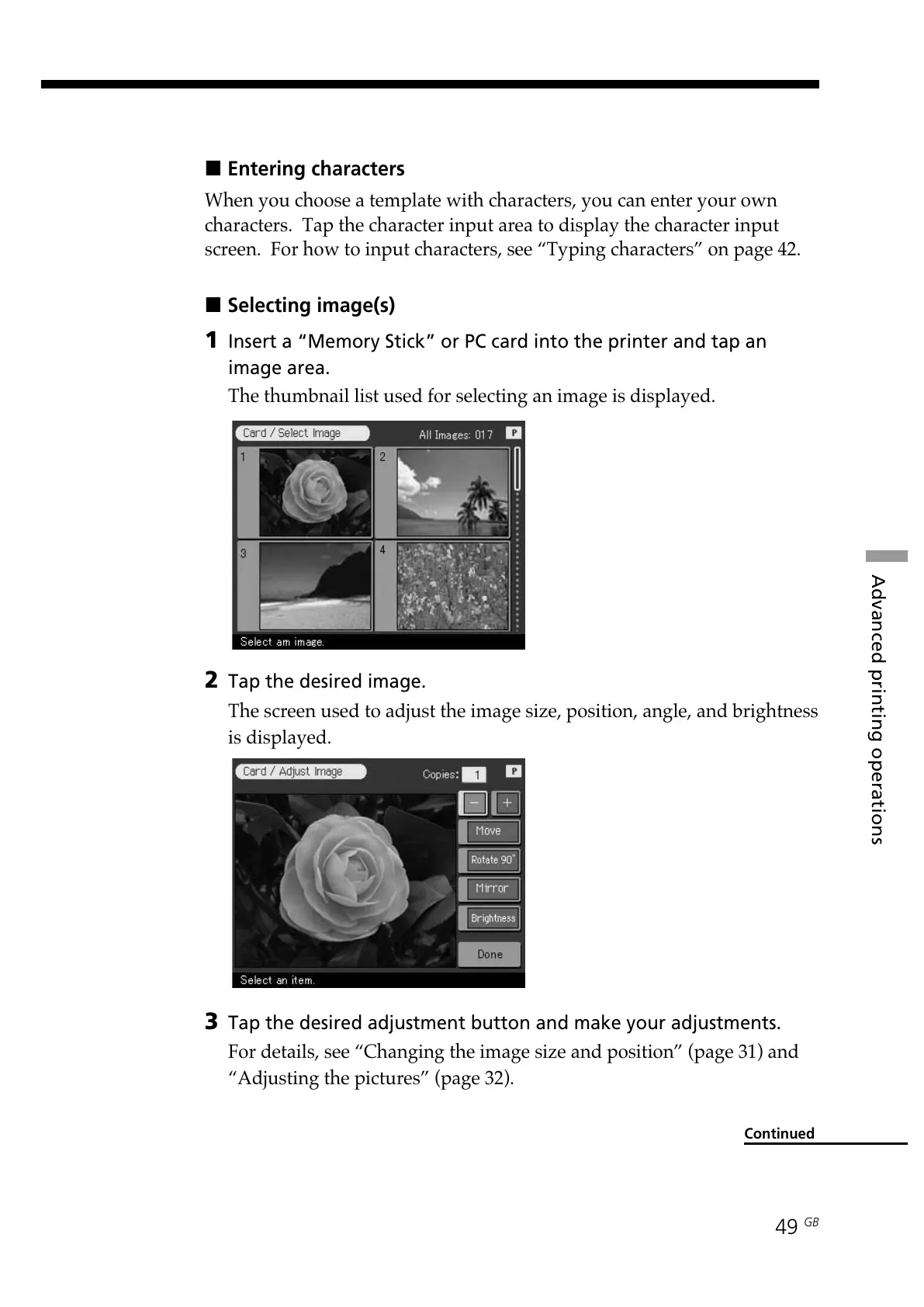
The thumbnail list used for selecting an image is displayed.
2 Tap the desired image.
The screen used to adjust the image size, position, angle, and brightness
is displayed.
3 Tap the desired adjustment button and make your adjustments.
For details, see “Changing the image size and position” (page 31) and
“Adjusting the pictures” (page 32).
Continued



 To Next Page