114
81----------J
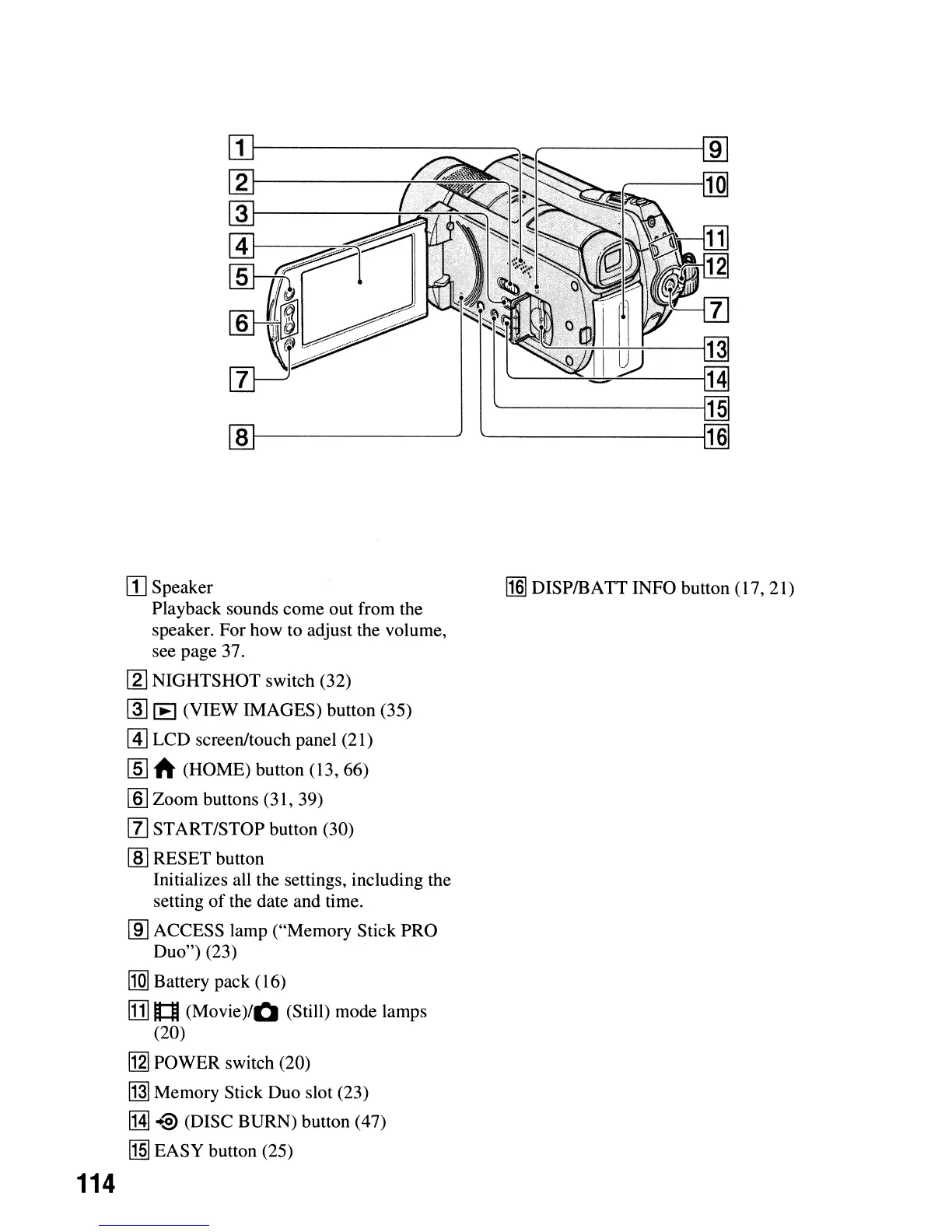
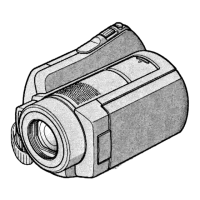
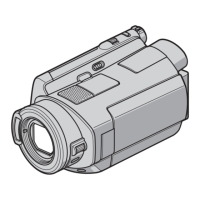
[I] Speaker
Playback sounds come out from the
speaker. For how to adjust the volume,
see page 37.
[.2J
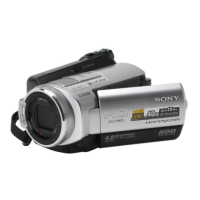
NIGHTSHOT switch (32)
~
lE
(VIEW IMAGES) button (35)
@]
LCD screen/touch panel (21)
[§]
A (HOME) button (13, 66)
[§] Zoom buttons (31, 39)
[1]
START/STOP button (30)
lID
RESET button
Initializes all the settings, including the
setting
of
the date and time.
lID
ACCESS lamp ("Memory Stick PRO
Duo") (23)
l1Q]
Battery pack (16)
Ill]
n:::M
(Movie)/O
(Still) mode lamps
(20)
[g] POWER switch (20)
~
Memory Stick Duo slot (23)
[H]
-@ (DISC BURN) button (47)
!1§]
EASY button (25)
[§]
DISPIBATT INFO button (17, 21)




 To Next Page