81------~~
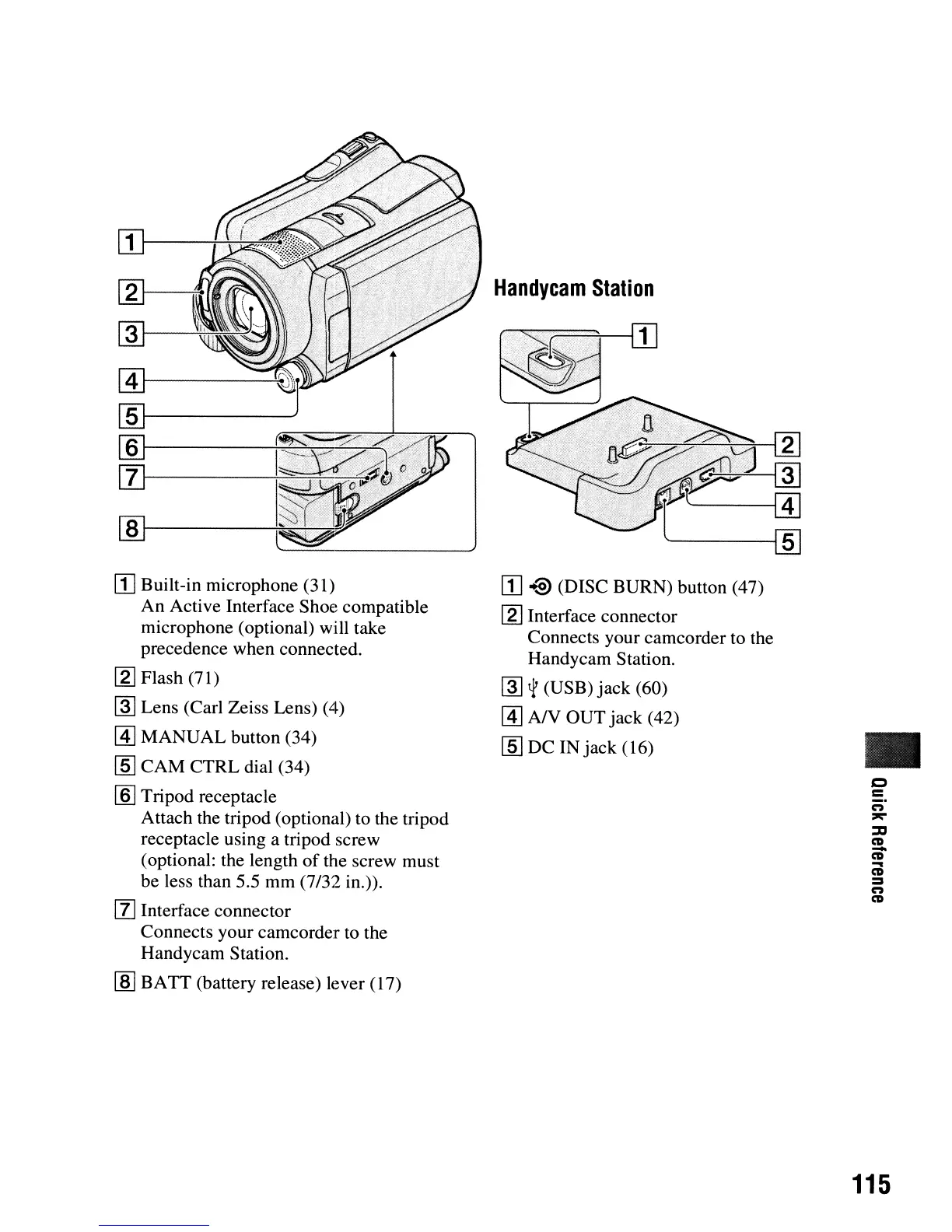
Handycam
Station
[I]
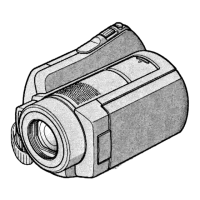
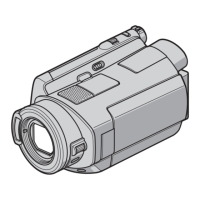
Built-in microphone (31)
An
Active Interface Shoe compatible
microphone (optional) will take
precedence when connected.
[g]
Flash (71)
~
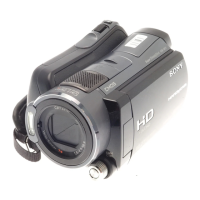
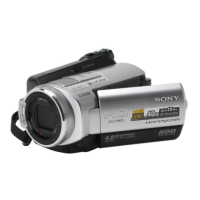
Lens (Carl Zeiss Lens) (4)
[I]
MANUAL
button (34)
[§J
CAM
CTRL dial (34)
[ID
Tripod receptacle
Attach the tripod (optional) to the tripod
receptacle using a tripod screw
(optional: the length
of
the screw must
be less than 5.5 mm (7/32
in.».
[l]
Interface connector
Connects your camcorder to the
Handycam Station.
[ID
BATT
(battery release) lever (17)
[I]
~
(DISC BURN) button (47)
[g] Interface connector
Connects your camcorder to the
Handycam Station.
~
~
(USB)
jack
(60)
[I]
A/V OUT jack (42)
[§J
DC IN
jack
(16)
•
c
=
n
~
::::ICI
CD
-
CD
...
CD
:=
n
CD
115




 To Next Page