38
4 Touch
El/D,
then touch the
desired face image to view the
scene.
Playback
starts
from
the
beginning
of
the
scene
with
the
selected
face
image.
" Notes
• Faces may not be detected depending on
recording conditions.
Example: People wearing glasses or hats, or
who do not face towards the camera.
• Set
[[i] INDEX SET] to [ON] (the default
setting) before recording to play back from
[[i]
INDEX]
(p.
72). Make sure that g flashes
during recording, and detected face images are
stored
in
[Face Index].
'~'
Tips
• You can display the [Face Index] screen
by
touching A (HOME)
-+
IEl
(VIEW
IMAGES)
-+
[ [i] INDEX].
You
can
search
for
desired
images
by
date
efficiently.
Select
the
media
which
contains
the
image
you
want
to
play
back
before
the
operation
(p.22).
" Notes
• You cannot use the Date Index function for still
images
on
the "Memory Stick PRO Duo."
1 Turn the POWER switch to turn
on the camcorder, and press
IEl
(VIEW IMAGES).
The
VISUAL
INDEX
screen
appears.
2 To search for movies, touch the
m or
DsoD
tab. To search for still
images, touch the
Q tab.
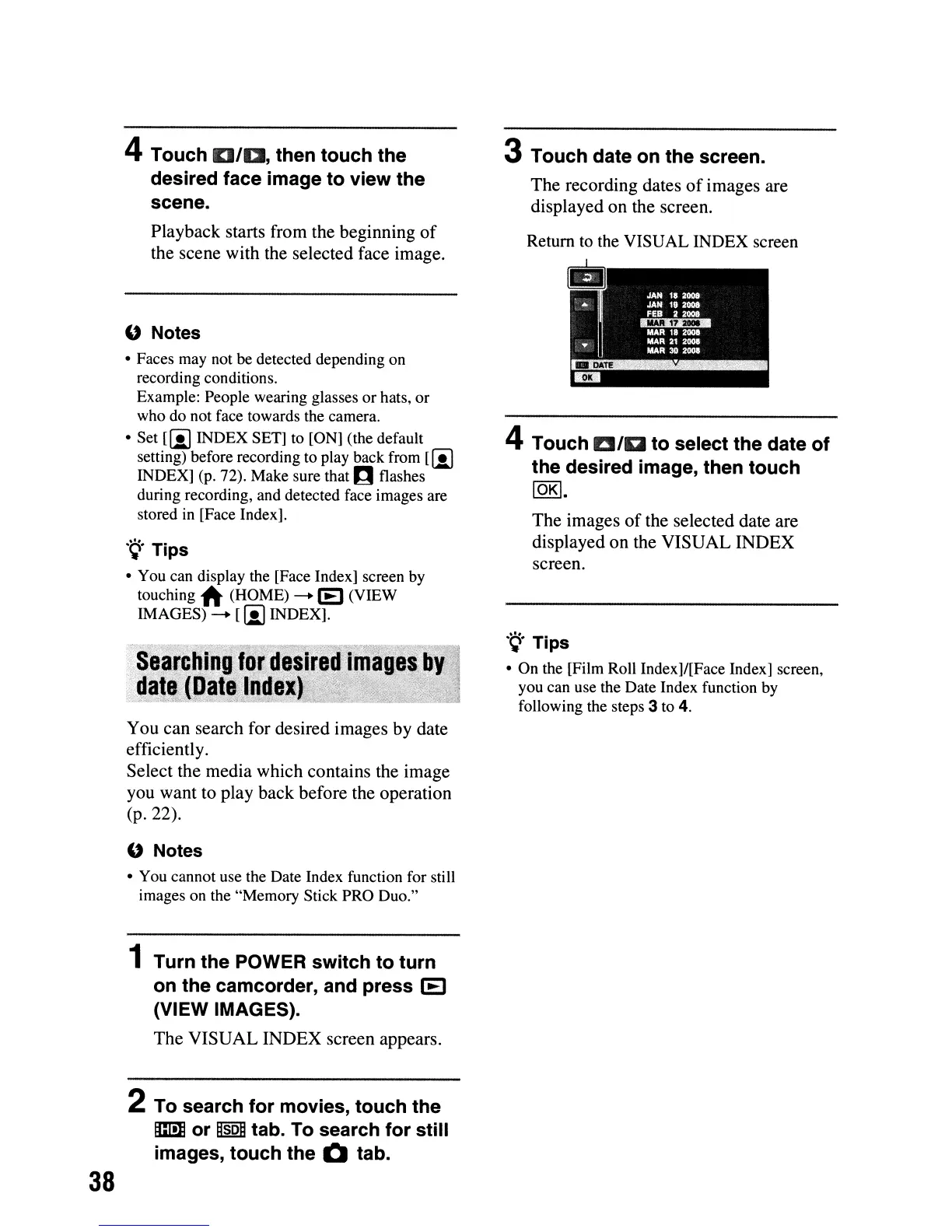
3 Touch date on the screen.
The
recording
dates
of
images
are
displayed
on
the
screen.
Return to the
VISUAL
INDEX
screen
4 Touch
Ella
to select the date of
the desired image, then touch
10K\.
The
images
of
the
selected
date
are
displayed
on
the
VISUAL
INDEX
screen.
'9'
Tips
• On the [Film Roll Index]/[Face Index] screen,
you can use the Date Index function by
following the steps 3 to 4.












 To Next Page