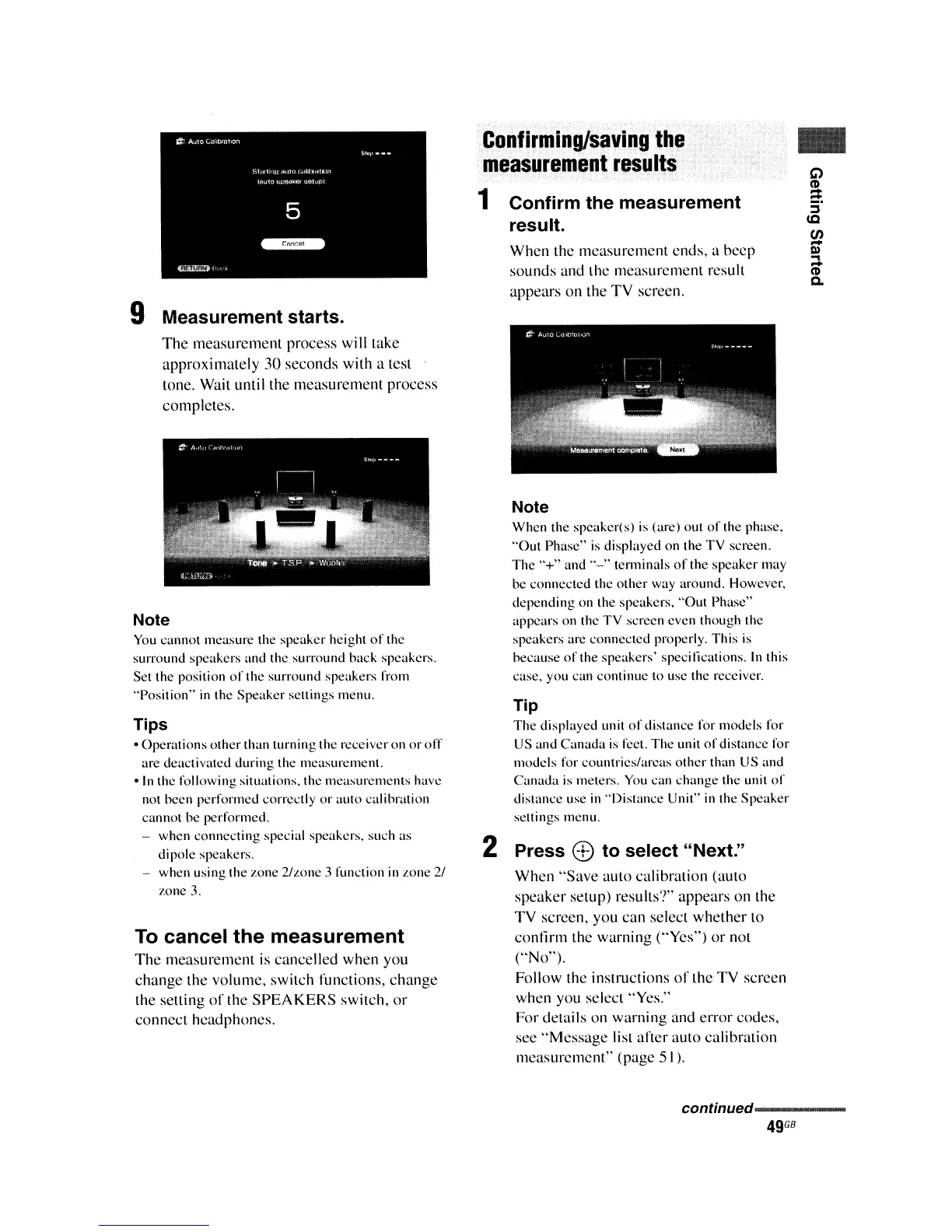
9 Measurement starts.
The measurement process
will
take
approximately 30 seconds
with
a test
tone. Wait
until
the measurement process
completes.
Note
You
cannot measure the speaker height
of
the
surround speakers and the surround back spcakers.
Set the position
of
the surround speakers from
"Position"
in
the Speaker sellings menu.
Tips
oOperations other than turning thc receiver on
or
off
are deactivated during the measurement.
oln
the following situations. the measurements have
not been performed correctly
or
auto calibration
cannot be performed.
- when connecting special speakers. such as
dipole speakers.
- when using the zone 2/zone 3 function
in
zone
2/
zone 3.
To
cancel
the
measurement
The measurement is cancelled when you
change the volume, switch functions, change
the selling
of
the
SPEAKERS
switch,
or
connect headphones.
Confirming/saving
the
measurement
results
1 Confirm the measurement
result.
When the measurement ends, a beep
sounds and the measurement result
appears on the
TV
screen.
Note
When the speaker(s)
is
(are) out
of
the phase,
"Out Phase"
is
displayed on the TV screen.
The
"+"
and
"-"
tenninals
of
the speaker may
be
connected the
other
way around. However,
depending on the speakers, "Out Phase"
appears on the TV screen cven though the
speakers are connected properly. This
is
because
of
the speakers' specifications.
In
this
case, you can continue to use the receiver.
Tip
The displayed unit
of
distance for models for
US and Canada
is
feet.
The
unit
of
distance for
models for countrics/arcas
other
than US and
Canada is meters.
You
can change the unit
of
distance use
in
"Distance Unit"
in
the Speaker
setlings menu.
2 Press
8)
to select "Next."
When "Save auto calibration (auto
speaker setup) results?" appears on the
TV
screen, you can select whether to
contirm
the warning
("Yes")
or
not
("No").
Follow
the instructions
of
the
TV
screen
when you select "Yes."
For details on warning and error codes,
see
"Message list after auto calibration
measurement" (page 51).
..
G')
!2.
-
5'
<C
en
-
III
...
CD
a.
conunued-----------
49
G8















 To Next Page