Tip
Press 8 on lhe rClllolc when "Please Press
ENTER:'
appears on the
TV
screen.
3 Press
.,.
repeatedly to select
"Yes," then press
8.
Scts thc auto calibration
EQ
to oil.
Explanation
Of'F
Parameter
Tip
The sizc
of
a speaker
(LARGE/SMALL)
is
determined by the low characteristics. The
measurement results may vary.
depending
on the
position
of
the optimizcr microphone
and
spcakers,
and the shape
of
the room. It
is
recommended
that
you follow the measurement results. However. you
can change those settings
in
the
Speaker
setlings
menu. Save the measurement results first, then try to
change
the settings if you want.
Notes
• After rcflccting the results
of
a compensation for a
frequency characteristic. signals with a
sampling
frequency
of
more than
96
kHz
are always played
back at either 44.1 kHz
or
48 kHz.
• The frequency response measurement result
is
not
utiliz.ed
in
the following cases.
-
The
multi-channel input
is
selected.
-
"2ch
Analog Direct"
is
being used.
- Dolby
TrucHD
signals with a
sampling
frequency
of
more than
96
kHz
are being
received.
5 Press
8.
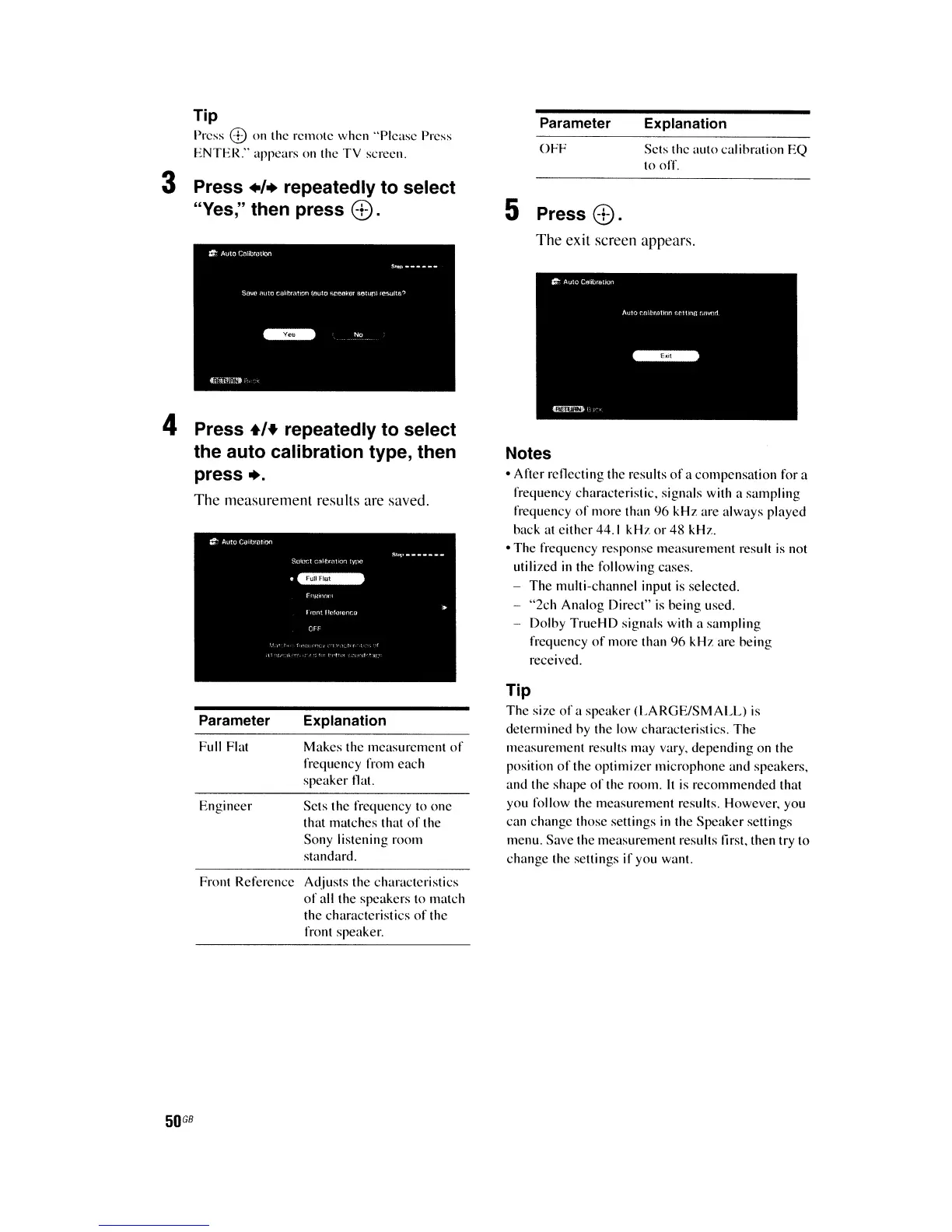
The exit screen appears.
Scts thc frequcncy to
onc
that matches that
of
the
Sony listening room
standard.
Makes the mcasurcment
of
frequency from each
speaker
flat.
Explanation
Engineer
Full Flat
Parameter
4 Press
+'+
repeatedly to select
the auto calibration type, then
press
•.
The
measurement results are saved.
Front Referencc Adjusts thc charactcristics
of
all the speakers to match
the characteristics
of
the
front speaker.
50
GB















 To Next Page