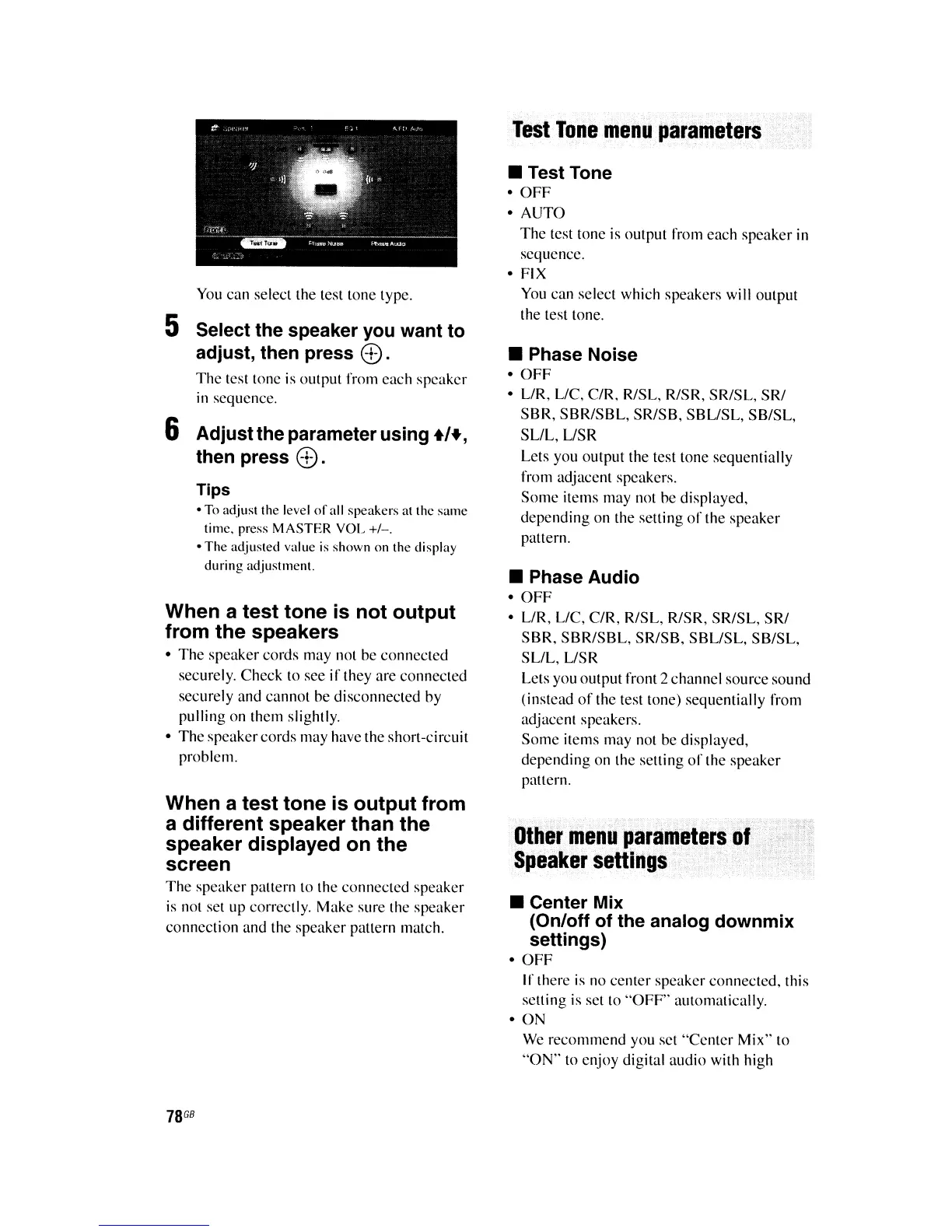
You
can select the test tone type.
5 Select the speaker you want to
adjust, then press
<±>.
The
test tone is output from each speaker
in
sequence.
6 Adjust the parameter using
+'+,
then press
<±>.
Tips
•
To
adjust the level
of
all speakers at the same
time. press MASTER VOL
+/-.
•
The
adjusted value
is
shown on the display
during adjustment.
When a test tone is not output
from the speakers
•
The
speaker cords may not be connected
securely. Check to see
if
they are connected
securely and cannot be disconnected by
pulling on them slightly.
•
The
speakercords may have the short-circuit
problem.
When a test tone is output from
a different speaker than the
speaker displayed on the
screen
The
speaker pattern to the connected speaker
is
not set up correctly. Make sure the speaker
connection and the speaker pattern match.
78
GB
Test
Tone
mend
parameters
• Test Tone
•
OFF
• AUTO
The
test tone is output from each speaker in
sequence.
•
FIX
You
can select which speakers will output
the test tone.
• Phase Noise
•
OFF
• LlR, LlC, C/R, RISL, RISR, SRISL, SRI
SBR, SBRISBL, SRISB, SBLlSL, SB/SL,
SLlL,
USR
Lets you output the test tone sequentially
from adjacent speakers.
Some
items may not be displayed,
depending on the setting
of
the speaker
pattern.
• Phase Audio
•
OFF
• LlR, LlC, C/R, RISL, RISR, SRISL, SRI
SBR, SBRISBL, SRISB, SBLlSL, SB/SL,
SL/L, LlSR
Lets you output front 2 channel source sound
(instead
of
the test tone) sequentially from
adjacent speakers.
Some
items may not be displayed,
depending on the setting
of
the speaker
pattern.
Other
l11endparanilrtersof
Speaker
settings
• Center Mix
(On/off of the analog downmix
settings)
•
OFF
If there
is
no center speaker connected, this
setting is set to
"OFF"
automatically.
• ON
We recommend you set
"Center
Mix" to
"ON"
to enjoy digital audio with high















 To Next Page