INSTRUCTION, USE AND
MAINTENANCE MANUAL
GB
Page 33 of 58
Fig. 53
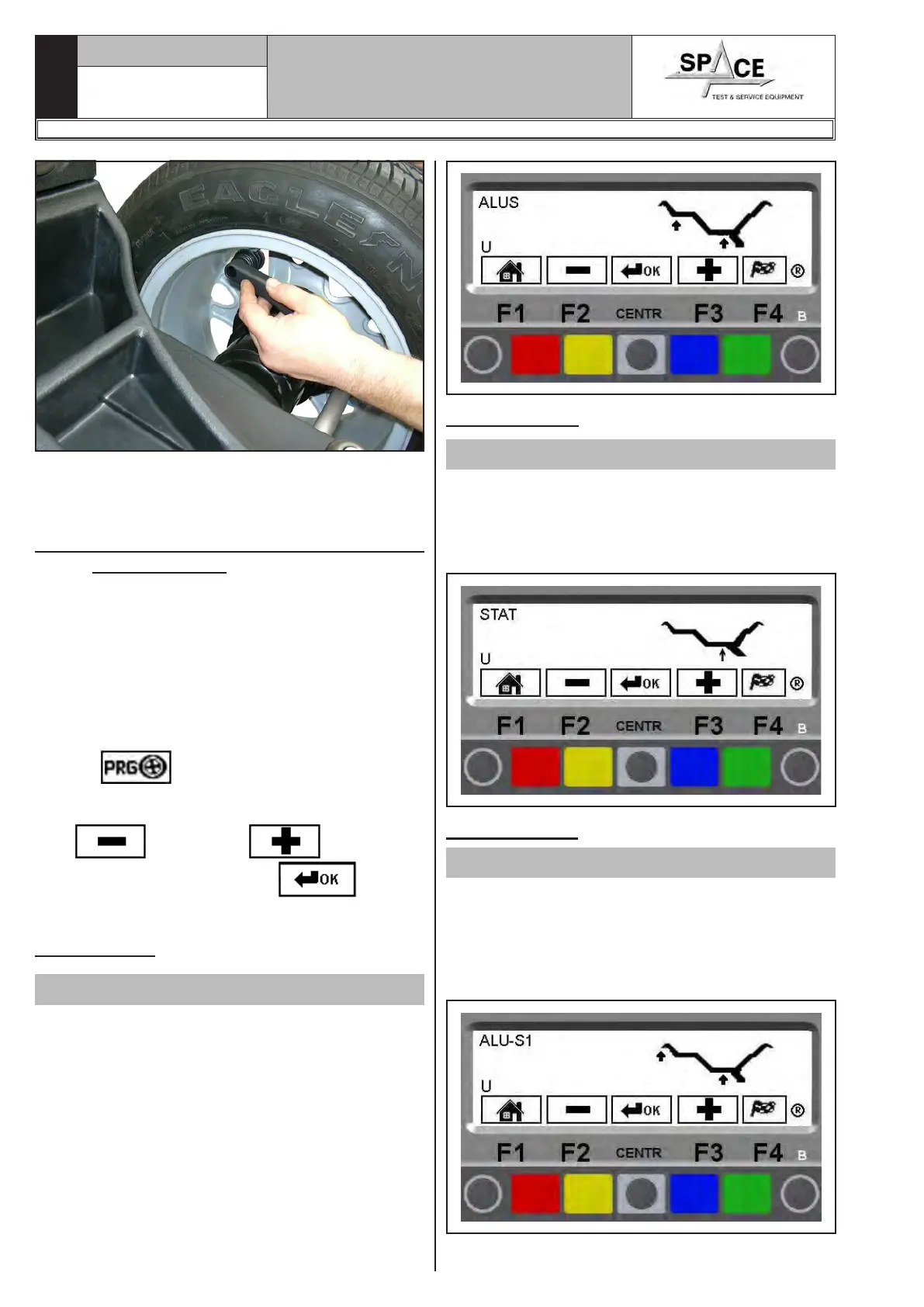
Check wheel balancing conditions by making a trial
spin. The display screen will show an unbalance reset.
The STATIC procedure is completed.
15.4 Measuring the unbalance with auxil-
iary programs
The available functions permit selecting the appropri-
ate weight positions to be placed in positions different
to the standard ones (DYNAMIC unbalance).
The ALU programs measure rims by means of pre-set
data in the wheel balancer.
The measurements entered by the operator will there-
fore be automatically corrected by the machine accord-
ing to the selected program.
From the program start page (see Chap. 14), press
"key F3” .
The monitor shows a window with possible selection
modes. Select the desired function by means of keys
“F2”
and/or “F3” . Confirm the
selection by pressing “CENTR” key and
enter the measures required.
15.4.1 ALU-S
Valid for car/motorcycle
The ALU-S function enables the user to enter 2 different
positions for fitting the adhesive weights on the outer
and inner side of the rim, so as to select the position
of the weights according to specific need. The position
of the outer weight is not visible but hidden inside.
Press the “CENTRE key” to confirm. Enter the meas-
urements (par. 15.1.2) and proceed as described in
par. 15.4.12.
15.4.2 STATIC
Valid for car/motorcycle
STATIC balancing is a procedure that offsets wheel
vibrations using a single adhesive weight on a single
plane.
Press "CENTRE" to confirm. Enter the measurements
(par. 15.1.2) and proceed as described in par. 15.3.3.
15.4.3 ALU-S1
Valid for car
The ALU-S1 function permits balancing wheels with
light alloy rims by fitting adhesive weights on the inner
side and weight with clip on outer side of wheel.
Enter the measurements (par. 15.1.2) and proceed as
described in par. 15.4.1 (the inner weight is with clip
and at 12 o’ clock).
1296-M010-0_P
Space s.r.l.
ER232R - ER234R - ER236R - ER238R - ER238RFM - ER248R - ERP248R



 To Next Page