GB
Page 46 of 58
INSTRUCTION, USE AND
MAINTENANCE MANUAL
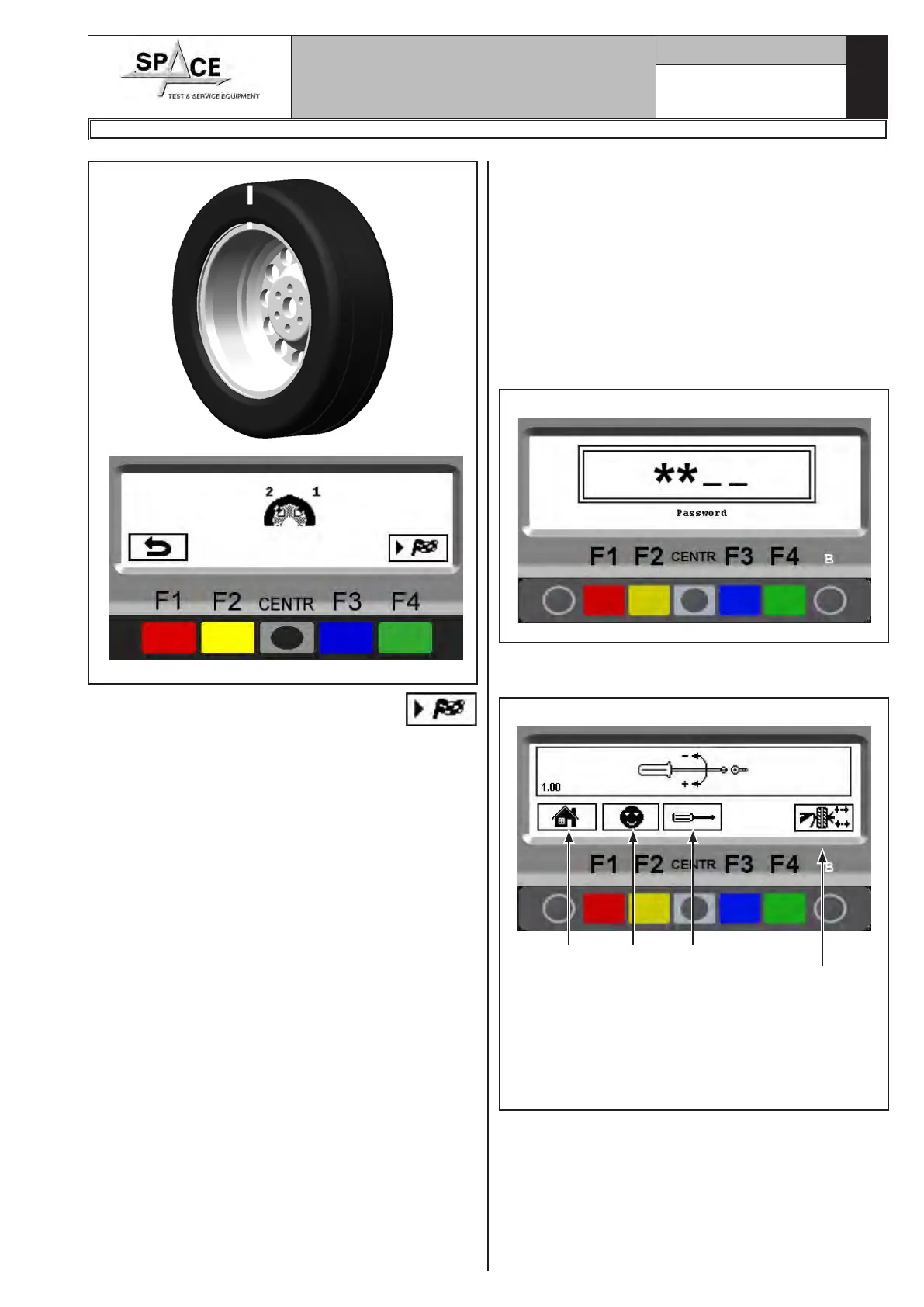
Fig. 85
Press the green key corresponding to icon
on the keyboard. Perform another spin and correct
any residual unbalance using the weights at disposal.
1296-M010-0_P
Space s.r.l.
ER232R - ER234R - ER236R - ER238R - ER238RFM - ER248R - ERP248R
20.0 SETUP OF UNITS OF WEIGHT
MEASUREMENT AND RIM WIDTH/
DIAMETER AND SETTING CAR/MO-
TORCYCLE MODE
The weight determining wheel unbalance can be in-
dicated on the display in "gram" or "ounce" measure-
ment unit.
The width and diameter can be indicated in “inches”
or “mm”
To change the unit of measurement, press the "F1 key"
from the opening presentation page (see Fig. 37):
Fig. 86
Type in the password F1-F2-CENTR-F3, The program
will show the screen page in Fig. 87:
Fig. 87
1
KEY
1 – Return to initial program page (RED) (F1)
2 – Configuration (YELLOW) (F2)
3 – Calibrations (CENTRAL)
4 – Open/Close the pneumatic mandrel (GREEN)
(F4) (models ERP248R only)
2 3
4



 To Next Page