GB
Page 26 of 58
INSTRUCTION, USE AND
MAINTENANCE MANUAL
By means of the keys of the operating keyboard (F1-
F2-CENTR-F3-F4-B) all the machine functions can be
used.
During program running, the various display pages
show the different keys by means of which the corre-
sponding function can be immediately selected.
Many display pages contain several rows of keys. In
this case, the next row of keys can be displayed by
means of the key corresponding to the icon
.
To go back and display the previous row of keys, press
the key corresponding to the icon or in some
cases .
By pressing the “F2” key, the measurement mode can
be changed from car to motorcycle and vice versa.
The symbol “
” which appears on the screen
on the first page indicates that the machine is in CAR
mode and the symbol
indicates MOTOR-
CYCLE mode.
By using “CAR” mode and “MOTORCYCLE”
mode
wheels can be balanced with a max
static or dynamic unbalance of 300g.
The indicated resolution is 5 g, however by pressing the
“Centre” key the unbalance can be displayed
with a max resolution of 1 g.
In CAR mode
” and MOTORCYCLE mode
the "MATCHING" procedure (Rim-tyre opti-
misation; see chapt. 19), “SPLIT” procedure (see chap.
17) and WEIGHTS HIDDEN BEHIND SPOKES MODE
(see chapt. 18) can be performed.
ALL AUXILIARY functions (see Par. 15.4) can also be
selected in “CAR” mode
only.
IN ORDER TO FIT CAR WHEELS
ON THE BALANCER MANDREL,
THE SPECIFIC CONES AND RING
NUTS WILL BE REQUIRED SUP-
PLIED SEPARATELY AS ACCES-
SORIES.
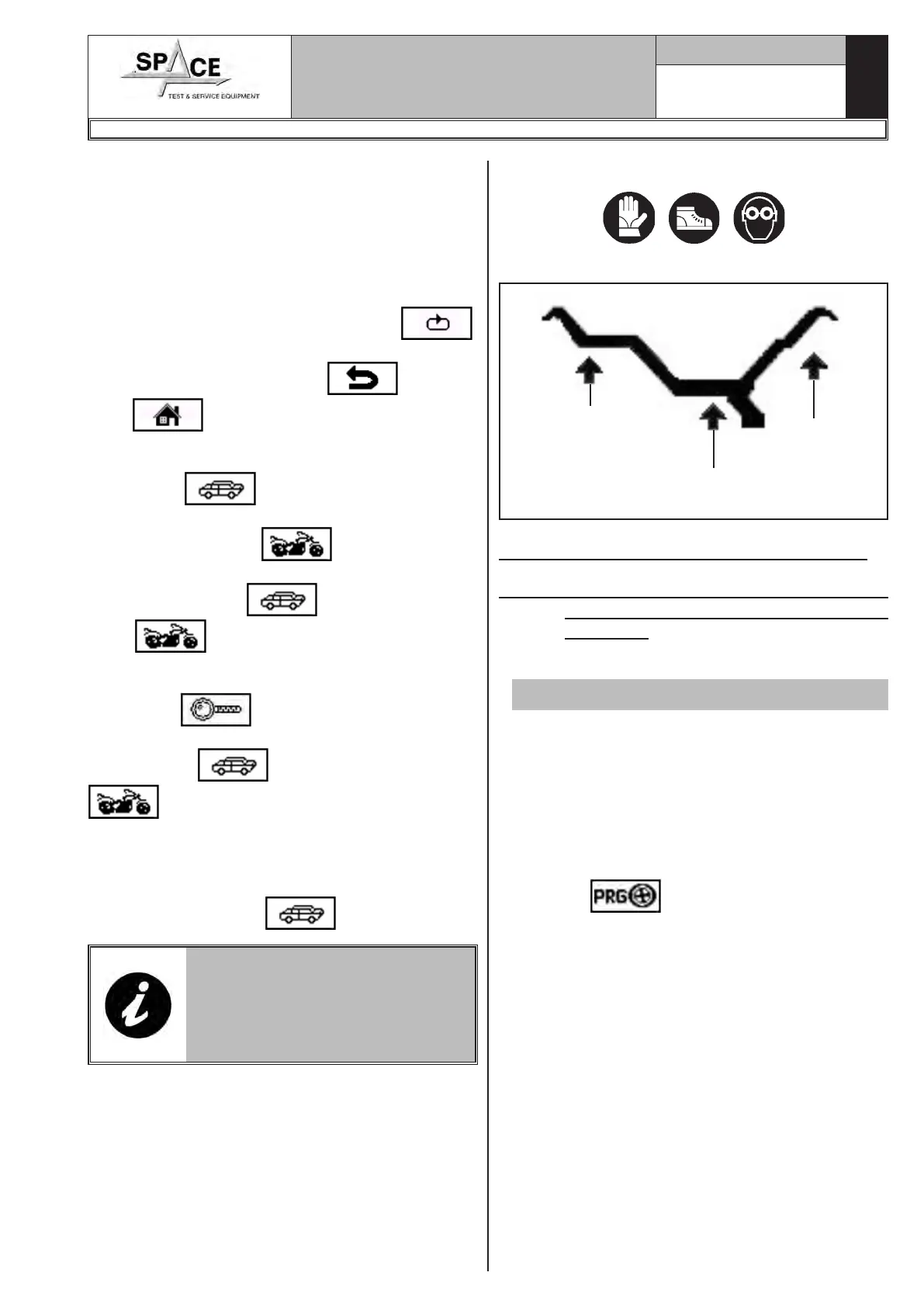
15.0 WHEEL BALANCING
Symbols on display
Outer side
of the rim
(wheel balancer
side)
Inner side
of the rim
Outer side
of the rim
15.1 Determination of wheel dimensions
15.1.1 Manual setting of wheel dimensions
for dynamic static and balancing
functions
• To make a measurement in STATIC mode:
Valid for car/motorcycle
Wheel balancers feature a manual external data gauge
and a manual distance caliper for determining wheel
dimensions (Fig. 39 and Fig. 41).
The dimension of the rim distance is always set with
measurement unit “mm”.
The width and diameter values on the other hand
can be set in “inches” or “mm”; in the examples in
this manual “inches” are used. To change the unit of
measurement from "inches" to "mm", see Chap. 20.
Press “F3”
, the program goes directly from
the start screen page (Fig. 37) to the screen page
illustrated below (STATIC mode, Fig. 38).
1296-M010-0_P
Space s.r.l.
ER232R - ER234R - ER236R - ER238R - ER238RFM - ER248R - ERP248R



 To Next Page