INSTRUCTION, USE AND
MAINTENANCE MANUAL
GB
Page 49 of 58
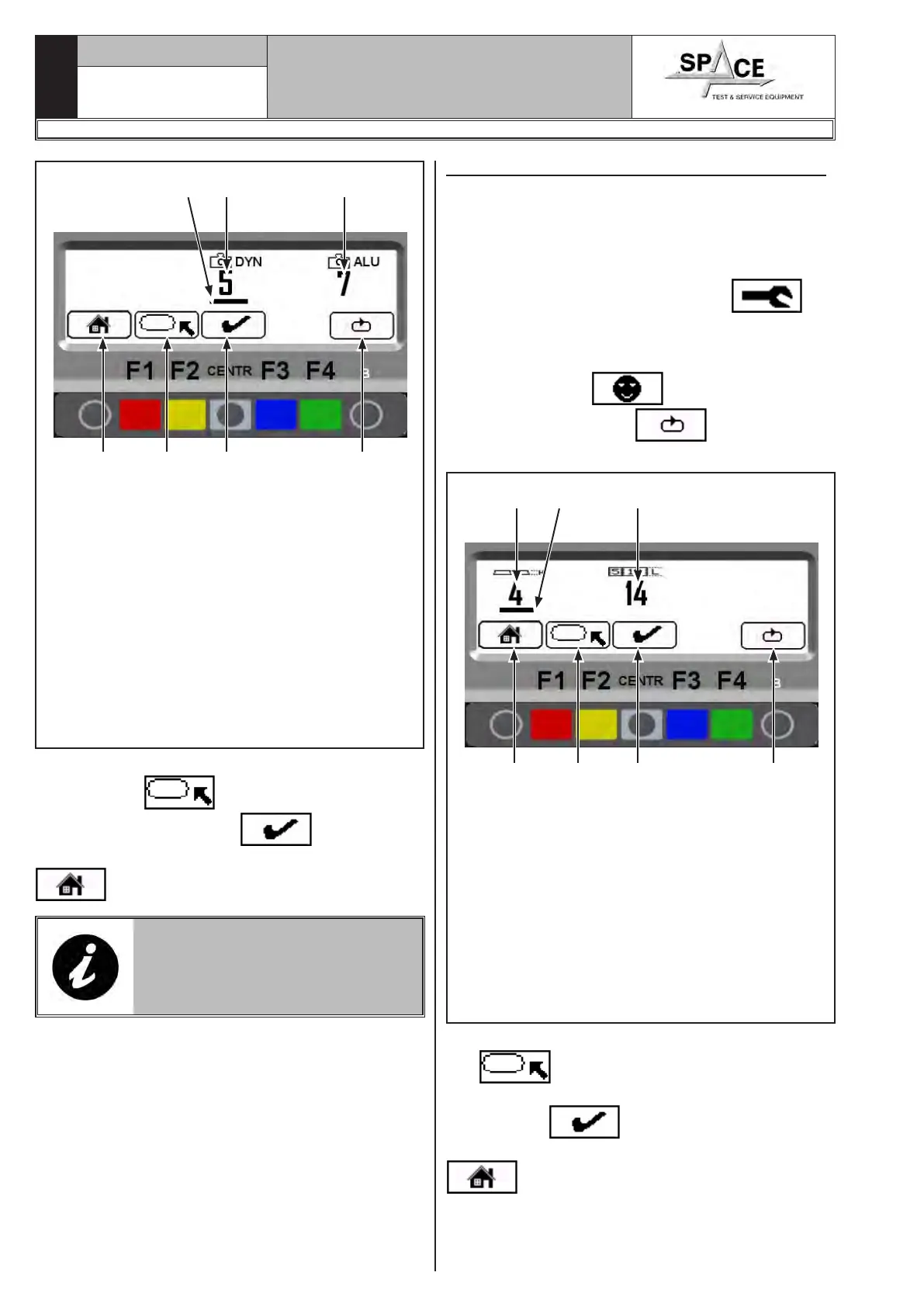
Fig. 91
KEY
1 – Return to Fig. 87 screen page (RED) (F1)
2 – Move the box onto resolution or lower limit
value (YELLOW) (F2)
3 – Change the selected values with the box (CEN-
TRAL)
4 – Displays client configuration pages (GREEN)
(F4)
5 – Selection line
6 – Lower weight limit setting (5 g) for dynamic
wheel balancing mode
7 – Lower weight limit setting (7 g) for ALU (all
types) PAX and STATIC modes (all types)
1 3 4
6 7
2
5
Move the box onto the option to be changed by means
of the “F2 key” , and set the lower limit from
by means of the “centr key” .
After terminating the operation, press the “F1 key”
to exit.
IN THE PLANT, THE LOWER LIMIT
FOR THE DYNAMIC WHEEL BAL-
ANCING MODE IS SET TO 5 G.
THE LOWER LIMIT FOR ALL THE
OTHER MODES IS SET TO 7 G.
20.3 Setting adhesive weight dimensions
To ensure the balancing machine precisely calculates
the dimensions and total adhesive weights, set the
thickness and length of the adhesive weights at dis-
posal.
To set the above values, from the opening presentation
page (see Fig. 37), press the “F1 key” ; the
program will display the image in Fig. 86.
Enter password F1-F2-CENTR-F3 to access the “cus-
tomer configuration” screen page (Fig. 87).
Press the “F2 key” and then press 6 suc-
cessive times the "F4 key"
, the program will
show the following screen page:
Fig. 92
KEY
1 – Return to Fig. 87 screen page (RED) (F1)
2 – Move the box onto adhesive weight dimension
or static threshold percentage (YELLOW) (F2)
3 – Change the selected values with the box (CEN-
TRAL)
4 – Displays client configuration pages (GREEN)
(F4)
5 – Setting the adhesive weight thickness (4mm)
6 – Selection line
7 – Setting the adhesive weight length (14 mm)
1 3 4
75
2
6
Move the box on the option to be changed using “key
F2” . Set the adhesive weight dimensions
and the static threshold percentage by means of the
“CENTR key”
.
After terminating the operation, press the “F1 key”
to exit.
1296-M010-0_P
Space s.r.l.
ER232R - ER234R - ER236R - ER238R - ER238RFM - ER248R - ERP248R



 To Next Page