- 24 -
**Take effect immediately **
5.2.5 Time Setting
Select time display way and adjust date/time of DVR, you can choose “AM”/”PM” display if Time Format
is “12-Hours”, which will change the Chapter 5.7.1 Log View
time display format
**Take effect immediately **
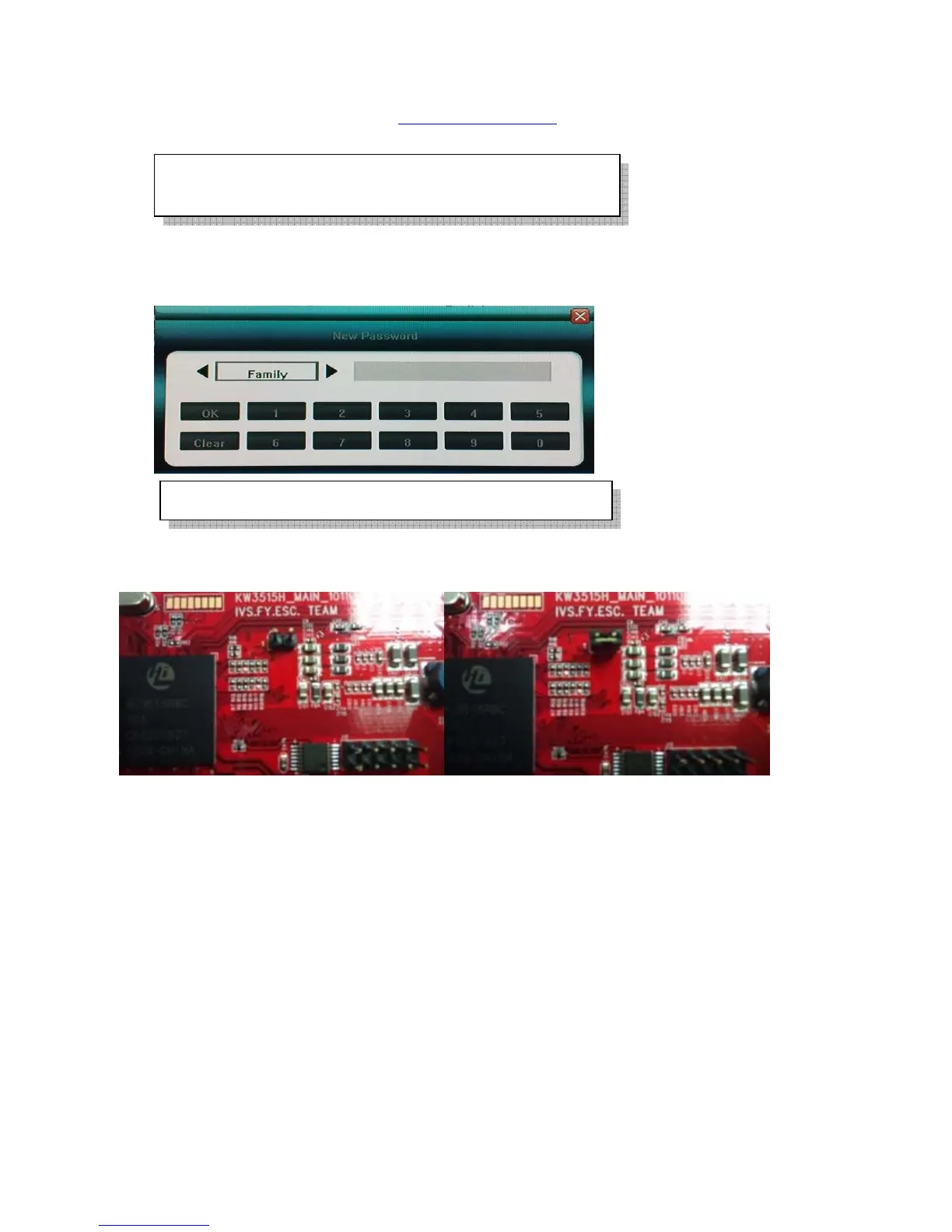
5.2.6 Password Setting and what if forgotten
Choose any account to change its password (password is only digital)
If password forgotten, turn off the machine, open this DVR case, find the JP17 jumper, it is near the SATA
connector location, and find some jumper cap to make it closed(short) and hold it until “beep” sound heard, it
will return back to default password of “Admin” and “User” account.
5.2.7 Hard Disk Overwrite
Set up hard disk full action – over write(ON) or stop recording(OFF)
5.2.8 Create/Delete User Account, assign authorities, setup SEQ Display(Preview
Cruise) and Lock Cameras:
Click “Advanced Setting” of “System”, enter the following setup:
Default password of Admin is [888888] User is [666666]
In order to avoid record files’ time confusion, you’d better
stop recording before modifying system time



 To Next Page