- 18 -
have a vertical line show up , second left-click will mark 【stop time】. Mouse right-click will clear all
marked time.
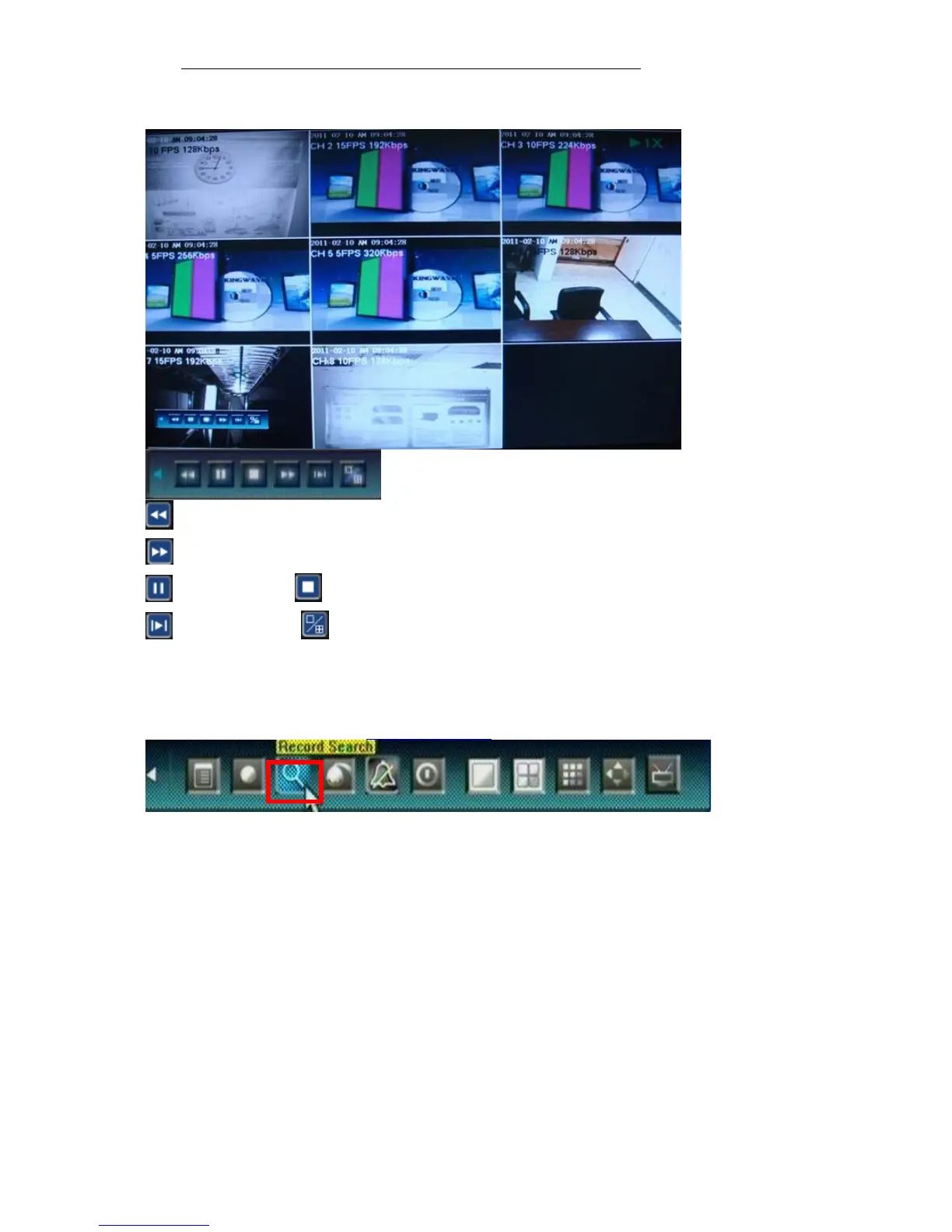
Playback Control
:Back backwards, the available speeds are 8X, 16X
:Fast forward, the available speeds are 2X, 4X, 8X, 16X, 1/8X, 1/4X and 1/2X.
:Pause :Stop playing.
:Go to next frame. :Click to switch from single camera to 4/9 camera.
4.6 Video Backup
Select <Tool Bar>→<Record Search> to search, backup and playback the specific record files you needs. Set the
start time and stop time as describe in 4.5 Video Playback



 To Next Page