- 41 -
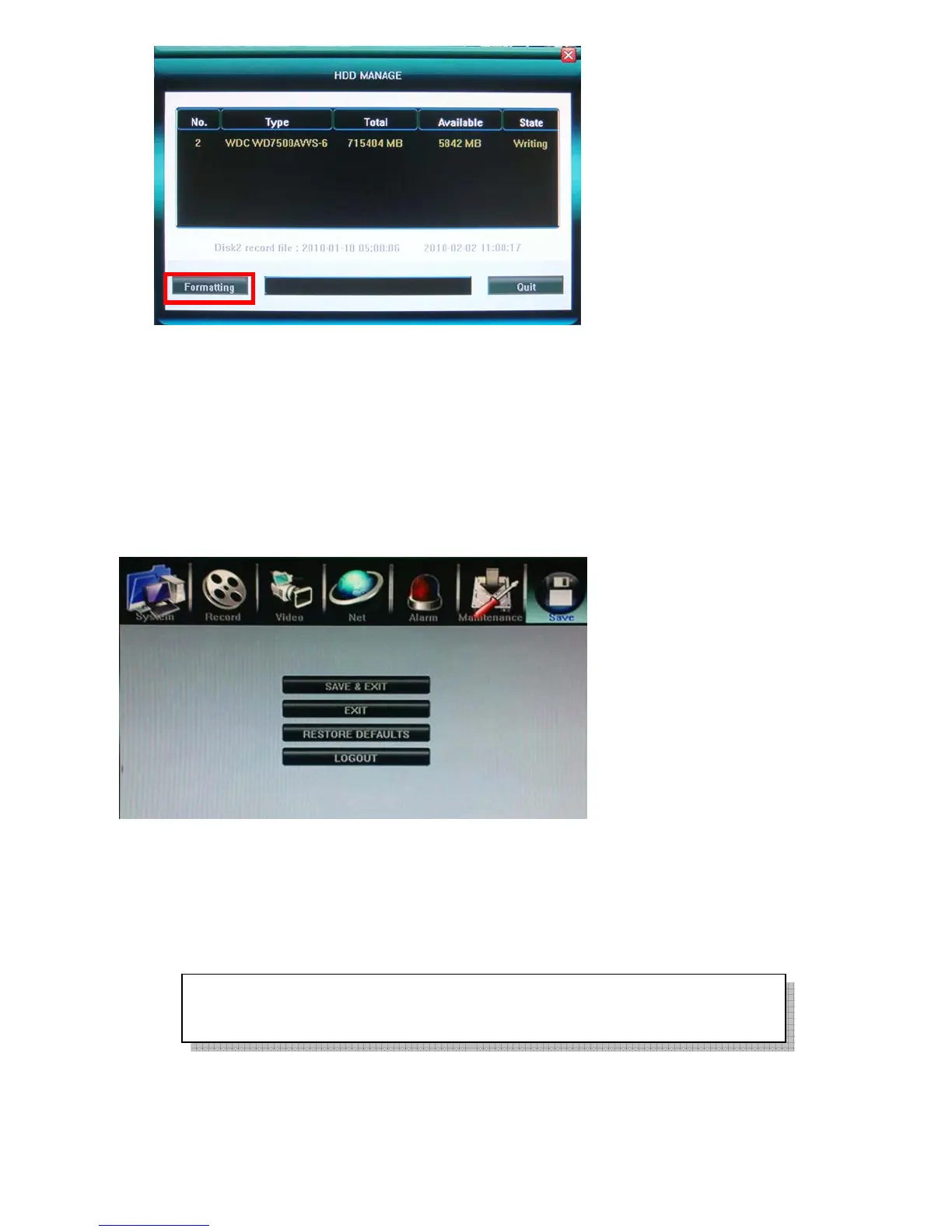
5.7.4 HDD Capacity
Show DVR current HDD capacity status.
5.7.5 Hardware Version
Show DVR current hardware version.
5.7.6 Software Version
Show DVR current software version.
5.7.7 Software Release Date
Show DVR current software release date.
5.8 Save Setting
5.8.1 Save & Exit
Save all setting and exit menu.
5.8.2 Exit
Exit menu without save setting.
5.8.3 Restore defaults
Reset all configuration to factory default
5.8.4 Logout
Save all setting and exit menu.
The system language, time, camera PAL/NTSC system, and network settings (IP
address, subnet mask, gateway, HTTP port) will not be recovered by restoring to
factory defaults.



 To Next Page