- 32 -
To cancel the privacy region, by use mouse/ left-click, or press
or (faceplate button),
or press [FN] (remote control) to move to the privacy region, and press [ECS] or mouse/right-click to
confirm; by mouse right-click or press [ESC] again to finish the setting and return back to manual.
Each privacy region will show only gray color in live view windows and being recorded. Support
Maximum 4 regions.
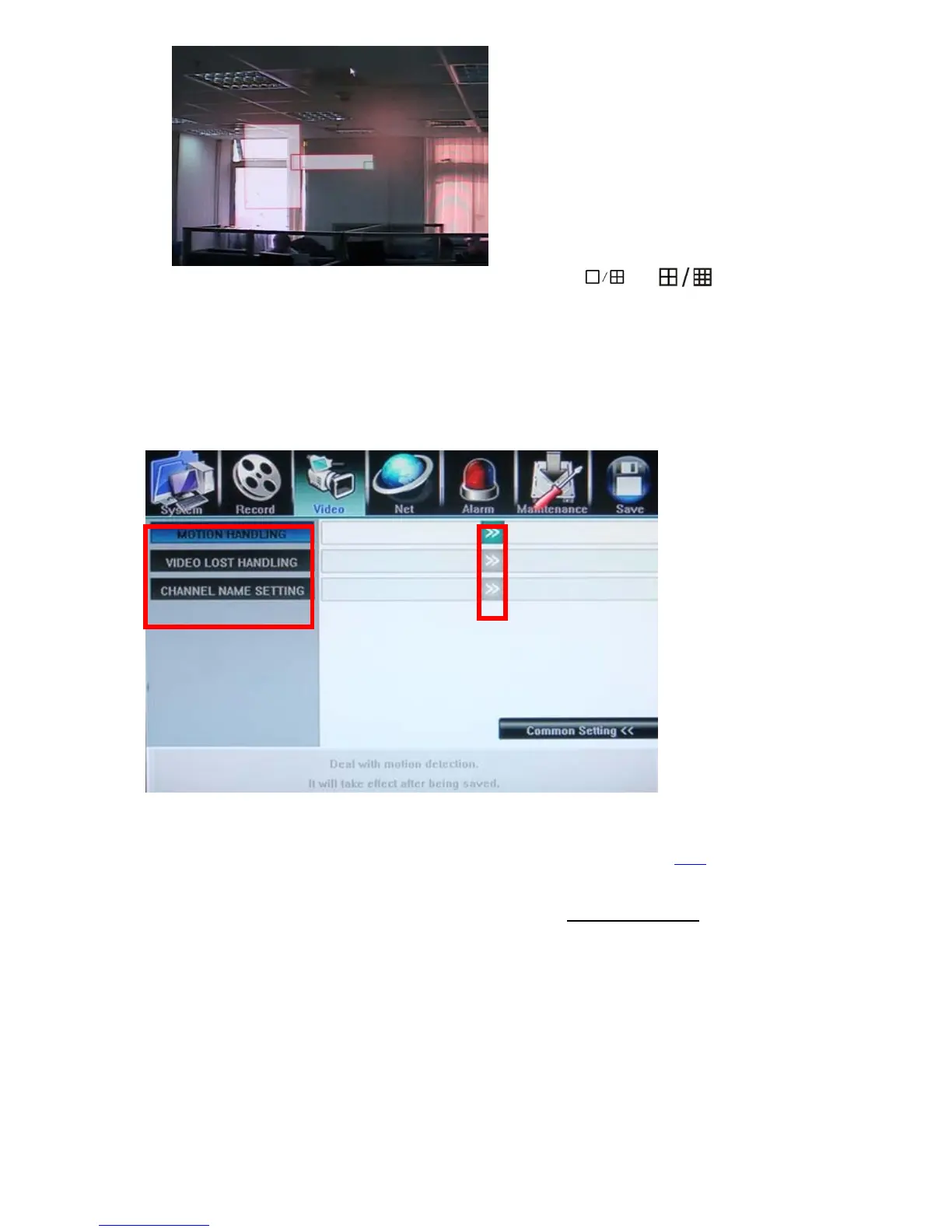
5.4.8 Motion, Video Lost and Channel Name(Video- Advanced Setting)
Motion Handling & Video Lost handling
User can pre-define correspond actions while DVR handling the event such as motion detection, video
lost, following is the action list,
z Record: Start record immediately for selected channels
z Alarm Zoom Out: display channels when motion happened, please refer to 5.6.4
z Alarm Out: Set the Alarm output enable
z Buzzer: Set the internal Buzzer enable
z E-mail: Send E-mail with Snapshot picture(please refer to 5.5.6 E-mail Server
about how to set up
the E-mail address list)
z UPLOAD: upload these events message to IE or CMS server, to be displayed at the top right corner



 To Next Page