- 30 -
5.3.7 Record Resolution
Choose record resolution of the channel selected, and must choose the same resolution for all channels,
please refer to Chapter 5.2.9 Resource Management for details
1) CIF(352 x 240, or 352 x 288)
2) Half D1(704 x 240, or 704 x 288)
3) D1(704 x 480, or 704 x 576)
Please note 4CIF=2 Half D1=D1, so that “Record Frame Rate” would be reduced automatically
even you set up as “Full” for D1 and Half D1.
5.3.8 Dual Streaming for Network(Record-Advanced Setting)
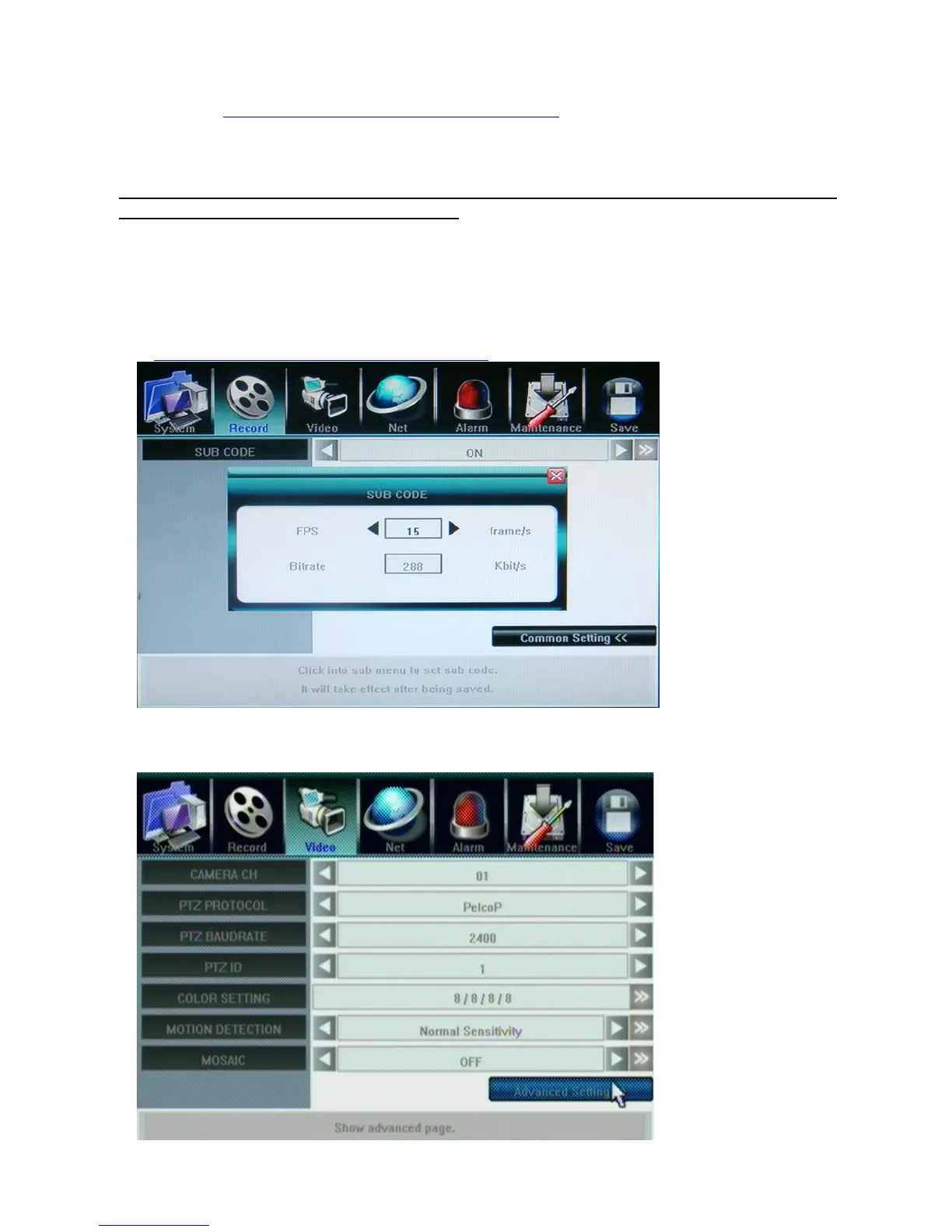
SUB CODE
By default, DVR use recording streaming for IE Browser viewer and mobile streaming. Enable sub code
can customize the frame rate and bitrate for IE client viewer and mobile streaming in case of limited
upload bandwidth, and they can be setup independently for every channel. For IE set up, please refer to
ChannelÆ Camera setting, Sub Bitstream, Subcode
5.4 Video Setting



 To Next Page