- 49 -
Video File Playback
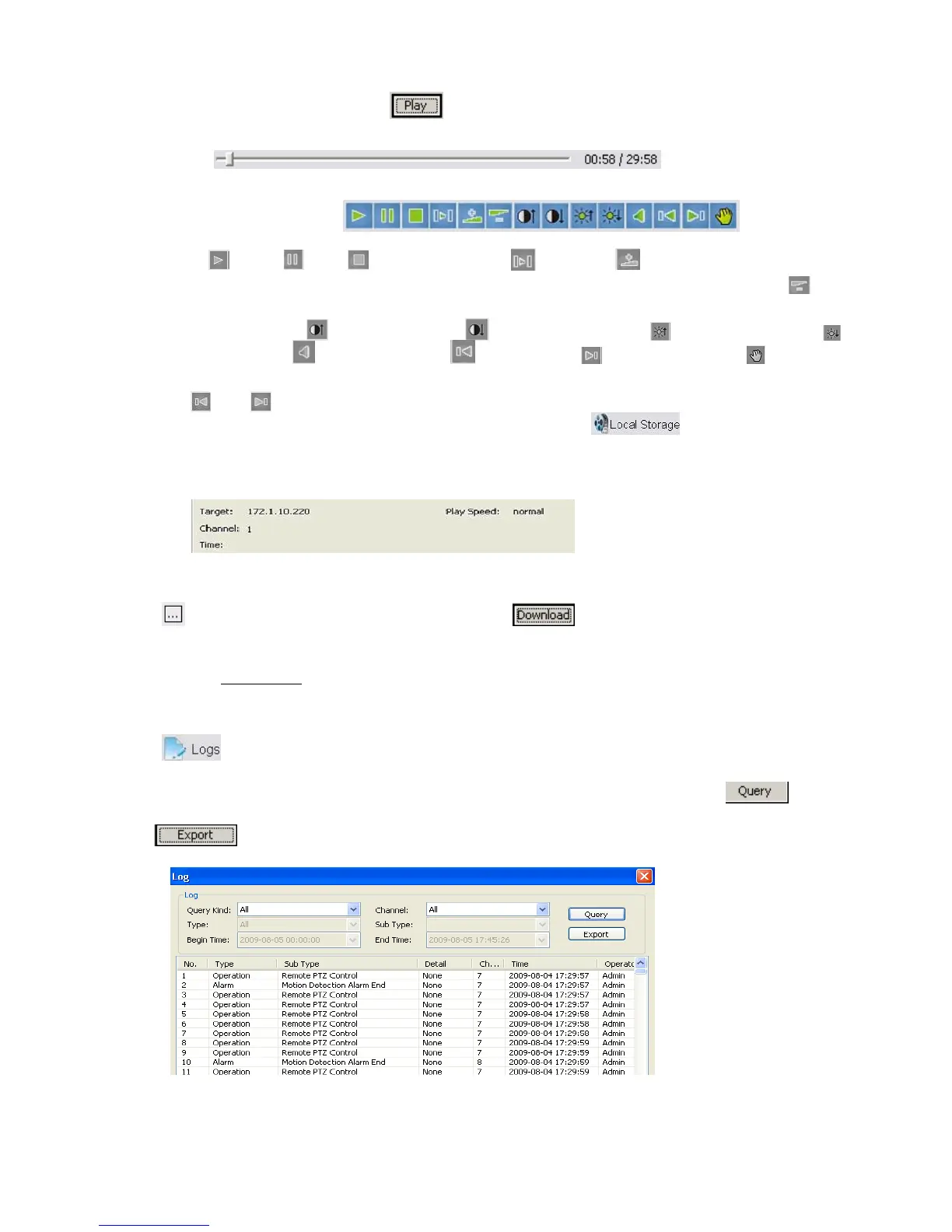
The play control screen is on the left side of the screen. It includes image display area, play control bar,
and channel information. Click
, the record files selected will be displayed in time order. The
progress of playing is shown as the figure below:
The playing control bar is shown as the figure below. The descriptions of all these icons from left to
right are as follows:
Play
; Pause ; Stop ; Go to next frame ; Fast play option (The current speed of
playing will be doubled by each clicking. It includes: 2X, 4X, 8X, and 16X); Slow play option
(The
current speed of playing will be half down by each clicking. It includes 1/2X, 1/4X, 1/8X, and 1/16X);
Enhance contrast
; Reduce contrast ; Enhance brightness ; Reduce brightness ;
Open/close voice
; Go to previous file ; Go to next file ; Prompt file location
(
and is enabled only when multiple record files being selected to play); Snapshot (the
storage directory can be set on the pop-up screen by clicking
).The information of the
record file selected will be displayed in the area shown as the figure below. It includes device’s IP
address, current play speed, channel number and start/end time of the record file.
6.6.2 Download Video Files
Click to set the storage directory of the video file. Click to start downloading, the format is
MPEG4 or AVI, you may select.
Please refer to Chapter 4.6
for playback downloaded MPEG4 video by Windows Media player.
6.6.3 Device Log
Click , the screen of device logs will appear. There are four options for choosing: All, according to
time, according to type, according to time and type.
To search logs, please select the search mode and channel number needed first and then click
to
progress.
Click
to export logs in html format.



 To Next Page