- 45 -
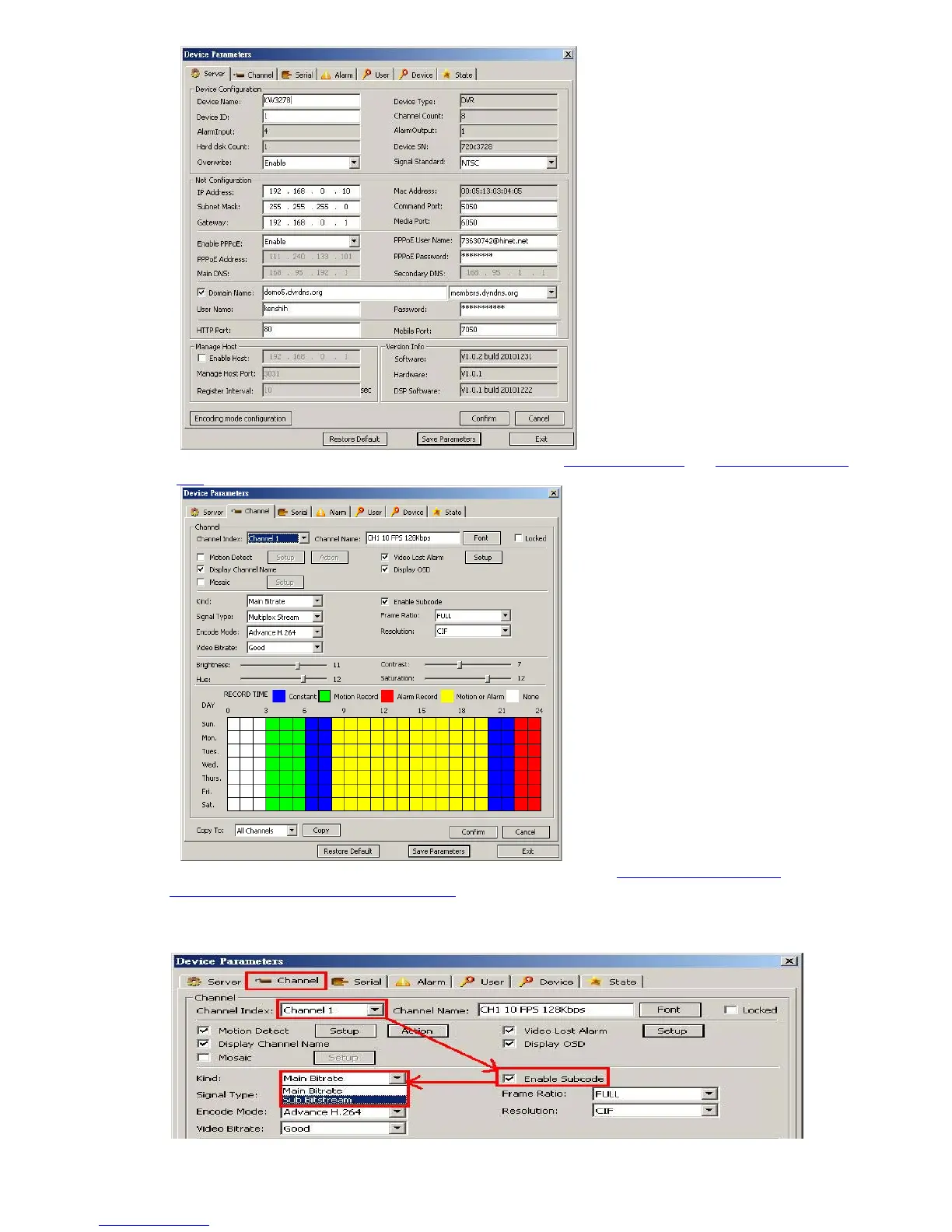
ChannelÆ Camera setting, Record setting – please refer to 5.3 Record Setting
and 5.4 Video Setting as
well
ChannelÆ Camera setting, Sub Bitstream, Subcode – please refer to 5.3.8 Dual Streaming for
Network(Record- Advanced Setting) as well
For limited upload bandwidth of internet that DVRs connect, or limited streaming capability of some
mobile phone/PDA, you have to adjust bandwidth of DVR to internet: [Enable Subcode] ->[Sub
Bitstream] ->[Video Bitrate]



 To Next Page