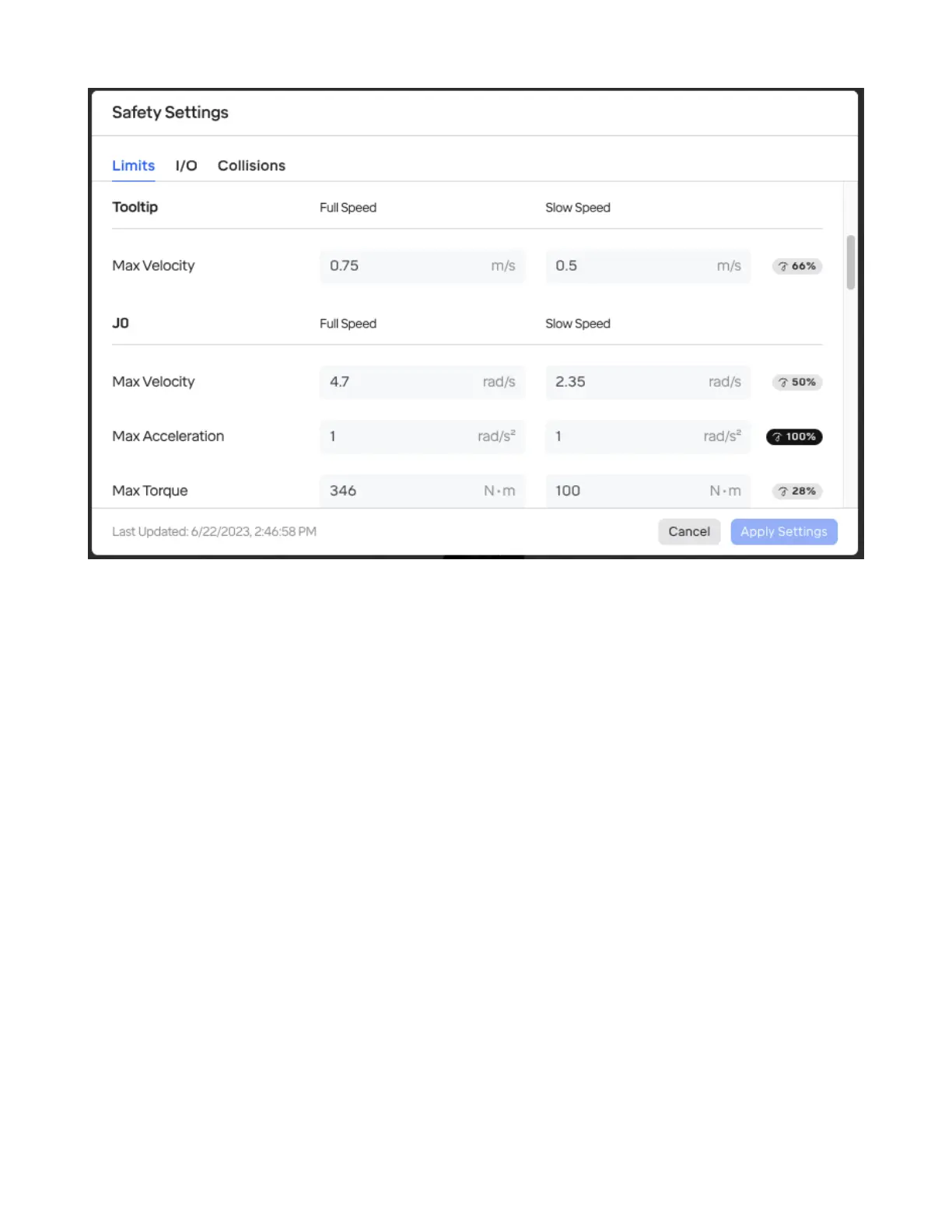
The following can be customized, both for when the robot operates at its full speed and in a “slow”
mode that can be triggered via Safety I/O settings:
• Tooltip Speed: This limits the speed of the tooltip in Cartesian space.
• Per joint:
– Max velocity: This is the maximum angular change in the joint’s position per second permit-
ted.
– Max acceleration: This aects the rate at which the joint can change speed. If this is too low,
the may not be able to achieve the maximum velocity otherwise permitted during the course
of a movement.
– Max torque: The maximum torque that the motor in the joint can exert.
4.2.2 Speed Modier % Slider
The robot can be slowed down from its maximum as needed inside the robot menu.
This is useful for trying out a routine before putting it into production.
Setting this slider only applies a cap to the maximum limits that would otherwise be set in Safety Set-
tings; movements that were already slower than that are not aected.
30



 To Next Page