To use a variable in the routine, click the “Fx” button in the given area of the step. There are several sets
of variables available.
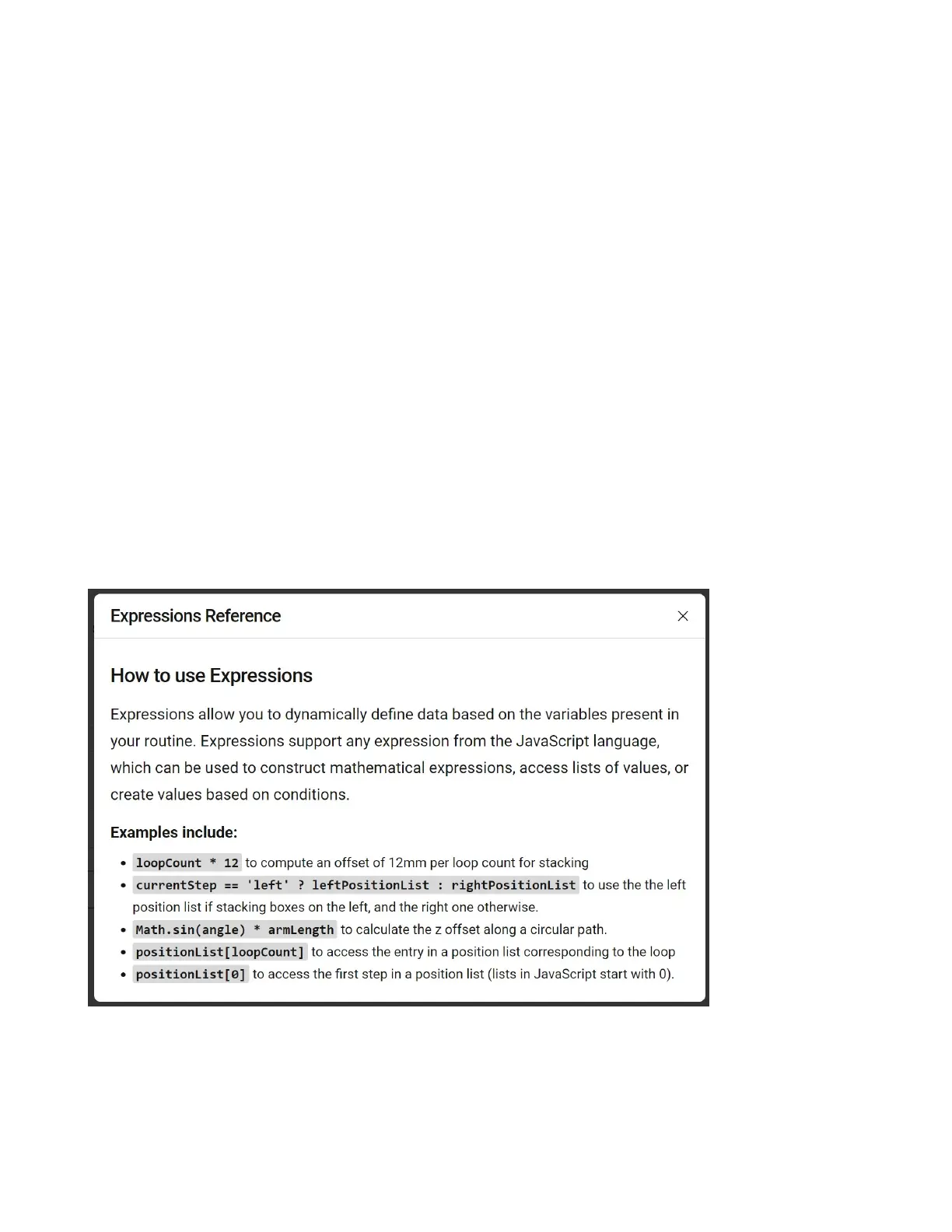
Expressions Reference: Help menu on how to construct expressions
Step Variables: Data from each routine step that can be used, for example the number of times it has
been executed in a loop.
Environmental Variables: Variables created by the user in the routine.
IO Input Variables: Access to each of the 16 24VDC inputs, 0 if o 1 if on.
Gripper State: For supported grippers, inputs based on current state, for example closed or open.
Space: Data set in the space, such as saved positions.
Note: If you are using a variable, you must add it using the “Fx” button and not manually type it in.
Manually typing the variable will not include the correct prex and will result in an error.
5.7.2 Javascript
The Standard Bots routine editor provides the necessary instructions that address the requirements for
the majority of applications. Should you need to to incorporate more advanced functions, the routine
editor allows you to write your own JavaScript into Loops, Add Osets, Move Arm steps, and more.
You can access the above help menu by clicking “Fx” in any text window in the routine editor and se-
lecting “Expressions Reference”.
74



 To Next Page