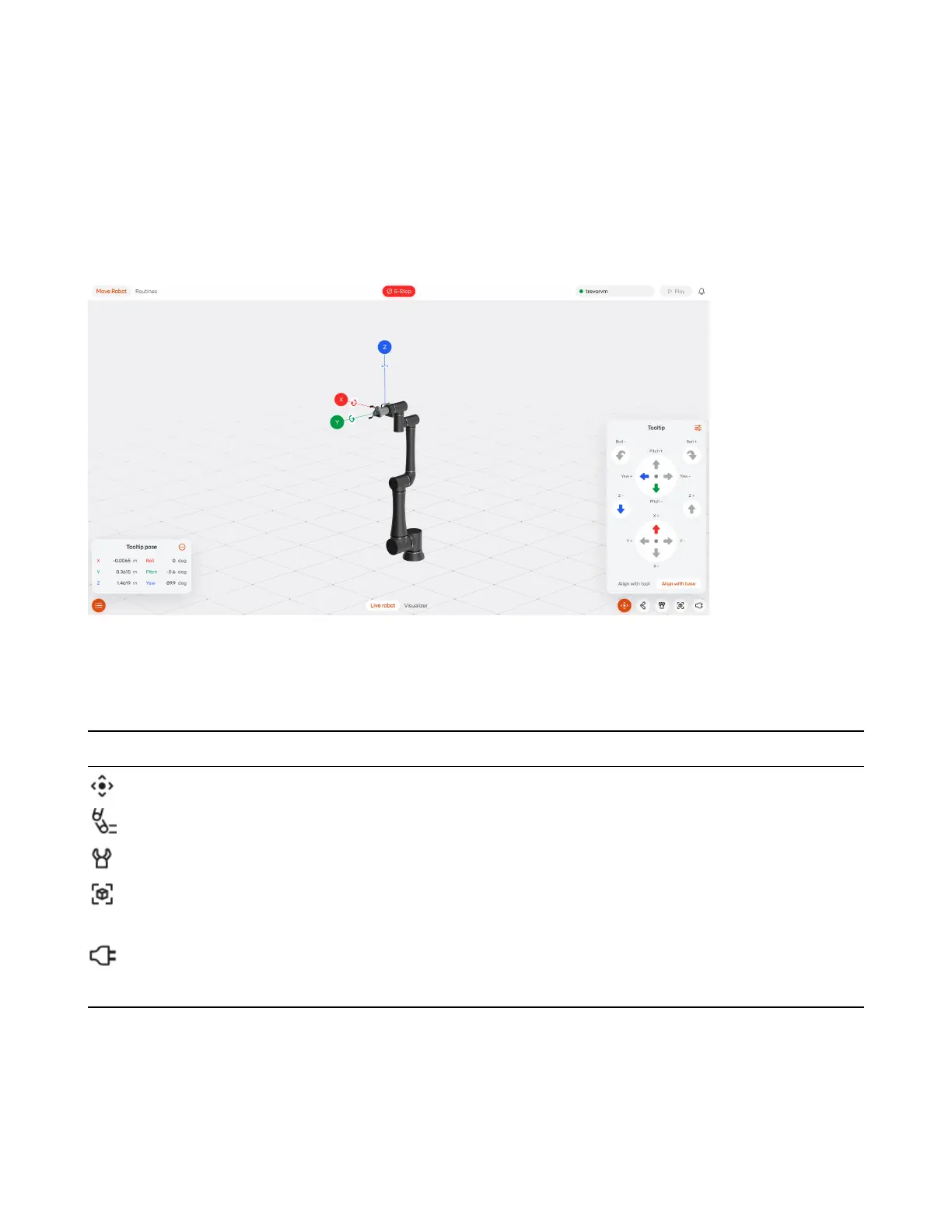
5.2 Jogging the Robot
The “Move Robot” tab brings you into the Move page.
This shows a visualization of the RO1. The switch on the bottom allows you to switch between visualiz-
ing (and controlling) the real robot or a simulated robot.
At the bottom of this screen are several useful tabs:
Icon Tab Name Description
Tooltip Jogs robot’s tooltip in Cartesian space
Joints Controls position of individual joints
Gripper Controls any connected gripper
Space Allows dening points and grids that can be referenced
in the routine
I/O Shows the status of the I/O ports and allows manually
toggling them
5.2.1 Jogging Tooltip
When jogging the tooltip, you are able to control the X, Y, Z coordinates of the tooltip, as well as the roll,
pitch, and yaw.
40



 To Next Page