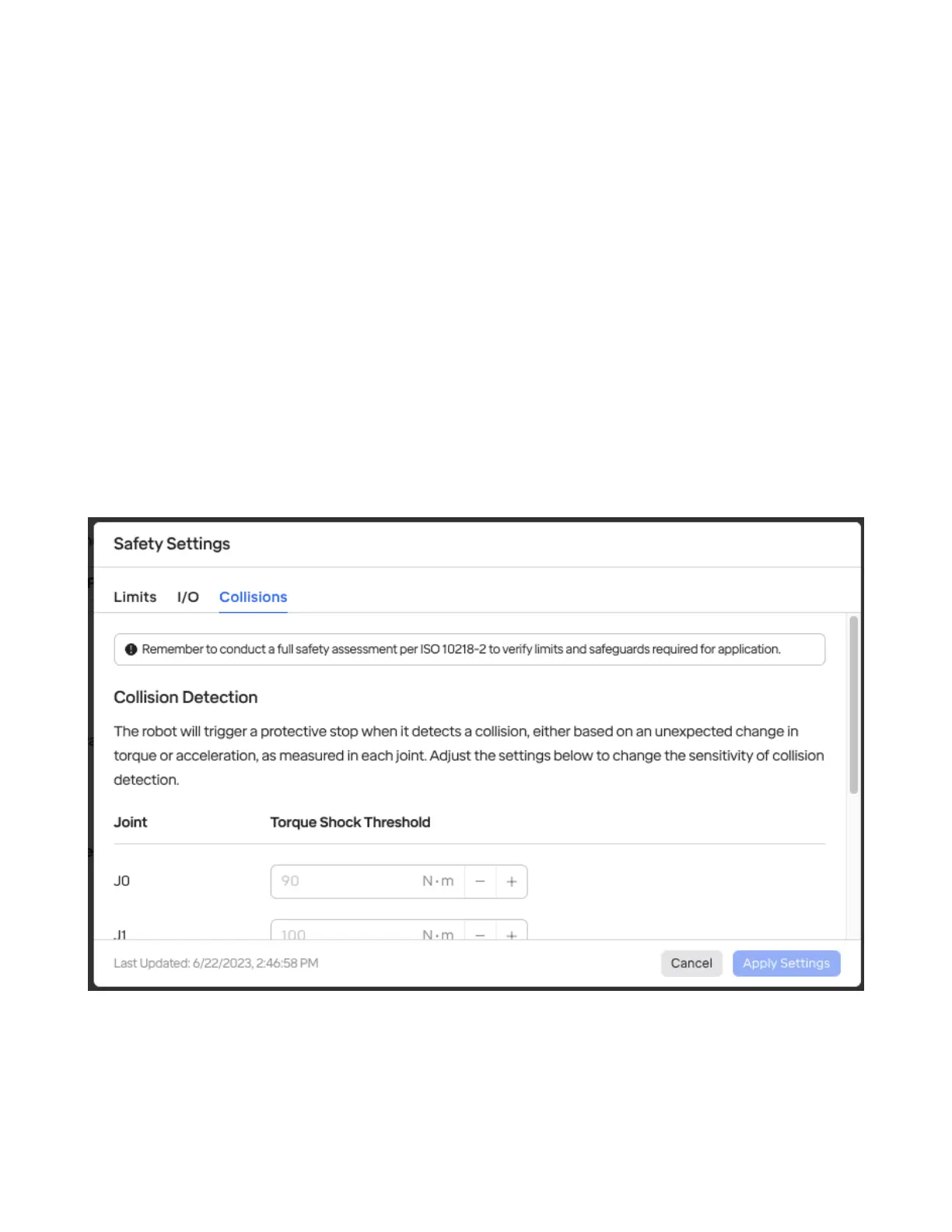
4.4 Collisions & Protective Stops
When the robot is running a routine and encounters a collision, it will stop. The routine can be re-started
with the “Play” button in the top toolbar. Every time a collision occurs, it will also log the time and force
measured, which can be reviewed in the Notication (bell) section.
Collisions are detected with two methods: 1) by monitoring the current coming out of the joint motor
to measure torque and nd discrepancies, 2) by monitoring an IMU (accelerometer) inside each joint.
4.4.1 Adjusting Collision Sensitivity
Depending on the environment and safety requirements, it may be desirable to change the sensitivity
of collision detection. This can be done in the “Collisions” section of Safety IO.
This allows adjusting the thresholds used for both methods: the torque shock threshold (in newton-
meters) and the acceleration threshold used by the IMU (in m/s²).
4.5 Setting the Robot’s Payload Mass
The robot’s knowledge of its payload mass aects its ability to balance and sense collisions. It’s impor-
tant for overall safety to congure the payload as part of setting up a robot cell with the RO1.
35



 To Next Page