4.2.3 Customizing Speed Limits For A Step
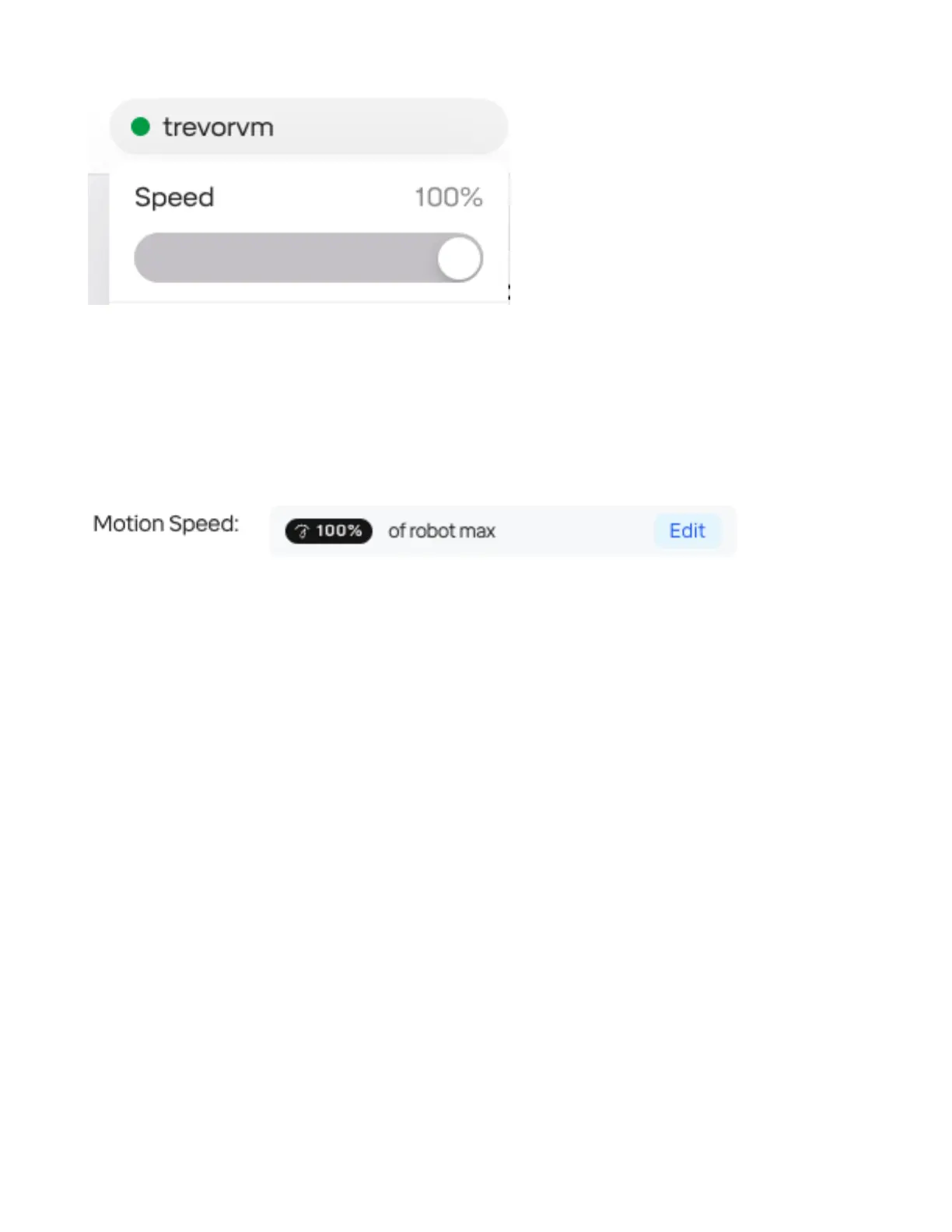
When editing a “Move” step, the “Motion Speed” setting allows you to aect the speed for only that
step. This is useful for delicate movements or when required for safety.
By tapping “Edit”, several options are available. The motion can be restricted to percentage of the
maximum (as with the global speed modier in the robot menu), or to a new set of custom limits.
Note that these limits apply whether the robot is operating at full speed or at any “slow” speed mode
dened in safety settings. The robot will always apply the lowest of all limits in eect. It is also not
possible to set torque limits on a per-step basis.
31



 To Next Page