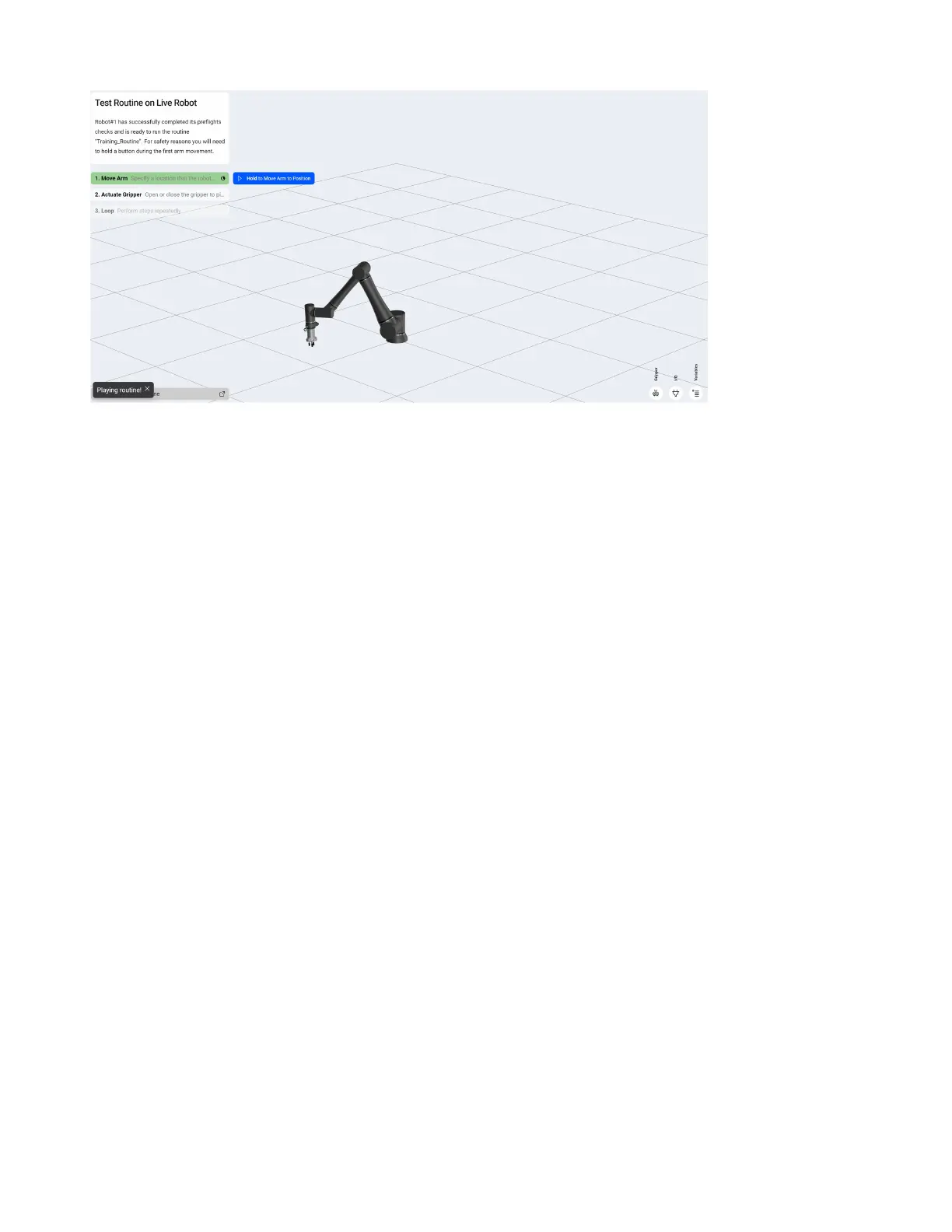
1. Click and hold the Hold to Move Arm to Position button to move the robot to the rst position in
the routine.
2. Watch the robot to ensure there are not going to be collisions during this move.
3. The routine will run at the specied reduced speed once and stop.
4. If the routine looks good, you can now play again, and it will run at the speed specied in the menu
in the upper right.
5.7 Advanced Routine Functionality
5.7.1 Variables
Variables can be used to assist with a variety of tasks within a routine such as:
• Storing a part oset for use in multiple Add Oset steps.
• Keeping track of how many parts have been picked in a given row.
• Keeping track of how many layers have been placed on a pallet.
72



 To Next Page