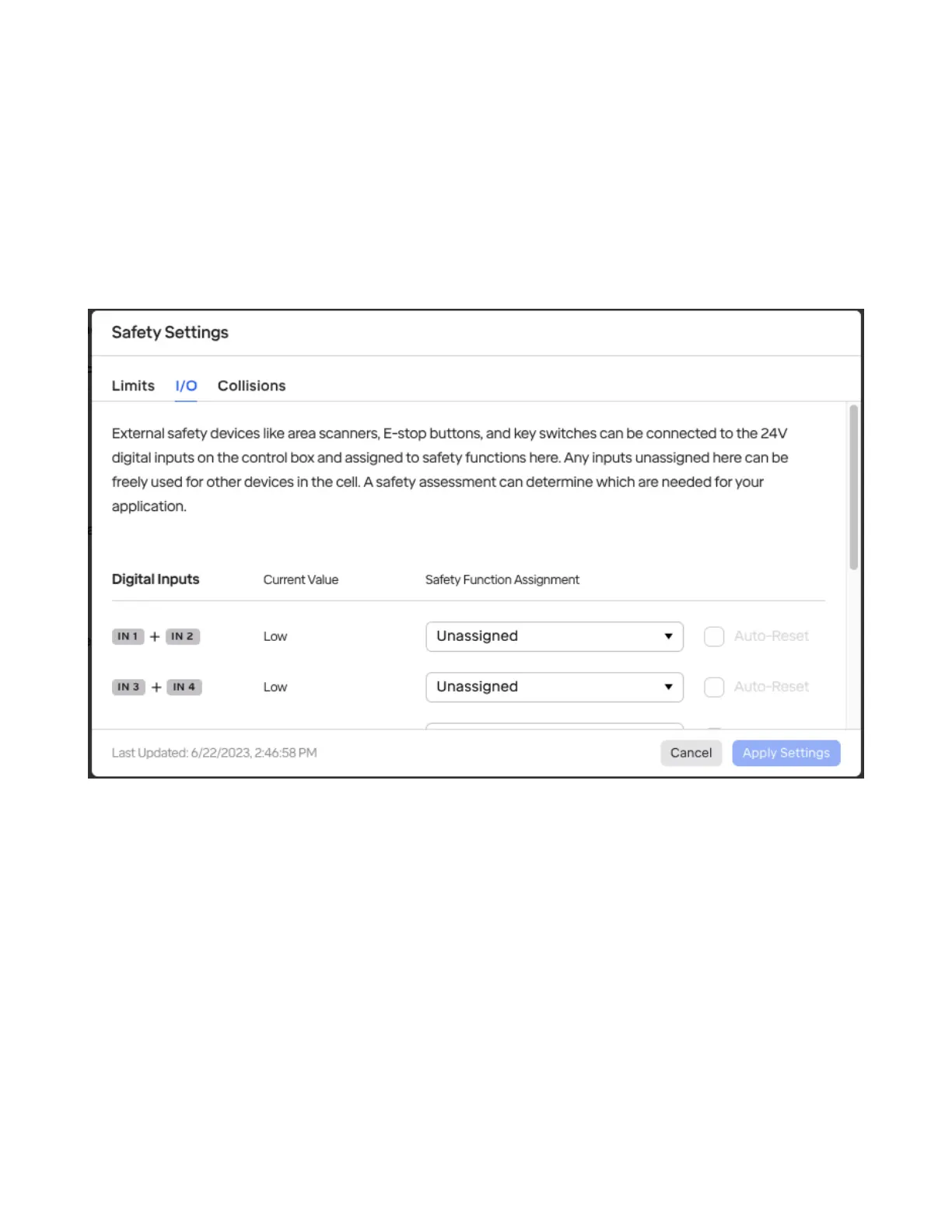
4.3 Safety I/O
The “I/O” tab shows settings for Safety I/O, which allows you to congure safety devices like extra E-
stop buttons, area scanners, light curtains, and more.
At present, only inputs are supported here; support for safety outputs for controlling other devices will
be added in a future software update.
/pagebreak ### Conguring Safety Inputs
The sixteen 24V inputs on the control box are all safety-rated and can be used in pairs. Safety devices
are connected in pairs to eliminate the possibility of a stray signal keeping the robot operating while
actually in an unsafe condition. Therefore, if either of the paired inputs is below 24V, it will be treated
as a “low” signal.
The following options are available:
• Safety Function Assignment: Any ports can be assigned to:
– Emergency Stop when low: Triggers a category-0 stop that brakes robot and cuts power to
arm.
– Pause when low or when high: Pauses the currently-running routine but does not brake the
robot.
33



 To Next Page