This can be switched between “Base” (where the reference frame is the robot base) and “Tooltip”
(where the reference frame is on the robot’s tool flange). Moving to tooltip mode can be useful for
maneuvering the tooltip in and out of tight spaces.
For safety, manually jogging the robot is always capped at a speed below the maximum that will apply
when running. To make the robot jog even slower, you can change the global speed % slider in the robot
menu.
5.2.2 Jogging Joints
The robot’s joints can also be moved directly. This can be useful in avoiding collisions and in planning
moves to minimize cycle time.
5.2.3 Entering Exact Values
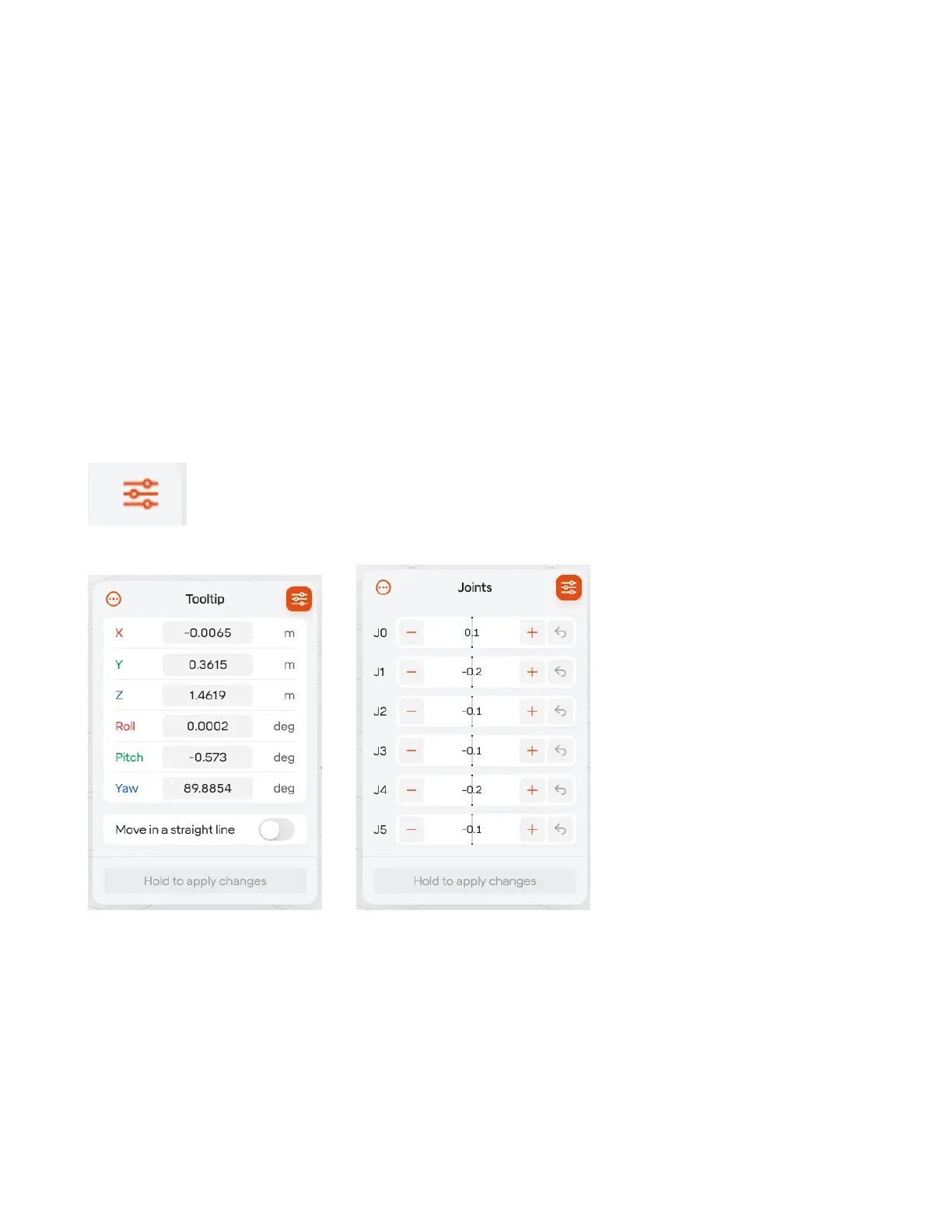
When jogging in either mode, if you want to enter a more precise value, you can press the
button in the top right. Once you’ve entered the values you want, hold down the
“Hold to Apply Changes” button at the bottom of the panel.
5.3 Managing Equipment
To manage equipment in the cell, including grippers, 7th axis devices, CNC machines, and more, open
“Equipment” from the robot menu.
41



 To Next Page