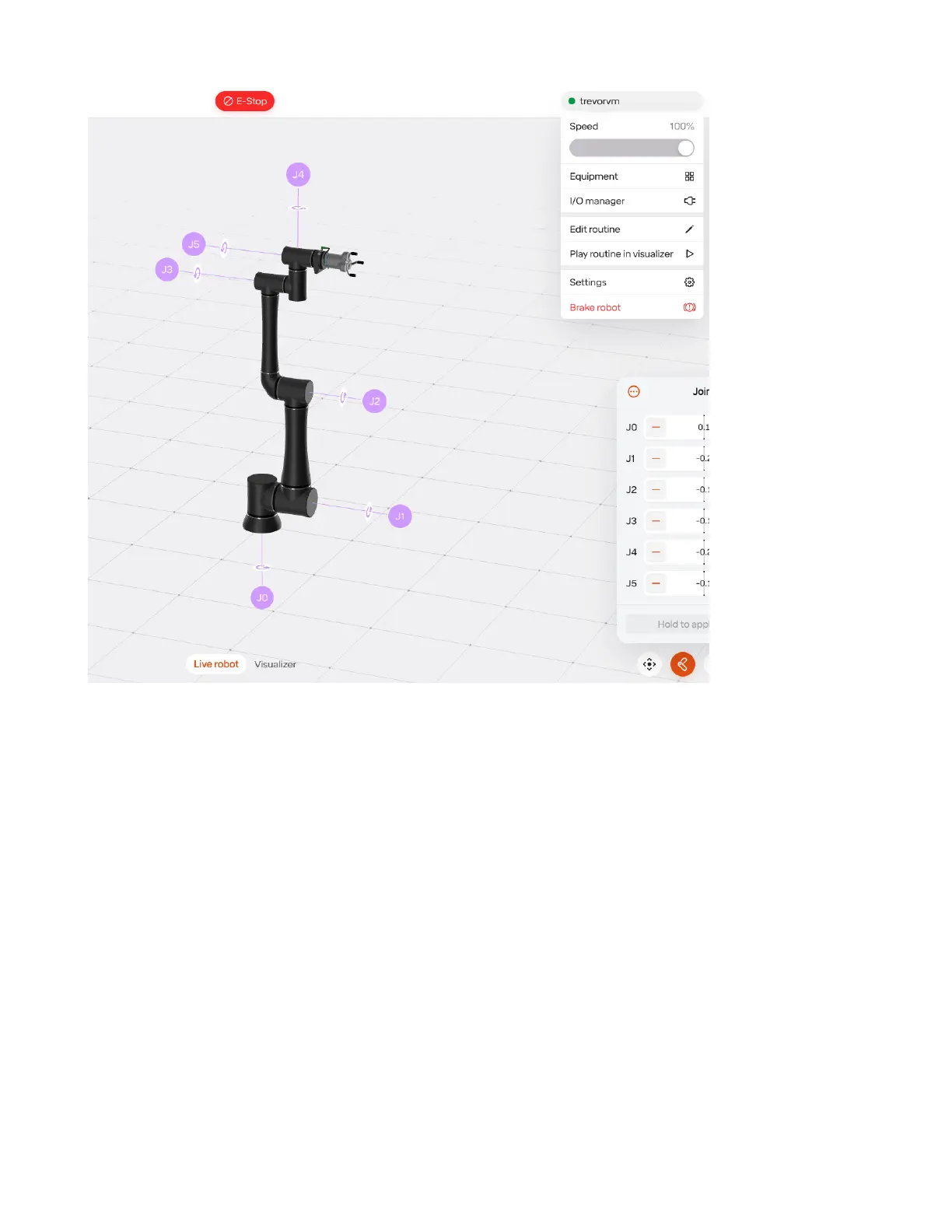
The equipment congured on the robot can be seen in the list on the left. To add new equipment, press
the “Add Equipment” button in the bottom left. Various settings for each connected device can be
controlled on the left.
Alt text
Currently, only one gripper can be added at a time (except when using the onRobot Dual Quick Changer).
When adding a single tool on a single changer, you do not need to dene a changer and instead simply
add the tool.
src/images/edit_equipment.png Alt text
To remove equipment select edit.
Missing image
Then select the trach icon on the equipment you would like to remove.
42



 To Next Page