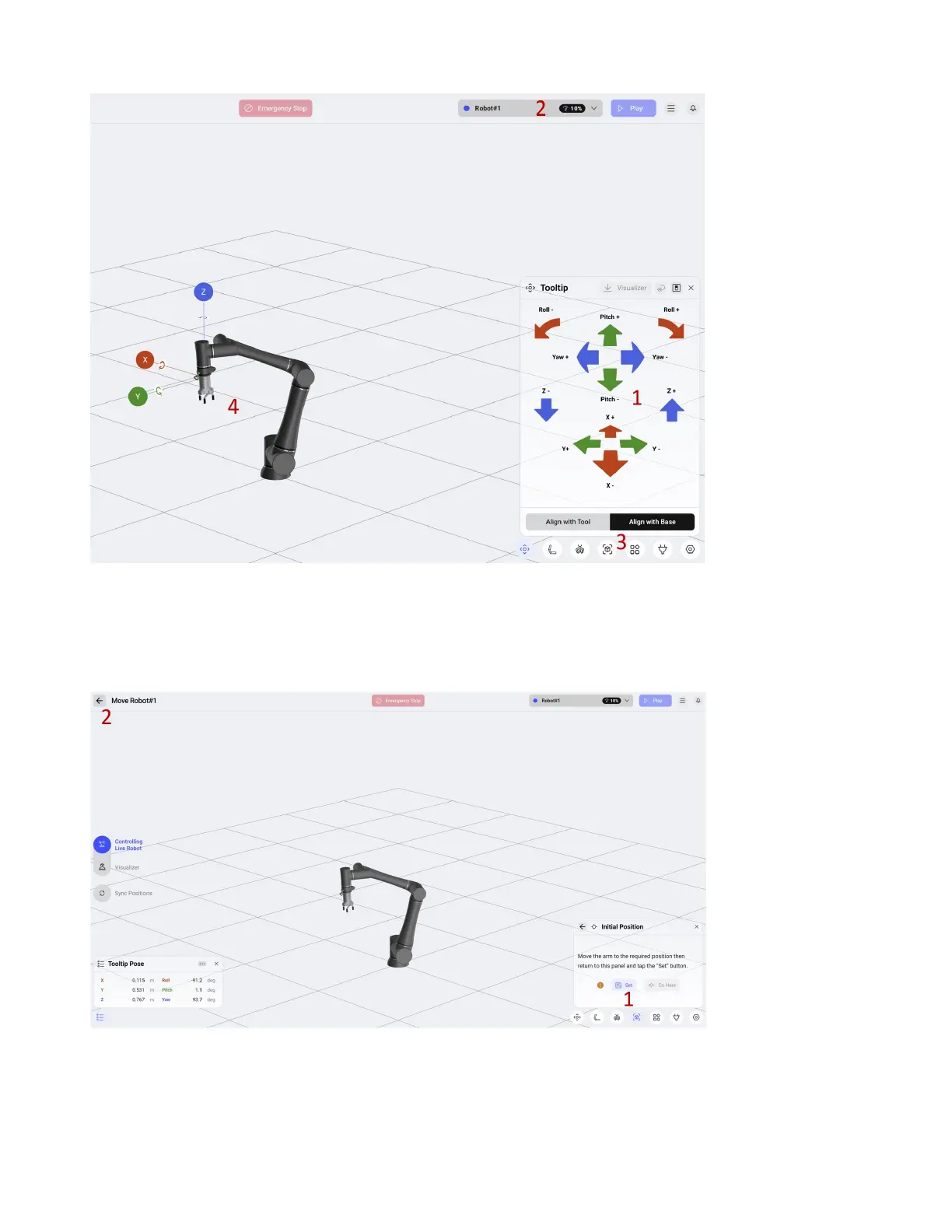
1. Jog the robot to the desired position using the arrows.
2. If needed, use the menu to change the robot speed.
3. Once you are in the desired position, use the Space icon to return to the Space positions.
1. Select Set to save the position to the variable Initial Position.
2. Select the back arrow to go back to the routine.
55



 To Next Page