- 11 -- 11 -
2
REMOVE EXISTING THERMOSTAT
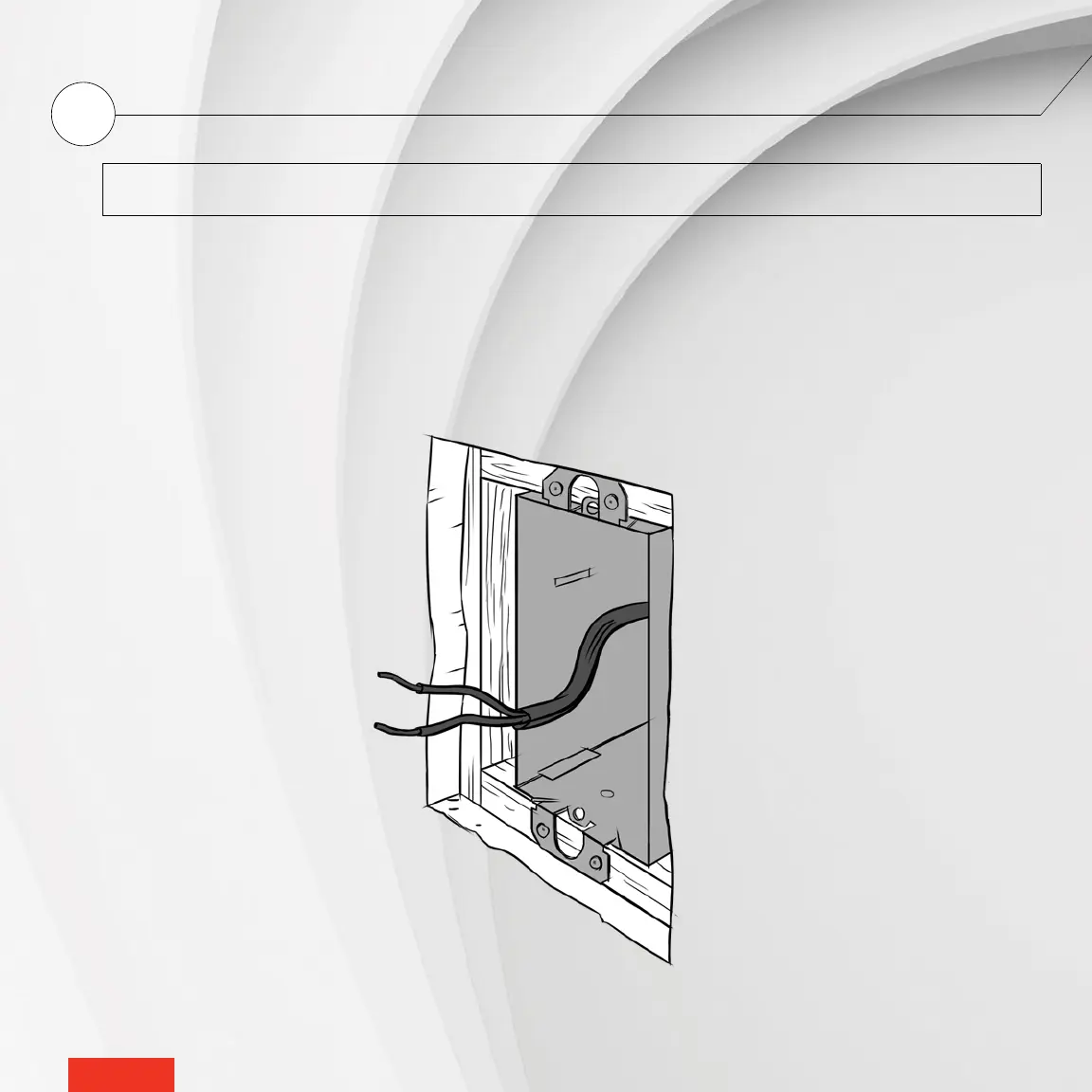
If an existing thermostat is being replaced, please follow these steps:
NOTE : These instructions apply to a thermostat with a °STELPRO mounting plate.
1 - Loosen the screw at the base of the thermostat, without completely removing it, to separate the thermostat from the
mounting plate.
2 - Gently pull the thermostat to gain access to the wires.
3 - Disconnect the thermostat wires from those of the heating system and power supply.
4 - Remove the mounting plate.



 To Next Page