- 37 -- 37 -
MODIFYING THE TIME FORMAT DISPLAY
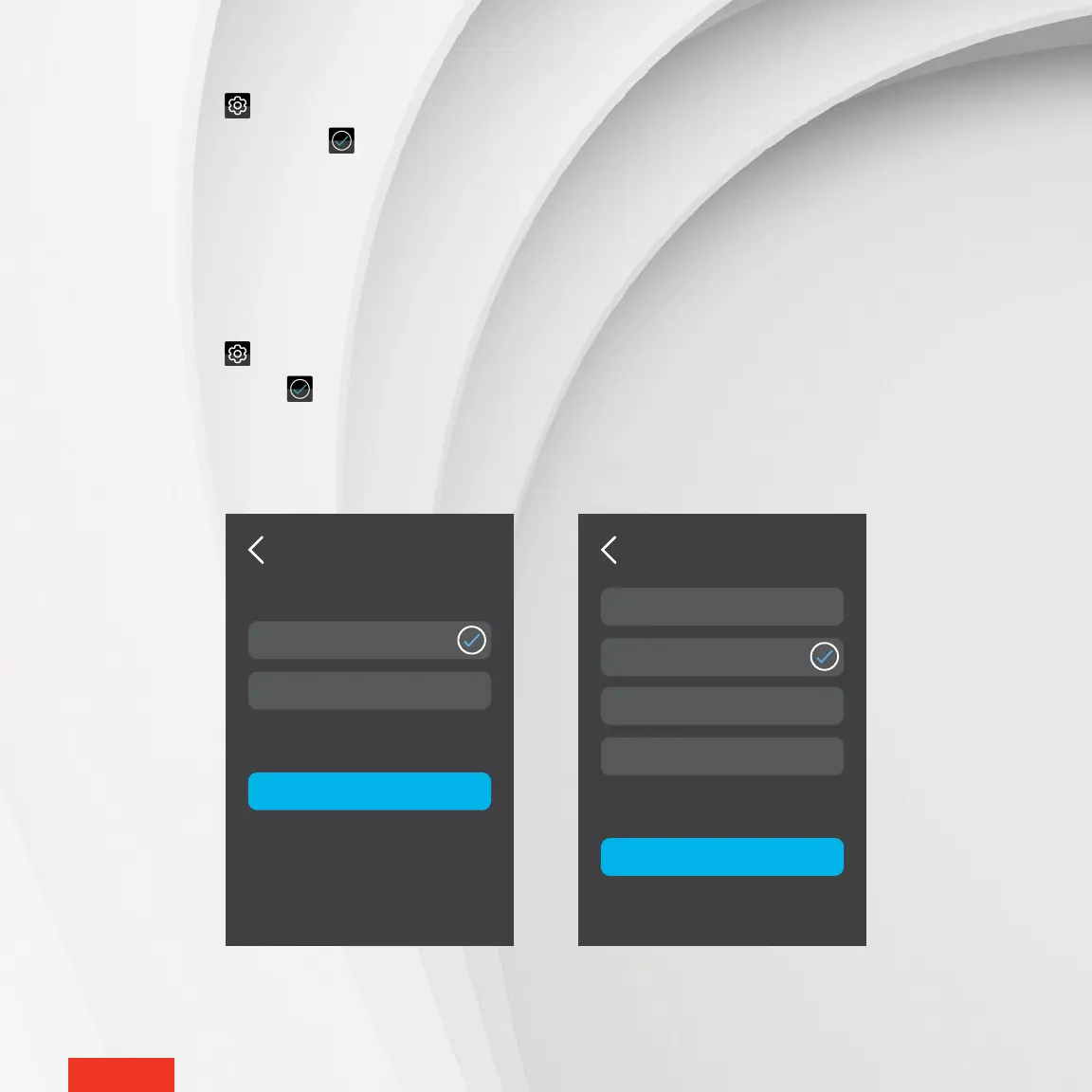
1 - Access SETTINGS > OPTIONS > TIME FORMAT.
2 - Tap 24 Hours or 12 Hours. The icon will appear to the right of the selected option.
3 - Tap APPLY to save the selection.
MODIFYING THE “SCREEN SAVER” OPTION
The “screen saver” option allows you to choose the time of inactivity before the display goes off. The times options are
1, 5, 10 and 30 minutes.
1 - Access SETTINGS > OPTIONS > SCREEN SAVER.
2 - Tap the desired time. The icon will appear to the right of the selected option.
3 - Tap APPLY to save the selection.
SCREEN SAVER
APPLY
1 Minute
5 Minutes
10 Minutes
30 Minutes
TIME FORMAT
APPLY
24 Hours
12 Hours



 To Next Page