- 15 -- 15 -
6
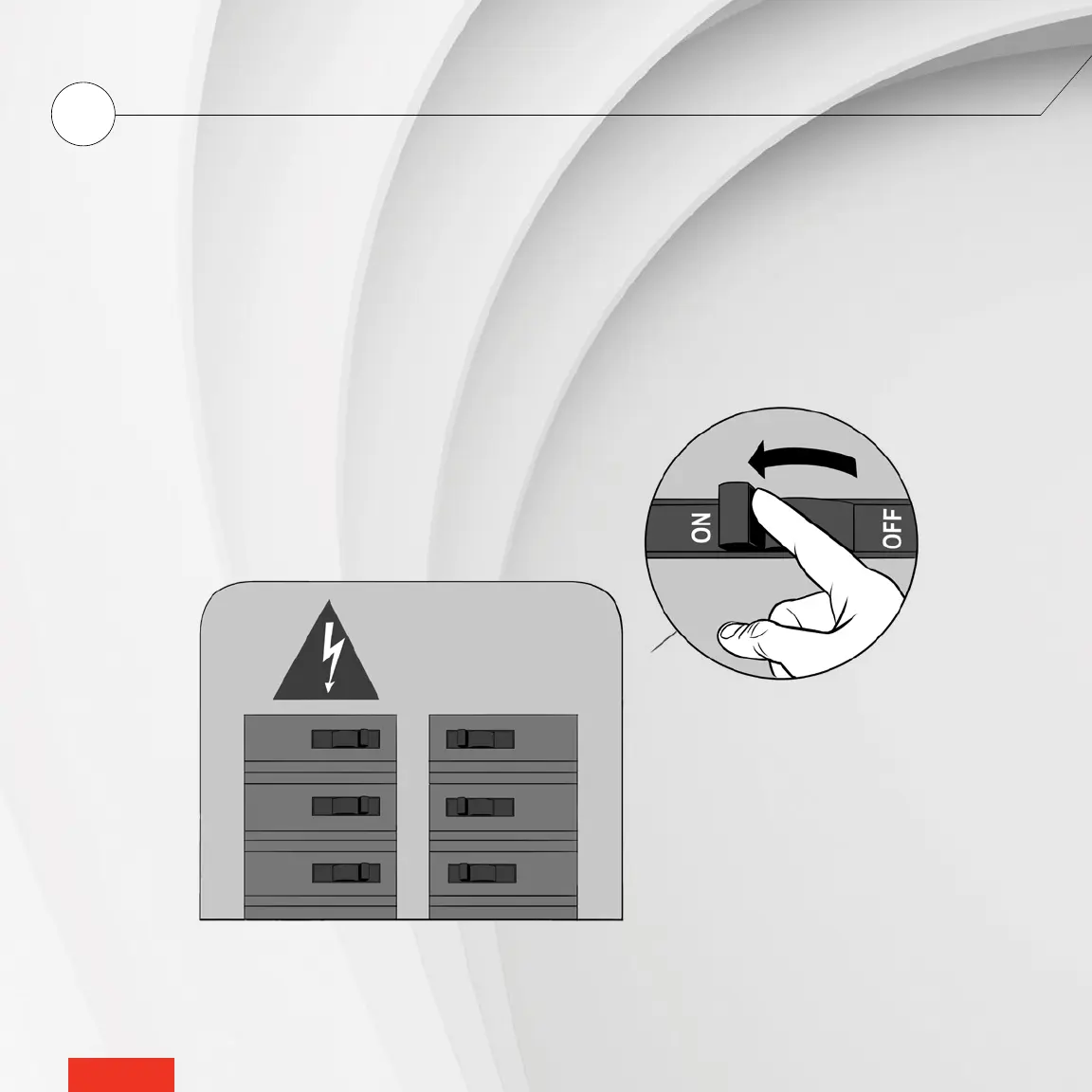
TURN POWER BACK ON
Restore power to the heating system and controller
•
thermostat. Then ensure the controller
•
thermostat turns on.
If the controller
•
thermostat does not turn on, touch the screen. The controller
•
thermostat should turn on. If it
doesn’t, read the “Controller
•
thermostat troubleshooting” section on page 39.
Once installed, the controller
•
thermostat will prompt you to choose a language, temperature format, time format
and heat mode. If the temperature is below 32 °F, the home screen will display Cold. If the temperature exceeds
122 °F, the screen will display Hot.



 To Next Page