- 26 -- 26 -
CLEAR MOBILE
DEVICE LIST
CLEAR NOW
ADVICE
Clear the list if your
mobile device is lost or
is not used anymore
GEOFENCING
Geofencing off
Geofencing on
Clear mobile device list
APPLY
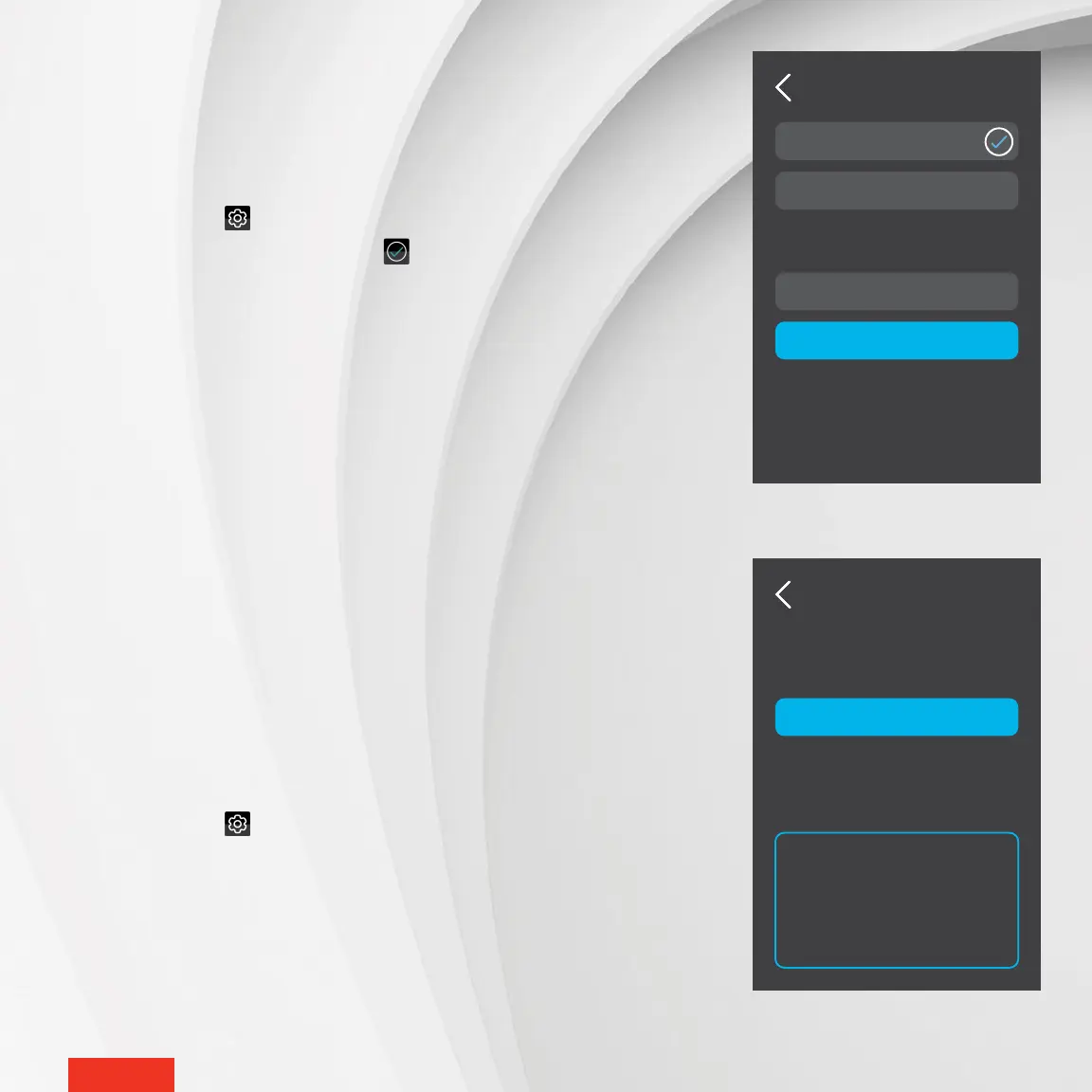
DELETING MOBILE DEVICES
The MAESTRO app recognizes all mobile devices with the option “Use this
mobile device” activated to determine the status of your home. If you lose or
stop using a mobile device paired with your home, you must delete it on the
controller
•
thermostat to ensure geofencing works properly. To do this, you must
delete the entire mobile device list associated with geofencing. The MAESTRO
system will then automatically re-register all mobile devices that still have the
option “Use this mobile device” activated.
1 - Access SETTINGS > Geofencing.
2 - Tap Clear mobile device list.
3 - Tap CLEAR to conrm the deletion of the mobile devices recognized by the
geofence.
ACTIVATING OR DEACTIVATING GEOFENCING
You can activate and deactivate geofencing directly on your controller
•
ther-
mostat or in the MAESTRO app. However, you must rst set your geofencing
boundary and select the option “Use this mobile device” in the MAESTRO app.
1 - Access SETTINGS > Geofencing.
2 - Tap Geofence off or Geofence on. The icon will appear to the right of the
selected option.
3 - Tap APPLY to conrm the selection.



 To Next Page