- 18 -- 18 -
CONTROLLING YOUR MAESTRO SYSTEM WITH THE MAESTRO APP
If you wish to use the MAESTRO app to control the temperature of your home from wherever you are, you must connect your
controller
•
thermostat to your home’s Wi-Fi network and register the controller
•
thermostat in the MAESTRO app. You will then
be able to enjoy all the advantages of the MAESTRO system.
NOTE : Before registering your controller
•
thermostat, you must rst download the MAESTRO app and create your
user account.
CONNECTING THE CONTROLLER
•
THERMOSTAT TO YOUR
WI-FI NETWORK AND REGISTERING IT IN THE MAESTRO APP
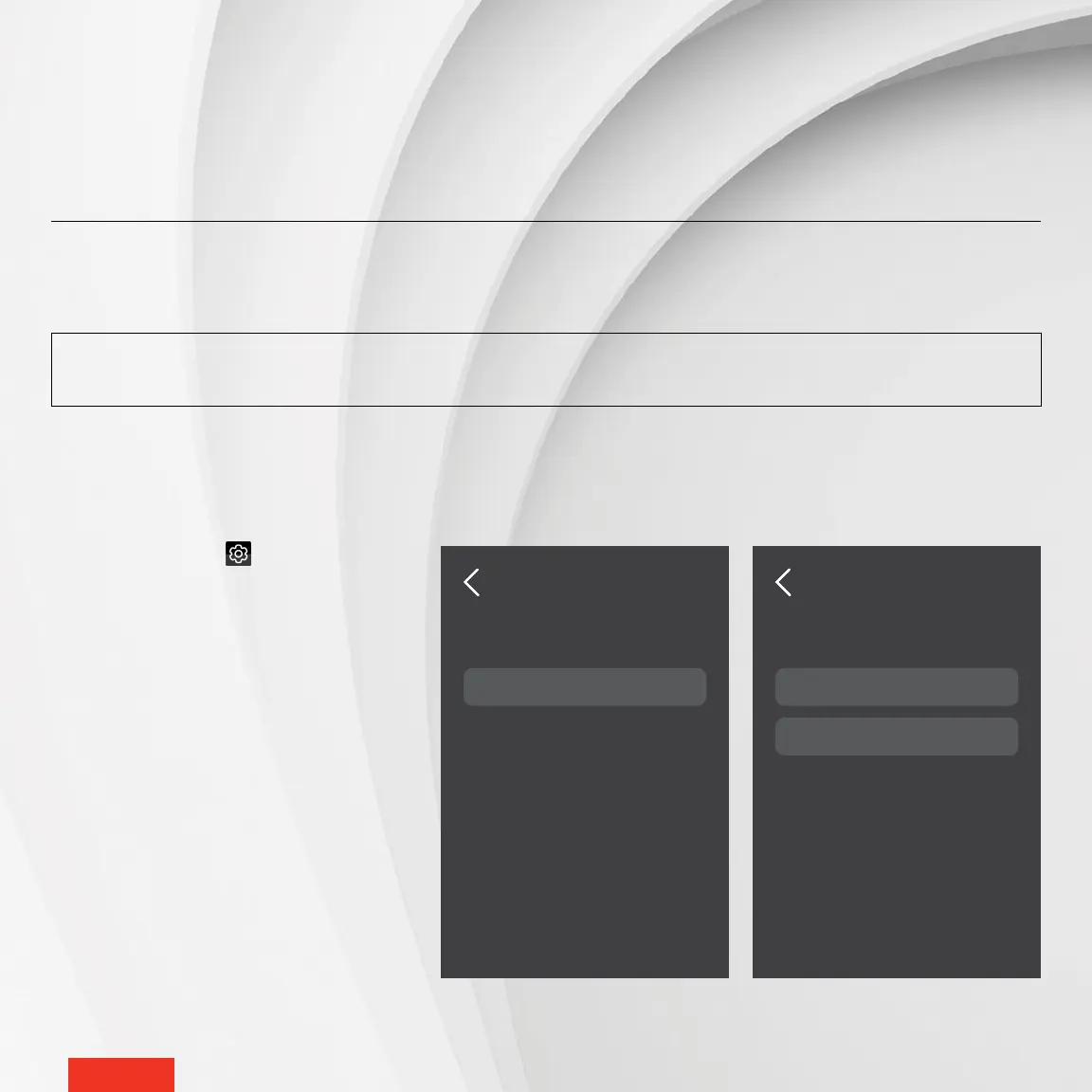
1 - Access SETTINGS > WI-FI SETUP.
2 - Tap SCAN NETWORKS. The control-
ler
•
thermostat will search for available
Wi-Fi networks and display them in the
NETWORKS screen.
3 - In the NETWORKS screen, select your
home’s Wi-Fi network.
4 - In the PASSWORD screen, enter the
password for your Wi-Fi network, then
tap CONNECT to connect the control-
ler
•
thermostat to the Wi-Fi network.
Not connected
Scan networks
WI-FI SETUP
USING THE CONTROLLER
•
THERMOSTAT
My Wi-Fi
Scan Networks
Register Device
WI-FI SETUP



 To Next Page