- 35 -- 35 -
TEMPERATURE
FORMAT
APPLY
Celsius
Fahrenheit
o
o
LANGUAGE
APPLY
Francais
English
MODIFYING DISPLAY OPTIONS ON THE CONTROLLER
•
THERMOSTAT
You can modify some display options on the controller
•
thermostat to suit your preferences.
For more details on other options, read “Activating or deactivating open window detection” on page 31, “Activating or
deactivating proximity sensor” on page 31, and “Locking and unlocking the controller
•
thermostat screen” on page 32.
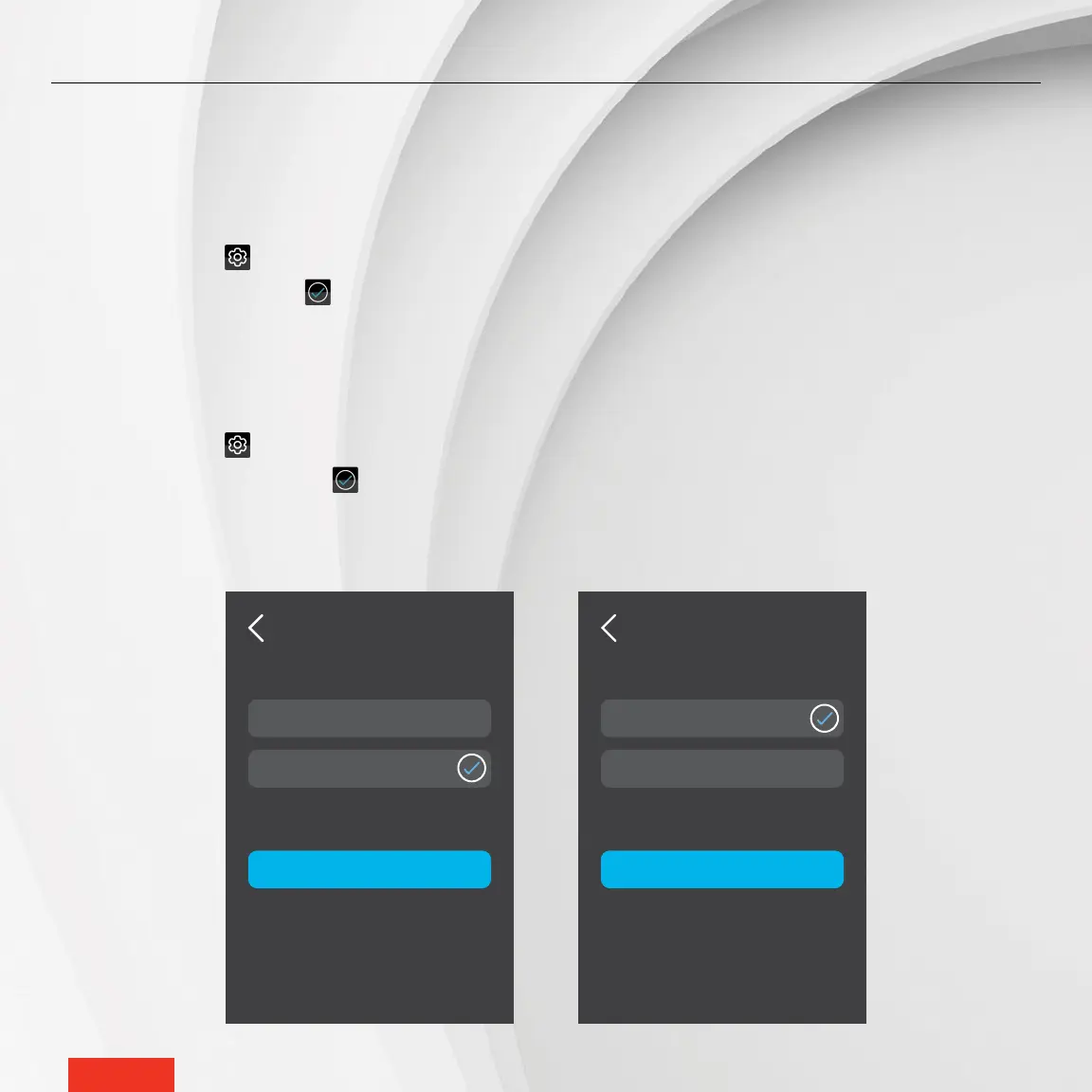
MODIFYING THE DISPLAY LANGUAGE
1 - Access SETTINGS > OPTIONS > LANGUAGE.
2 - Tap English or Français. The icon will appear to the right of the selected option.
3 - Tap APPLY to save the selection.
MODIFYING THE TEMPERATURE FORMAT DISPLAY
1 - Access SETTINGS > OPTIONS > TEMPERATURE FORMAT.
2 - Tap °Celsius or °Fahrenheit. The icon will appear to the right of the selected option.
3 - Tap APPLY to save the selection.



 To Next Page