- 36 -- 36 -
MODIFYING THE HEAT MODE
The heat mode corresponds to the type of heating system that the controller
•
thermostat controls as a thermostat: baseboard/
convector or fan-forced heater.
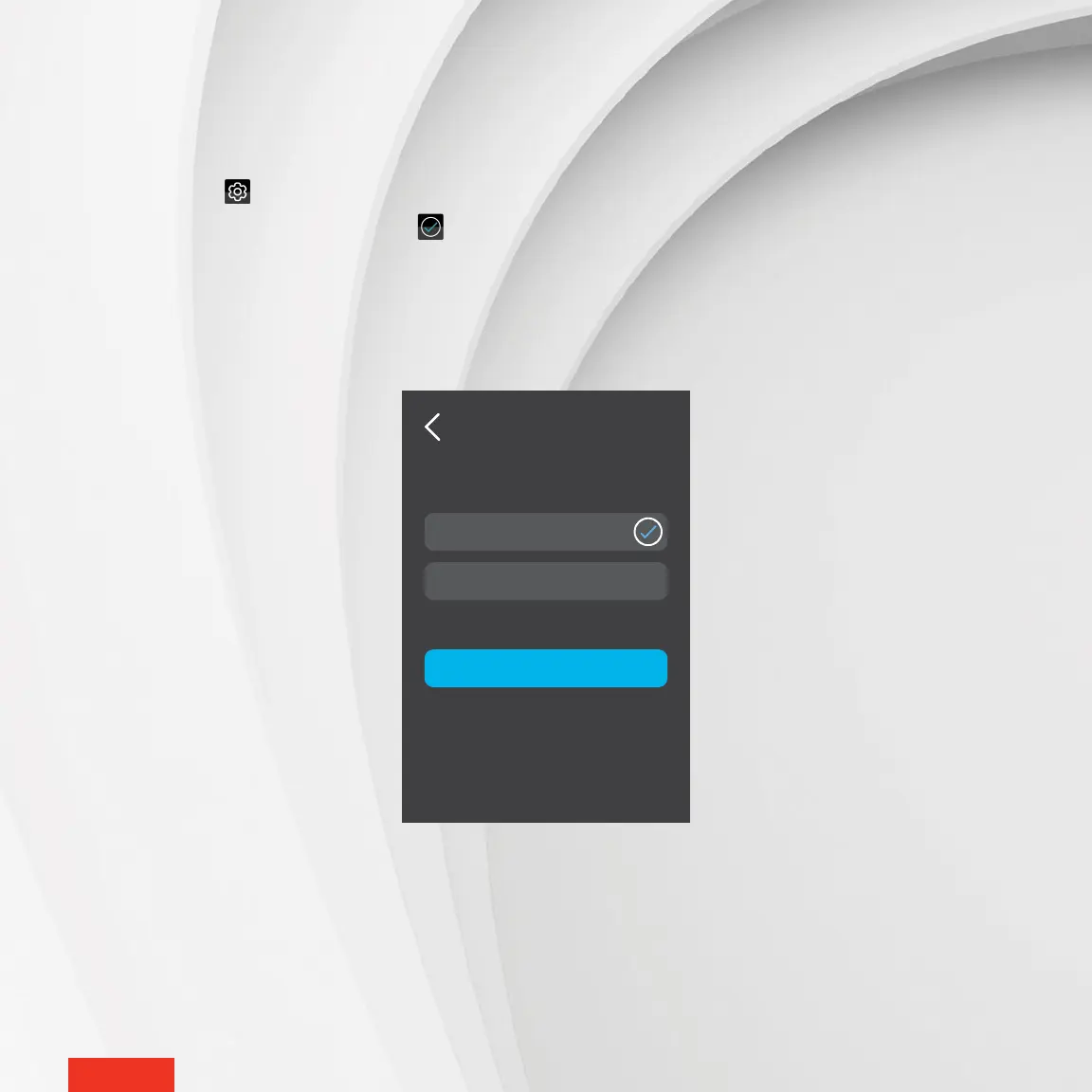
1 - Access SETTINGS > OPTIONS > HEAT MODE.
2 - Tap Baseboard or Fan-Forced Heater. The icon will appear to the right of the selected option
3 - Tap APPLY to conrm the selection.
Baseboard
Fan-Forced Heater
HEAT MODE
APPLY



 To Next Page