- 8 -- 8 -
Take full advantage of your MAESTRO controller
•
thermostat by also using the MAESTRO thermostats and the MAESTRO
mobile app. Using the complete MAESTRO system enables you to create your own ecosystem in your home and control it at
any time, from anywhere.
FOUR STEPS TO MANAGING THE COMFORT OF YOUR HOME
1
INSTALL YOUR MAESTRO CONTROLLER
•
THERMOSTAT
Follow the instructions in this guide to install your MAESTRO controller
•
thermostat. Don’t forget that your
controller
•
thermostat also serves as a thermostat for the room in which it is installed.
2
INSTALL YOUR MAESTRO THERMOSTATS
Now install your MAESTRO thermostats. For instructions on how to do this, read the thermostat’s installation and
user guide. To maintain full control over the temperature of your home, you must have a thermostat in each room.
NOTE : A MAESTRO thermostat can control up to 4,000 watts.
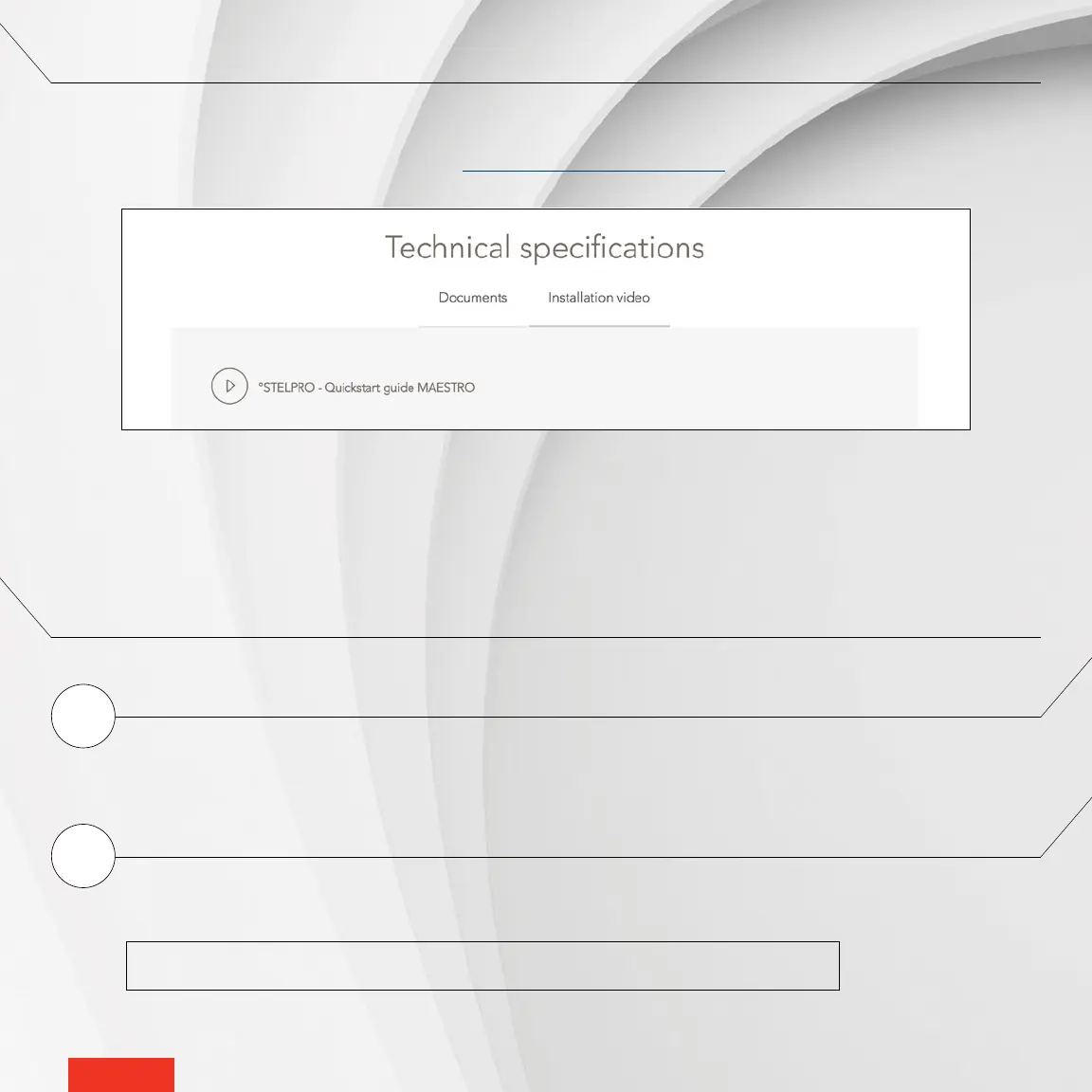
READ THIS GUIDE AND WATCH THE INSTALLATION VIDEO
Before you start, take a few minutes to carefully read this guide and watch the step-by-step video on installing the MAESTRO
controller
•
thermostat. It will ensure safe and easy installation.
The installation video is at the bottom of this page: www.stelpro.com/en-US/maestro



 To Next Page