- 30 -- 30 -
REMOVING A THERMOSTAT FROM THE HOME
You may need to remove a thermostat from your home; for example, if you need to replace it. The thermostat will then be
disconnected from the controller
•
thermostat and you will no longer be able to control it from the controller
•
thermostat or
the MAESTRO app.
NOTE : Although it also serves as a thermostat, the controller
•
thermostat cannot be removed from the home. You can,
however, move it from one group to another using the MAESTRO app.
1 - Access GROUPS .
2 - Tap the group containing the thermostat you want to remove. The group screen
will display the group’s list of thermostats and the dened setpoint temperature
for each.
3 - Tap the thermostat you want to remove.
4 - In the thermostat screen, tap the icon to access the thermostat’s settings
screen.
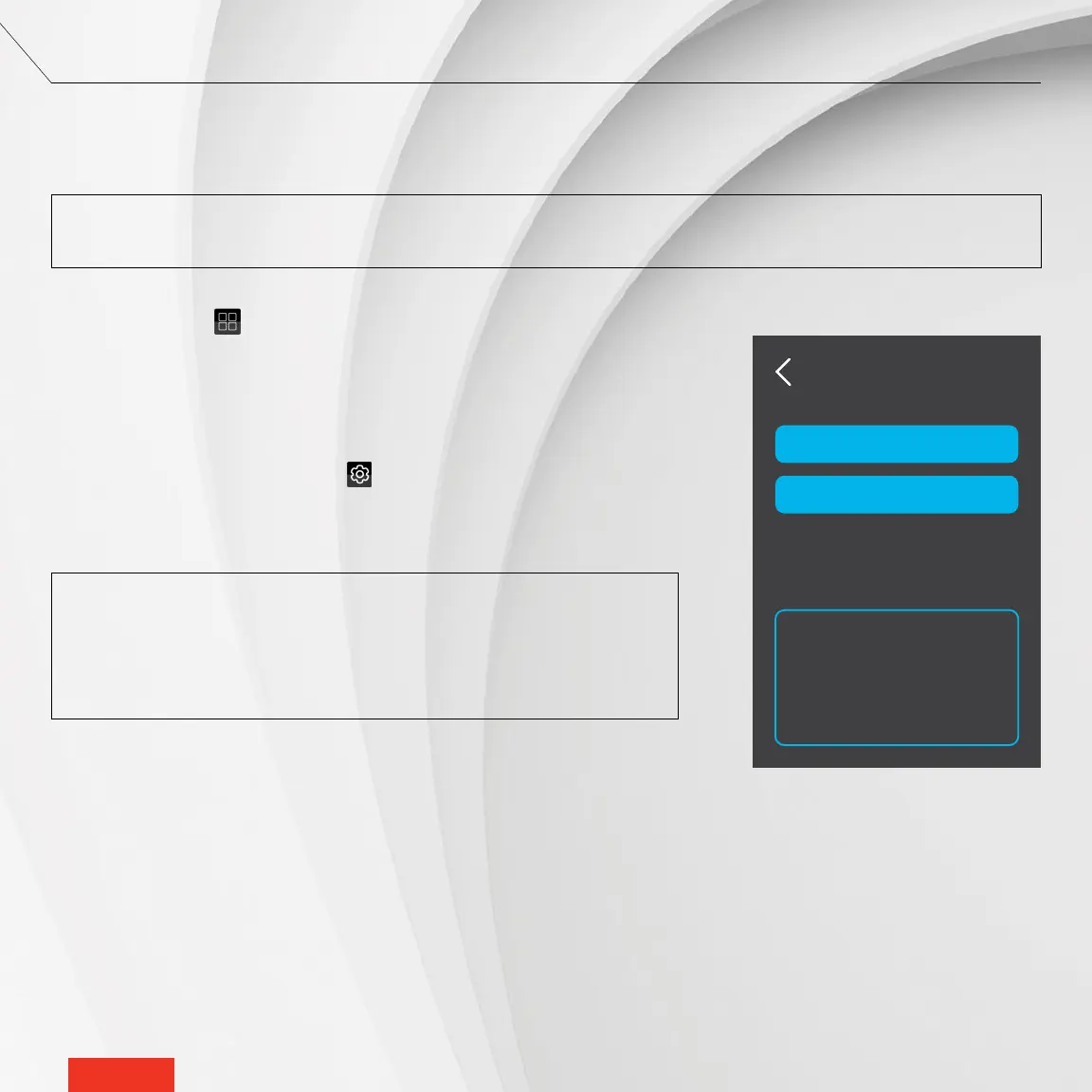
5 - Tap DELETE. The thermostat will be removed from the home.
NOTE : The thermostat screen also has a RECONFIGURE button. This button
must only be used for troubleshooting purposes. RECONFIGURE is used to
re-establish a connection with a thermostat if the conguration fails on the
rst connection attempt. If a thermostat becomes disconnected, a recongu-
ration may help resolve a situation with the problematic thermostat.
Living Spaces
DELETE
RECONFIGURE
ADVICE
Reconfigure in case
of failure.
Delete to remove
device from network



 To Next Page