- 38 -- 38 -
RESETTING THE CONTROLLER
•
THERMOSTAT
You can reset the controller
•
thermostat to its initial parameters (see “Controller
•
thermostat default values” on page 43).
Follow these steps to reset the controller
•
thermostat:
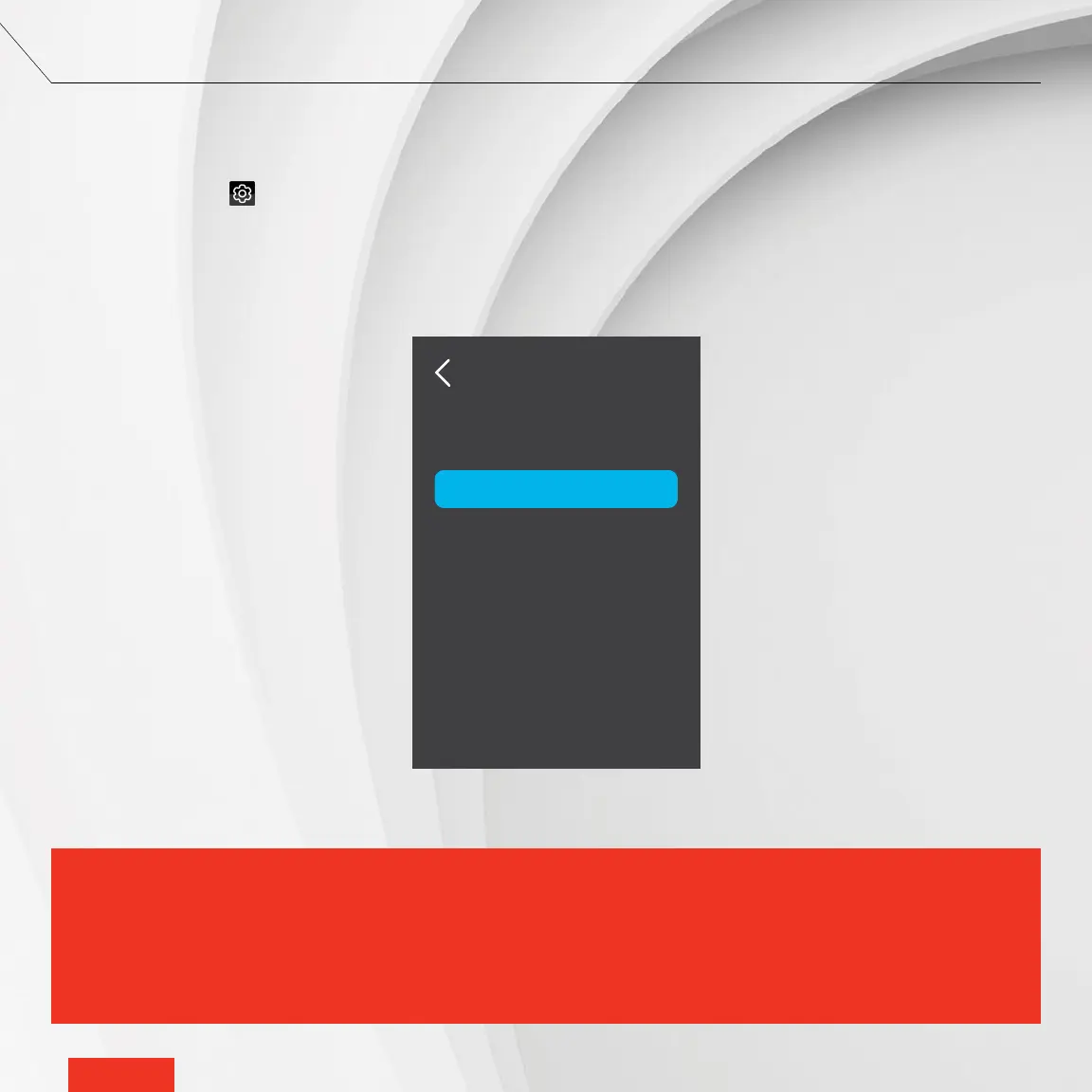
1 - Access SETTINGS > RESET TO DEFAULT.
2 - Tap YES, then CONFIRM.
The settings are automatically reset to their initial parameters and the controller
•
thermostat returns to the home screen.
ALL SETTINGS WILL BE RESET TO THEIR DEFAULT VALUES AND THE CONNECTION TO THE ZIGBEE AND WI-FI
NETWORKS WILL BE DELETED. THIS ALSO MEANS THAT THE SETPOINT TEMPERATURES, GROUPS AND STATUSES
ARE RESET TO THEIR INITIAL VALUES AND THAT YOUR THERMOSTATS WILL NO LONGER BE CONNECTED TO YOUR
CONTROLLER
•
THERMOSTAT. ALL ACTIVITIES CREATED WILL BE DELETED. WHEN THE CONTROLLER
•
THERMOSTAT
IS RECONNECTED TO THE WI-FI NETWORK, ONLY THE HOME REGISTRATION IS SAVED. YOU MUST CONFIGURE ALL
OTHER SETTINGS AND FUNCTIONALITIES.
IMPORTANT
RESET
YES
Reset to default?



 To Next Page