- 24 -- 24 -
ACTIVITIES
Cinema Night
I go to sleep
STATUS
Standby
I am on Vacation
I am Away
I am Home
Activities
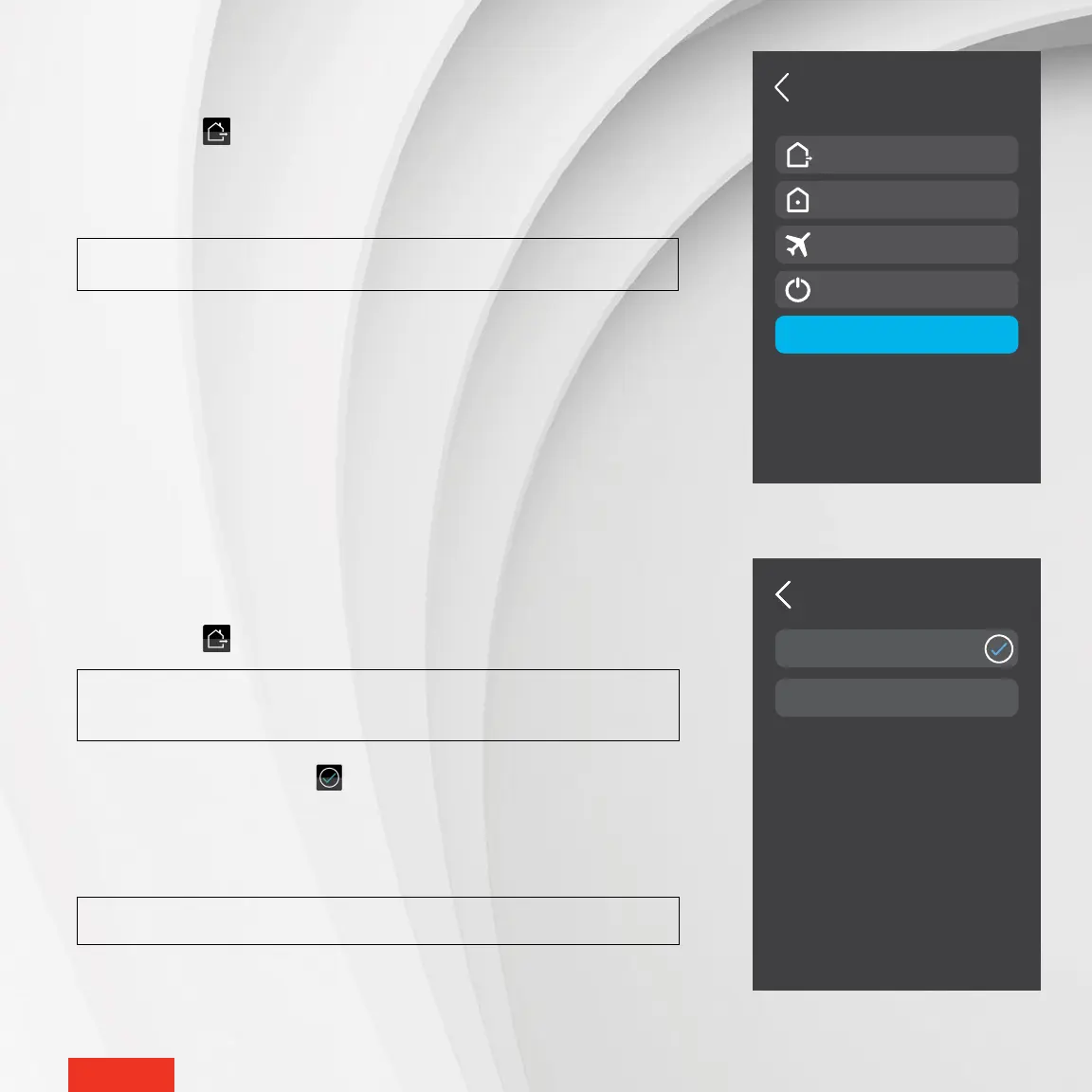
SELECTING AN ACTIVITY
1 - Access STATUS > ACTIVITIES.
NOTE : If no activities are listed, it means that no activity has been
created in the MAESTRO app.
2 - Select the desired activity. The icon will appear to the right of the selected
activity. The setpoint temperature of all thermostat groups associated with the
activity will adjust based on the chosen activity, and the controller
•
thermostat
will return to the home screen.
NOTE : The home status will automatically switch to “I am home.”
SELECTING A STATUS FOR YOUR HOME
1 - Access STATUS on the home screen.
2 - Tap the desired status (I am away, I am home, I am on vacation, Standby). The set-
point temperature for all thermostat groups will adjust based on the selected
status, and the controller
•
thermostat will return to the home screen.
NOTE : Check the default values on page 22.



 To Next Page