- 31 -- 31 -
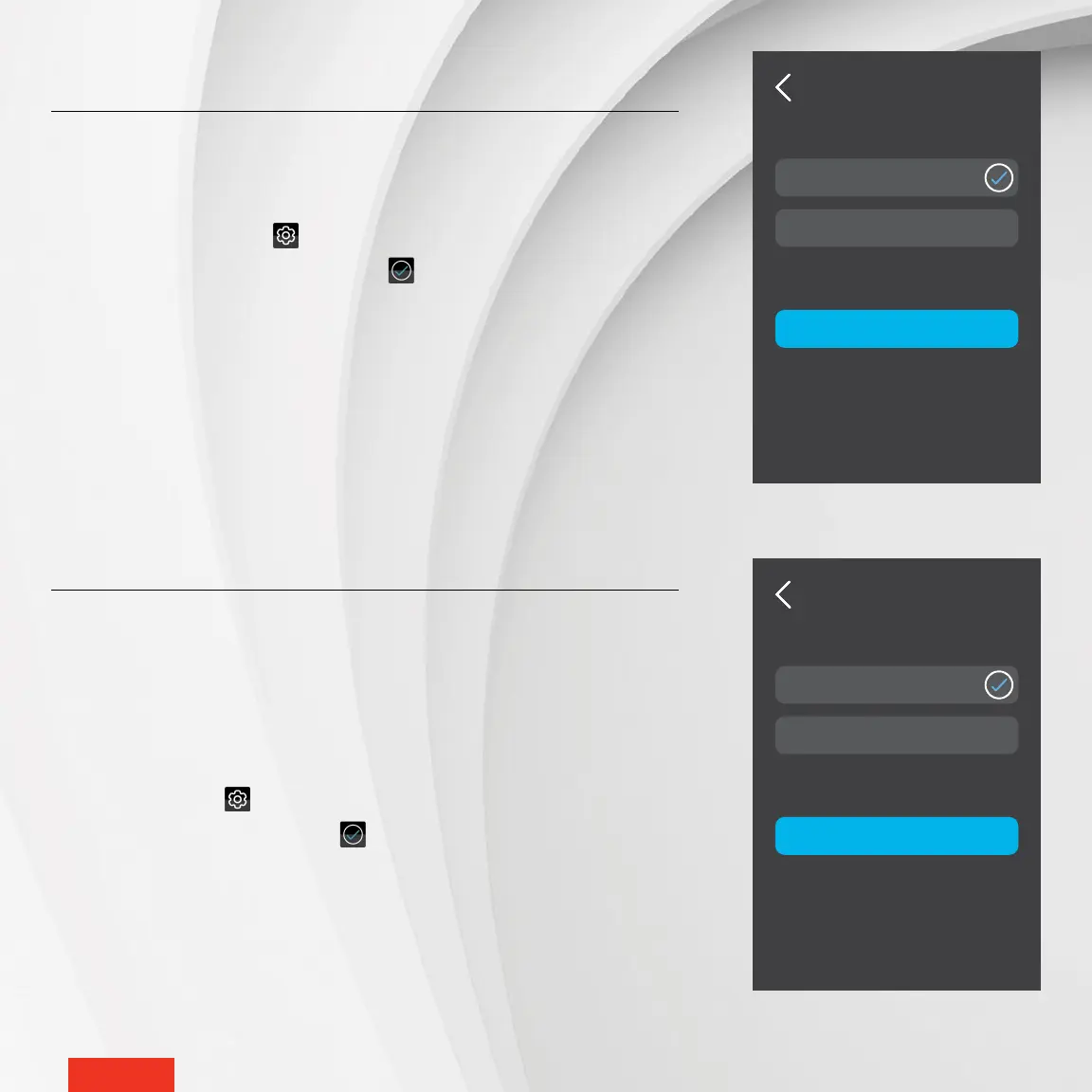
PROXIMITY
SENSOR
APPLY
Sensor Off
Sensor On
OPEN WINDOW
APPLY
Detection Off
Detection On
ACTIVATING OR DEACTIVATING PROXIMITY SENSOR
By default, the controller
•
thermostat screen lights up automatically when it
detects a presence nearby or when a change is made to the setpoint tempera-
ture via the mobile app (through an activity or change in status). You can deac-
tivate this functionality, for instance to prevent the controller
•
thermostat from
light up every time you enter your child’s room. When this functionality is deac-
tivated, simply tap the controller
•
thermostat screen to turn it back on.
1 - Access SETTINGS > OPTIONS > PROXIMITY SENSOR.
2 - Tap Sensor Off or Sensor On. The icon will appear to the right of the selec-
ted option.
3 - Tap APPLY to conrm the selection.
ACTIVATING OR DEACTIVATING
OPEN WINDOW DETECTION
1 - The MAESTRO controller
•
thermostat can detect a drastic drop in temperature,
like an open window in winter. The controller
•
thermostat then automatically
xes the setpoint temperature at 44 °F to avoid heating the room unneces-
sarily. Access SETTINGS > OPTIONS > OPEN WINDOW.
2 - Tap Detection Off or Detection On. The icon will appear to the right of the
selected option.
3 - Tap APPLY to conrm the selection.



 To Next Page