- 32 -- 32 -
ALL THERMOSTATS
Unlock
Lock
LOCK
THIS THERMOSTAT
Unlock
Lock
APPLY
LOCKING OR UNLOCKING THE CONTROLLER
•
THERMOSTAT SCREEN
You can lock or unlock the screen of the controller
•
thermostat or the keyboards of all thermostats connected to the
controller
•
thermostat to prevent the setpoint temperature from being modied directly on these units.
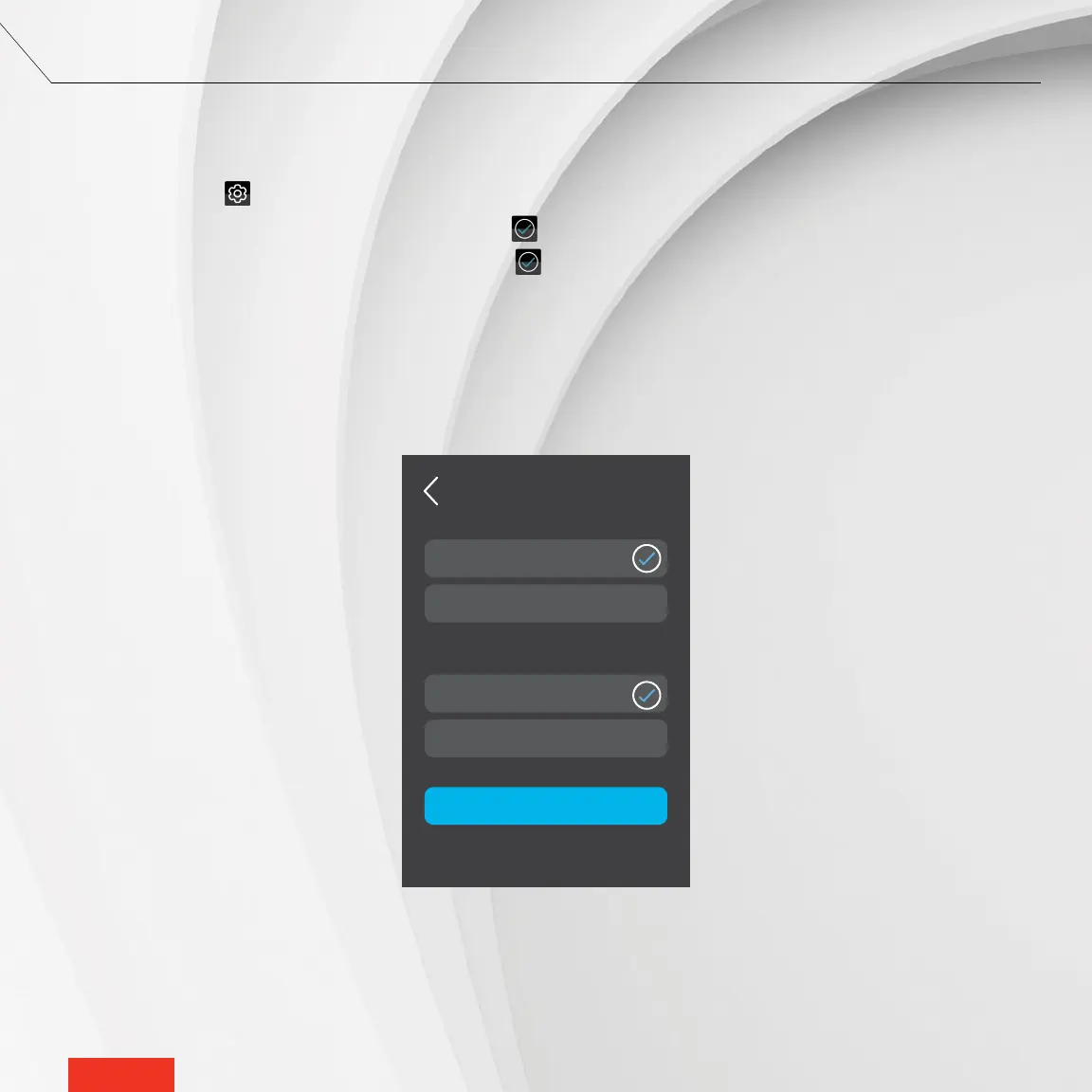
1 - Access SETTINGS > OPTIONS > LOCK.
2 - Under THIS THERMOSTAT, select Unlock or Lock. The icon will appear to the right of the selected option.
3 - Under ALL THERMOSTATS, select Unlock or Lock. The icon will appear to the right of the selected option.
4 - Tap APPLY to conrm the selections.



 To Next Page