- 29 -- 29 -
TEMPORARILY MODIFYING THE SETPOINT TEMPERATURE OF A THERMOSTAT
In the MAESTRO system, each thermostat is part of a group and all the thermostats in a given group will share the same
setpoint temperature for a status or activity. You can, however, modify the temperature of a single thermostat to temporarily
increase or lower the temperature in a room. This temperature will be applied until the status of the home changes or until an
activity associated with this group begins.
NOTE : You can also modify the temperature directly on the thermostat if the keyboard is not locked.
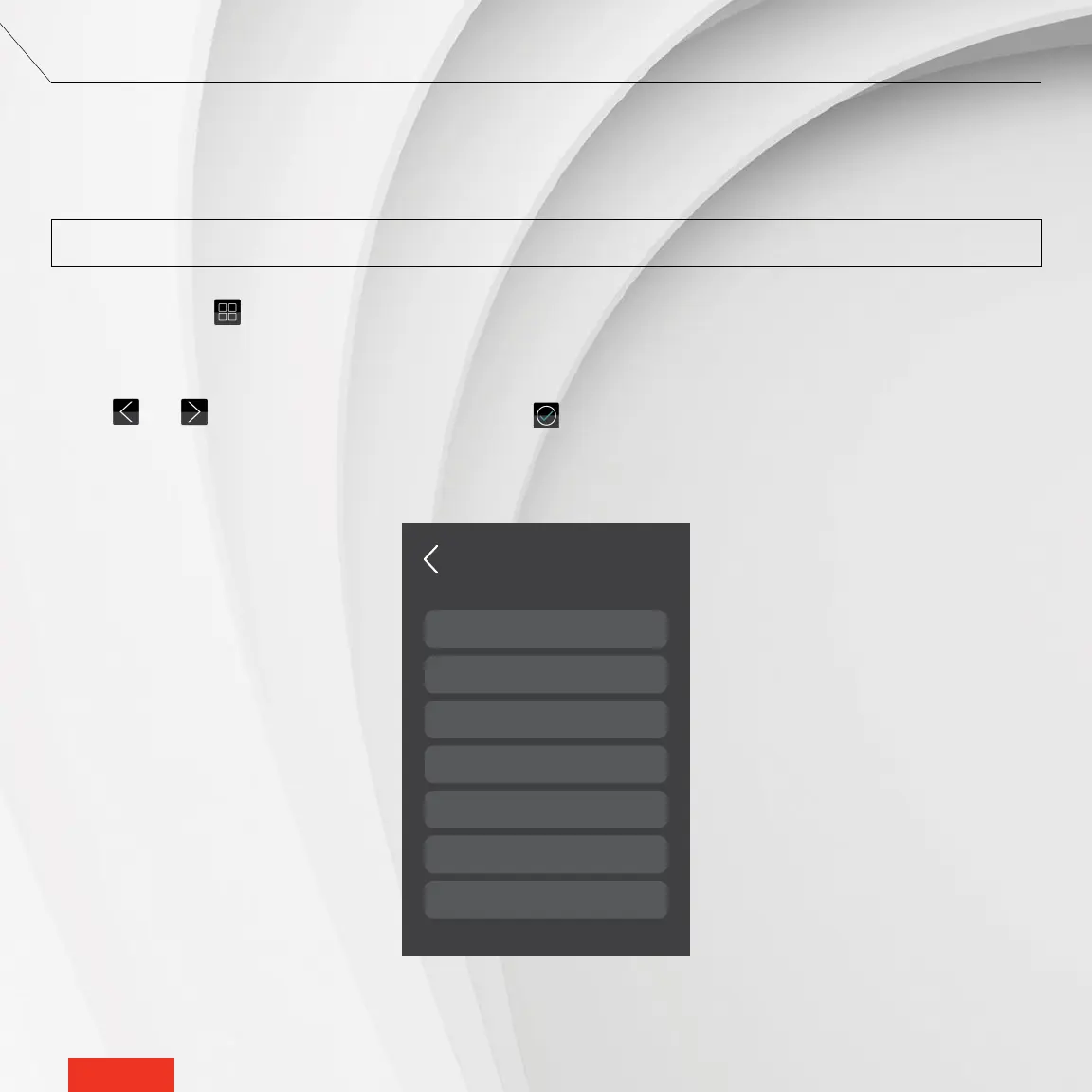
1 - Access GROUPS .
2 - Tap the group containing your thermostat.
3 - In the group screen, tap the thermostat you want to modify. The thermostat screen will appear.
4 - Use and to adjust the setpoint temperature. The icon will display to conrm the selection.
72
74
75
66
63
Living spaces
Bedrooms
Bathrooms
Basement
Gym
Garage 50
57Cellar
GROUPS
GROUP SETPOINT



 To Next Page