4-5
Post Installation Verification Operator Manual 10083002
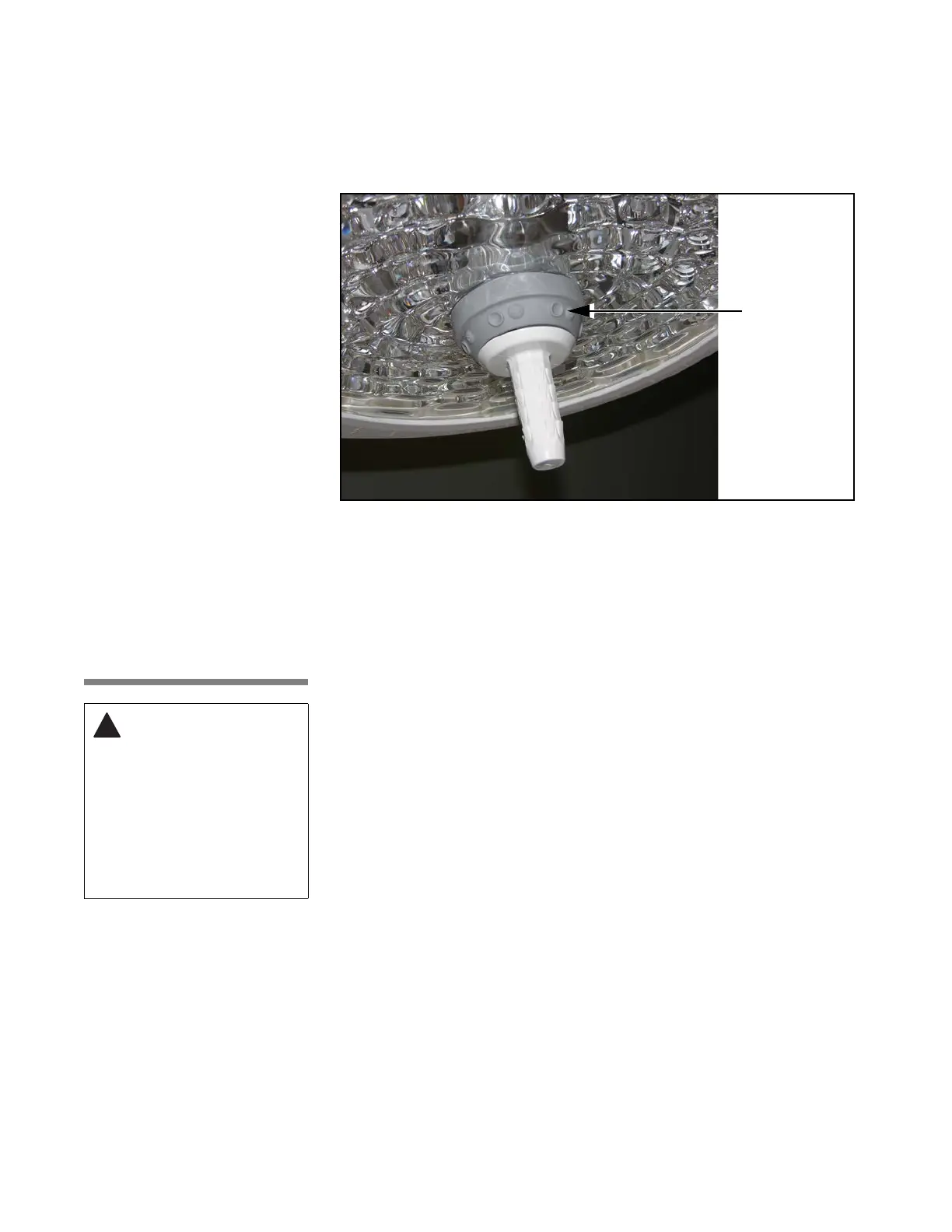
Check Intensity Controls at Each Surgeon's Control: Verify that the
intensity level can be increased and decreased at each lighthead using the
surgeon's control buttons (see Figure 4-5).
4.5 Check
Optional Video
Camera Module
Operation
Turn the control center ON. Install video camera in lighthandle
(see Section 5.10, Video Camera Module Installation or Removal, page 5-17.).
Press the Camera menu button on the control center keypad light control
screen to enter the camera control menu 1, camera power to turn ON the
camera. (See Figure 4-7.)
Video: Verify that a clear signal is reaching the video display device (monitor)
from the camera. (Check cable connection between control center and
monitor, if necessary.)
Control Center: Verify zoom, rotation and focus functions with the control
center switches. Select camera menu 2; verify gain controls (if necessary),
verify freeze frame function, adjust camera zoom and focus speed as
necessary from camera menu 4.
Camera Faults: Verify that camera powers on and that there are no camera
communication faults displayed on control center Fault Log Screen. The
control center fault log screen can only be accessed when the control center
indicates a fault.
Figure 4-5. Check Lighthead Intensity Operation Using Surgeon’s
Control Buttons
Surgeon’s Control
Buttons
CAUTION – POSSIBLE
EQUIPMENT DAMAGE
HAZARD: Avoid damage
to lighthead. Standard
definition (SD) and high
definition (HD)
connectors are not
compatible. Do not force
a SD camera module into
lighthead receptacle for a
HD camera module.











 To Next Page